Jobs Application Form 2020

Get eSignatures done in a snap

Prepare, sign, send, and manage documents from a single cloud-based solution.

What is Jobs application form 2020?

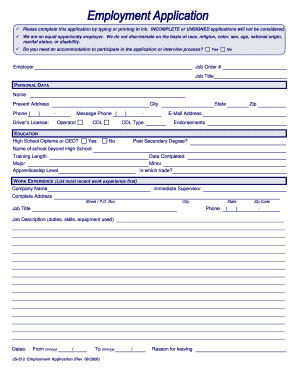
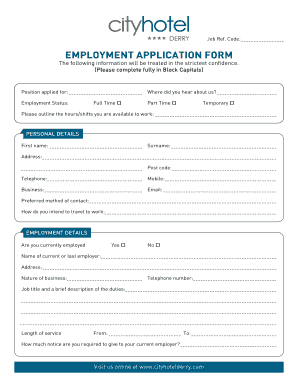
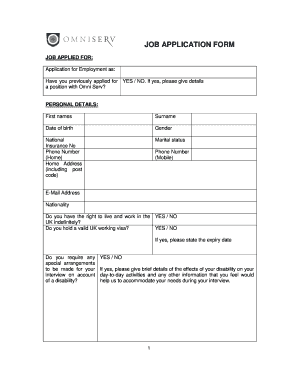
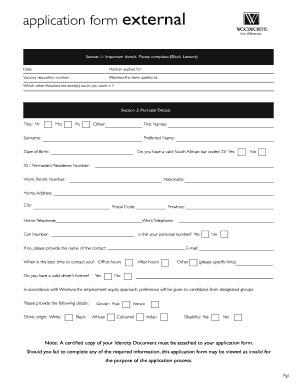
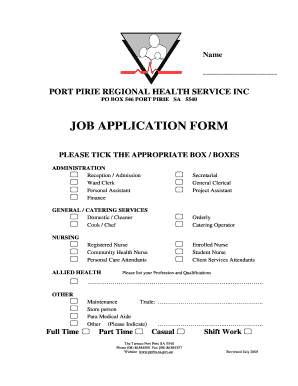
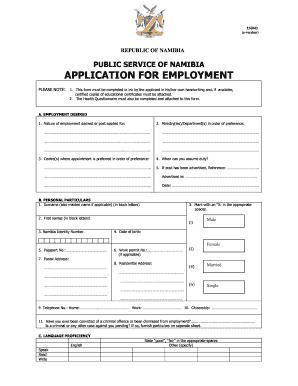
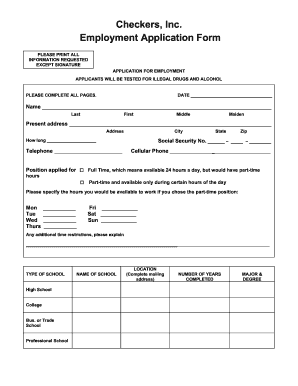
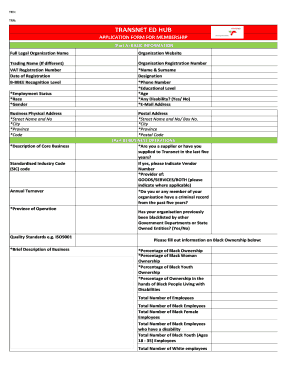
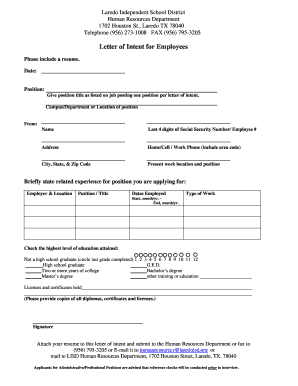
The Jobs application form 2020 is a document that individuals looking to apply for jobs must fill out. It contains important information that helps employers assess the qualifications and suitability of candidates for job positions.

What are the types of Jobs application form 2020?

There are several types of Jobs application form 2020, including online application forms, paper forms, and electronic forms. Each type may vary depending on the company and industry, but all serve the same purpose of collecting necessary information from job applicants.

Online application forms
Paper forms
Electronic forms

How to complete Jobs application form 2020

Completing a Jobs application form 2020 is a straightforward process that requires attention to detail and accuracy. Here are some tips to help you successfully complete the form:

01
Read the instructions carefully before you begin filling out the form.
02
Provide accurate and up-to-date information about your education, work history, and skills.
03
Double-check your answers to ensure they are correct and error-free.
04
Submit the completed form within the specified deadline to avoid missing out on job opportunities.

pdfFiller empowers users to create, edit, and share documents online. Offering unlimited fillable templates and powerful editing tools, pdfFiller is the only PDF editor users need to get their documents done.
Video Tutorial How to Fill Out

Thousands of positive reviews can’t be wrong

Read more or give pdfFiller a try to experience the benefits for yourself
5.0
Easier to use then adobe PDF editor.
Easier to use then adobe PDF editor. I can erase test so much easier and edit docs without the formatting changing
Jay S.
5.0
It is great more than i expected.
It is great more than i expected. very happy with it i will be telling everyone i know about it. great job.,
Faye I.
5.0
The support with this company surpasses.
The support with this company surpasses… The support with this company surpasses anything I have ever dealt with. Honestly, I NEVER write reviews because I have never been moved to do so; however, today I was. Quick response, did exactly what I wanted, no questions asked just solutions. We can all learning something from this great customer service. This is too few and far between nowadays. "Sam" is who helped me today and I hope he gets the recognition that they deserve!
Whitney Copas
5.0
After I found PDF Filler, it made performing HUD/FHA inspections.
After I found PDF Filler, it made performing HUD/FHA inspections. Completing these forms on a manual typewriter. THANK YOU !!!
Ralph W.

Questions & answers

0:08 4:19 How to Fill Out an Online Application - YouTube YouTube Start of suggested clip End of suggested clip Page. Click create account fill out the form with your first name last name email address phoneMorePage. Click create account fill out the form with your first name last name email address phone number and complete mailing.
How to create a job application form online? Create an account on 123 Form Builder. ... Add Name, Email, and Phone fields. ... Add the “Applying to' field. ... Add file upload fields. ... Add a confirmation message. ... Use multiple email templates & branching. ... Add your branding.
To ensure your employment application form asks for all of the necessary information from applicants, there are a few specific fields you should include: Name of applicant. Contact information, including phone and email. Education history. Work experience. Professional references (optional)
Managers and Administrators can print a job application from two places: From the Applicant Tracking Workspace using Quickview, or. From the Applicant's or Candidate's Record on the Applications tab.
The Fill & Sign tool lets you add text anywhere on the PDF. To use the tool, you must have Acrobat or Acrobat Reader installed on your computer. Once you do, save the PDF form to your computer, open it in one of those two applications, select Tools from the menu and then select Fill & Sign.
How to… FILL OUT A JOB APPLICATION Be Prepared. Make sure you know the correct names, dates, places and other information you will need. ... Ask If You May Take A Blank Application Home. ... Read The Form. ... Be Neat. ... Answer All Questions Completely And Correctly. ... Be Positive. ... Be Clear. ... Alert References Beforehand.
Click on the Applicant's or Candidate's Name to open the record. Click the Applications tab. The application will appear. Click Print Application.