Ui19 Claims
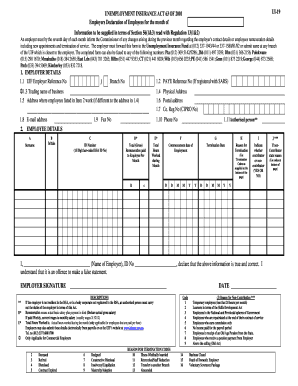
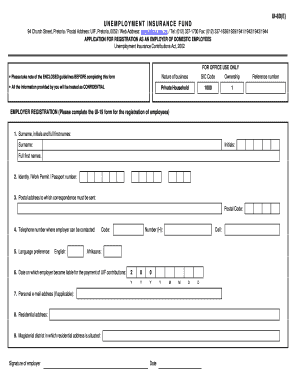
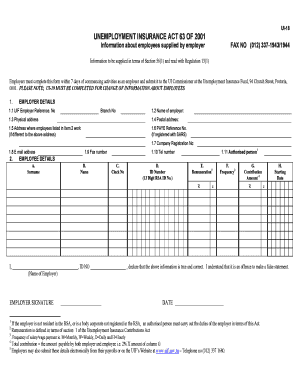
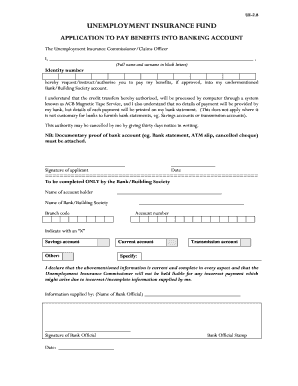
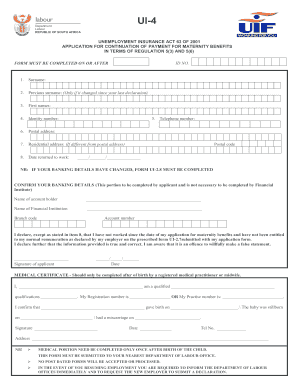
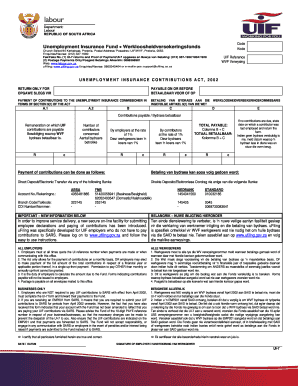

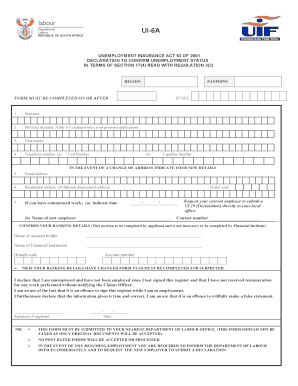
What is Ui19 claims?
Ui19 claims refer to the forms that individuals need to complete in order to claim unemployment benefits from the South African government.
What are the types of Ui19 claims?
There are two main types of Ui19 claims, which are initial claims and continued claims.
Initial claims: These are made when an individual first applies for unemployment benefits.
Continued claims: These are made on a regular basis to continue receiving unemployment benefits.
How to complete Ui19 claims
Completing Ui19 claims is a straightforward process that can be done by following these steps:
01
Gather all required information and documents, such as identification and employment details.
02
Fill out the Ui19 claim form completely and accurately.
03
Submit the form either online or at a designated government office.
04
Wait for confirmation and follow up as needed to ensure the claim is processed.
05
pdfFiller empowers users to create, edit, and share documents online. Offering unlimited fillable templates and powerful editing tools, pdfFiller is the only PDF editor users need to get their documents done.
By following these steps and using pdfFiller, you can easily complete Ui19 claims and receive the unemployment benefits you are entitled to.
Video Tutorial How to Fill Out
Thousands of positive reviews can’t be wrong
Read more or give pdfFiller a try to experience the benefits for yourself
Questions & answers
How do I fill out a UI19 form?
3:15 9:12 How to claim UIF Part 3 (UI-19 Form Walkin/Online) - YouTube YouTube Start of suggested clip End of suggested clip And then the name of the person is there at the bottom the designated. Person who falls in with theMoreAnd then the name of the person is there at the bottom the designated. Person who falls in with the authoress person's signature is there the name ID number signature is the hesitate.
How do I fill out a UIF form?
11:12 15:36 How to claim UIF - 3 ways explained easy! (2020) - YouTube YouTube Start of suggested clip End of suggested clip Contact numbers fax numbers email addresses. And then your details will be on this form down nearMoreContact numbers fax numbers email addresses. And then your details will be on this form down near the bottom. So you'll see the lb your surname initials your id. Number your monthly salary.
How do I submit my UI19 form online?
The forms can be submitted as follows: Online at: www.ufiling.co.za. (Illness benefits). Email the application to the nearest UIF processing centre. (Illness/ Reduced Work Time/ Death benefits). Fax the application to the nearest UIF processing centre. (Illness/ Reduced Work Time/ Death benefits).
How do I claim u19?
To claim unemployment benefits you need to have: A copy of 13-digit bar-coded identity document. A copy of your last six payslips. Information supplied by your employer (UI-19). A service certificate from the employer. Proof of registration as a work seeker. A fully completed registration form.
How do I get my UI19 form?
You can download the UI19 Form as a word document below. The form must be submitted to the UIF via: Post (UIF, Pretoria, 0052); FAX (012 337 1636); or....How to submit a declaration to the UIF a UI19 form; an electronic payroll system which is compliant with UIF declaration specifications; or. uFiling.
How do I get UIF forms?
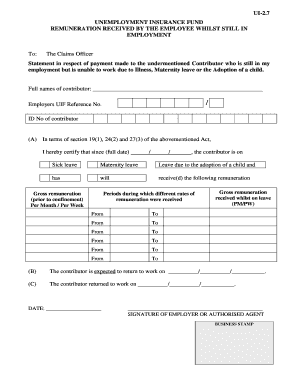
If you do not have internet access to submit your claim(s), you can e-mail or fax the application to the nearest UIF processing centre. The applicable UIF forms are: UI-19 and UI-2.7 (completed by Employer) UI-2.1 (application form)
Can I get UIF forms online?
announced that the UIF will soon launch a Virtual Office, enabling employees with internet access to apply for UIF services online.
How do I claim UI 19 online?
Click on "Benefit Application and Payments" on the left, and then click on "Apply for Benefits". ... Select which type of Benefit you want to apply for, and click on "Apply" in the bottom right corner. ... You must accept the terms and conditions to proceed: check the tick box and click on "Next".
Can I submit my UI19 form online?
Employers are urged to complete the UI 19 Form stating the date of and reason for termination. The forms can be submitted as follows: Online at: www.ufiling.co.za. (Illness benefits).
Can you download UIF forms?
Yes, absolutely. It's called The Temporary Employer/Employee Relief Scheme (TERS), which pays employees when the employers have to stop their operations due to COVID-19 and temporarily lay-off employees.
Where do I get a u19 form?
Claiming UIF In order to submit a claim for unemployment benefits, unemployed workers must obtain a UI19 form from their previous employer and submit it to their nearest labour centre, along with: a bar-coded ID or passport; form UI2.
Where do I get a UI19 form?
Claiming UIF In order to submit a claim for unemployment benefits, unemployed workers must obtain a UI19 form from their previous employer and submit it to their nearest labour centre, along with: a bar-coded ID or passport; form UI2.