Ui19 Form Word Download

Get eSignatures done in a snap

Prepare, sign, send, and manage documents from a single cloud-based solution.

What is Ui19 form word download?

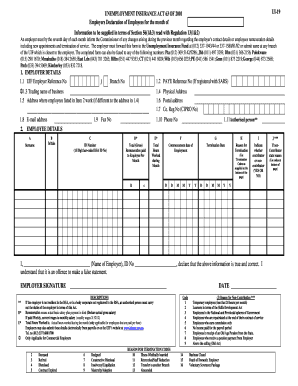
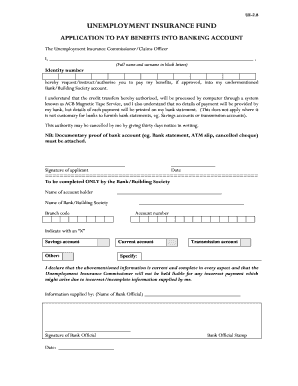
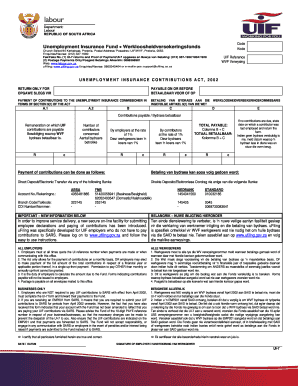
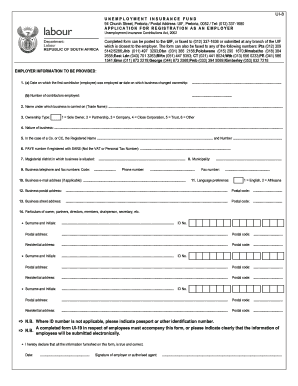
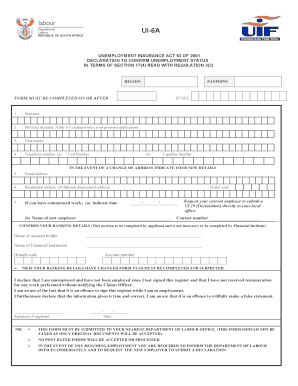
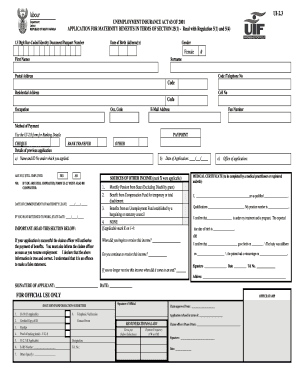
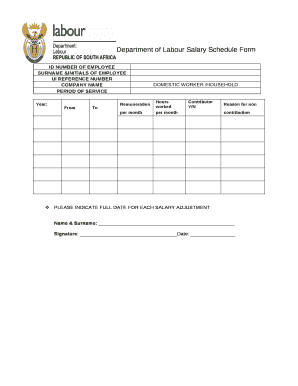
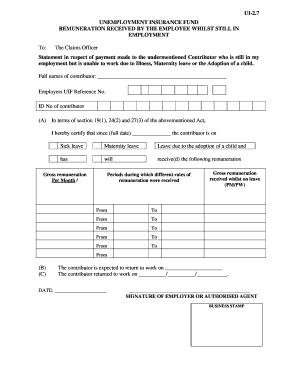
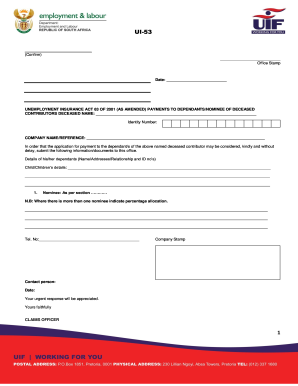
Ui19 form word download is a document that allows individuals to access and download the Ui19 form in Word format. This form is commonly used to claim unemployment benefits and requires accurate completion to ensure timely benefits processing.

What are the types of Ui19 form word download?

There are several types of Ui19 form word download templates available based on the specific purpose of the form. The common types include:

Basic Ui19 form word download template for general unemployment benefit claims
Advanced Ui19 form word download template with additional fields for specific circumstances

How to complete Ui19 form word download

Completing a Ui19 form word download is a straightforward process that requires attention to detail and accuracy. Here are some steps to help you complete the form:

01
Fill in your personal information accurately
02
Provide details about your previous employment and reason for unemployment
03
Double-check all information before submitting the form

pdfFiller empowers users to create, edit, and share documents online. Offering unlimited fillable templates and powerful editing tools, pdfFiller is the only PDF editor users need to get their documents done.

Video Tutorial How to Fill Out

Thousands of positive reviews can’t be wrong

Read more or give pdfFiller a try to experience the benefits for yourself
5.0
What do you like best?
What do you like best? the customer support is excellent . The ease of using PDF filler is commendable. What do you dislike? very rarely the website crashes & have to re do everything. Recommendations to others considering the product: yes ! definitely!! What problems are you solving with the product? What benefits have you realized? my work requires signatures on the applications & this makes it very easy to get it done within minutes
Consultant in Utilities
5.0
That you allowed me to submit all that I had to the IRS.
What do you like best? That you allowed me to submit all that I had to the IRS. What do you dislike? That initially I could only submit 5 to the IRS. What problems are you solving with the product? What benefits have you realized? Electronic Submittals to the IRS.
JODI LYNN LIANZO
5.0
The ability to use pdffiller to input directly into a form is what I had wanted...
What do you like best? The ability to use pdffiller to input directly into a form is what I had wanted for years. It is a productivity machine. It’s worth every cent of the cost. What do you dislike? I have no negative experiences with the pdffiller. What problems are you solving with the product? What benefits have you realized? Time management, cost savings of printer/scanner equipment.Frustration with form filling manually is eliminated with this product.
Vickey Maples
5.0
I like how easy it is to use, and how much guidance it offers on how to save and...
What do you like best? I like how easy it is to use, and how much guidance it offers on how to save and find your documents once you're done. You can easily control where you want your filled information to go, and your documents come out looking professional and polished. What do you dislike? There is nothing so far that I dislike. It's very easy to use. Recommendations to others considering the product: It's easy and you can learn how to be successful with it instantly, and get right to work. What problems are you solving with the product? What benefits have you realized? I receive documents all the time that need to be filled out and without full Adobe Acrobat, they were impossible to work on until I got PDFfiller.
Kristen Bailey

Questions & answers

3:15 9:12 How to claim UIF Part 3 (UI-19 Form Walkin/Online) - YouTube YouTube Start of suggested clip End of suggested clip And then the name of the person is there at the bottom the designated. Person who falls in with theMoreAnd then the name of the person is there at the bottom the designated. Person who falls in with the authoress person's signature is there the name ID number signature is the hesitate.
Yes, absolutely. It's called The Temporary Employer/Employee Relief Scheme (TERS), which pays employees when the employers have to stop their operations due to COVID-19 and temporarily lay-off employees.
Claiming UIF In order to submit a claim for unemployment benefits, unemployed workers must obtain a UI19 form from their previous employer and submit it to their nearest labour centre, along with: a bar-coded ID or passport; form UI2.
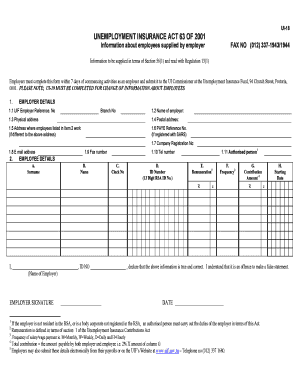
Form UI-19 - Declaration of information of commercial employees and workers employed in a private household.
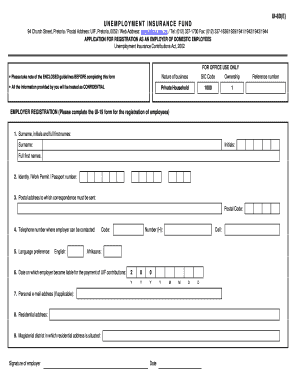
The UI19 form along with the UI 8 D form can also be faxed to you. Dial 086 712 2000 and follow the instructions and the forms will be sent to you. If you get UI19 form this way, you need to fax the completed forms back to 086 713 3000. You can register by calling 012 337 1680 during office hours.
announced that the UIF will soon launch a Virtual Office, enabling employees with internet access to apply for UIF services online.
The forms can be submitted as follows: Online at: www.ufiling.co.za. (Illness benefits). Email the application to the nearest UIF processing centre. (Illness/ Reduced Work Time/ Death benefits). Fax the application to the nearest UIF processing centre. (Illness/ Reduced Work Time/ Death benefits).
All registered employers should submit declarations, including those that are required to pay their contributions via SARS. Declarations should be submitted on a monthly basis (by completing a UI 19 form).