E Passport Offline Form
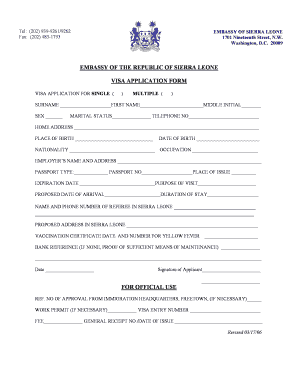

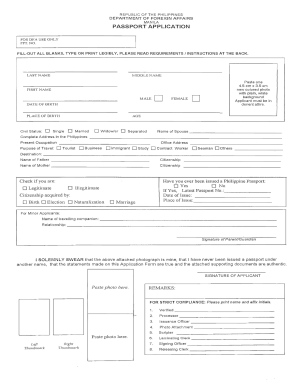


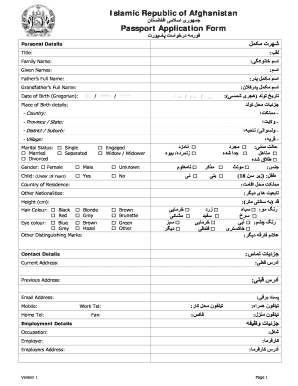

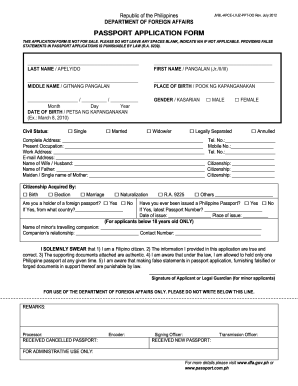
What is E passport offline form?
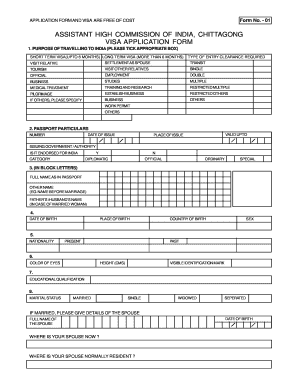
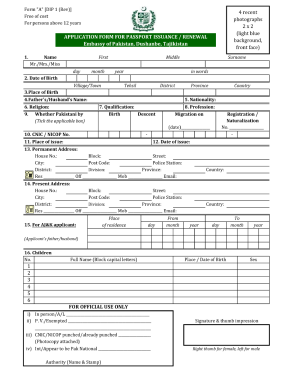
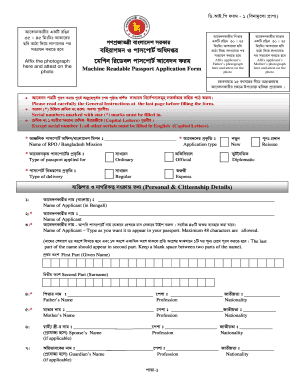
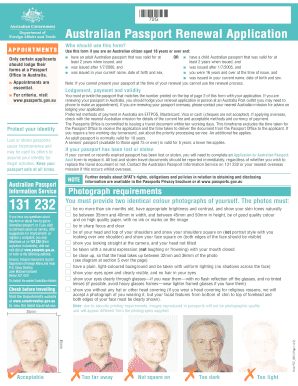
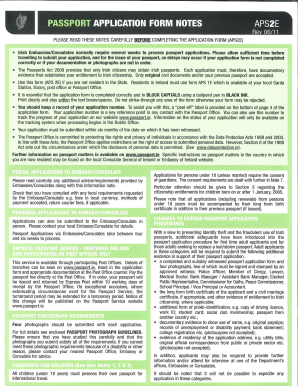
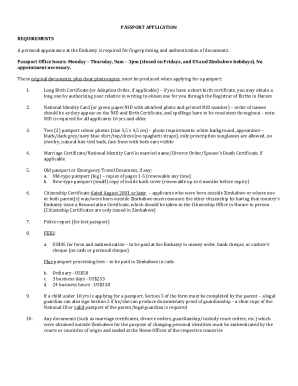
The E passport offline form is a document used to apply for a passport using a traditional paper-based method instead of completing the application online.
What are the types of E passport offline form?
There are two main types of E passport offline forms: the standard adult passport application form and the child passport application form.
Standard adult passport application form
Child passport application form
How to complete E passport offline form
To complete the E passport offline form, follow these steps:
01
Download the appropriate form from the official passport website.
02
Fill out all required information accurately.
03
Gather all supporting documents such as identification and proof of citizenship.
04
Submit the completed form and documents in person or by mail to the designated passport office.
pdfFiller empowers users to create, edit, and share documents online. Offering unlimited fillable templates and powerful editing tools, pdfFiller is the only PDF editor users need to get their documents done.
Video Tutorial How to Fill Out
Thousands of positive reviews can’t be wrong
Read more or give pdfFiller a try to experience the benefits for yourself
Questions & answers
How do I apply for an offline passport?
Offline Passport Application Process Downloaded and printed (back-to-back, A4 paper) off the internet from the passport (PSP) website (www.passportindia.gov.in). The form can be found on the websites home page as a link called Print Application Form. Bought at the abovementioned centres.
How do I submit an E-form to passport?
Register through the Passport Seva Online Portal. ... Login to the Passport Seva Online Portal with the registered Login Id. Click "Apply for Fresh Passport/Re-issue of Passport" link. Fill in the required details in the form and submit.
Is it safe to fill out passport application online?
Passport applications cannot be submitted online. Fill out the application by hand. Download the passport application form (DS-11) and instructions (PDF, Download Adobe Reader) and complete the application by hand, or go to a local passport acceptance facility to get a copy to fill out.
Do we need to print passport application form?
A: Yes. You need to submit the application form online and then print the online Application Reference Number (ARN) receipt, which must be carried along while visiting a Camp for passport application submission.
How can I get passport application form?
Register through the Passport Seva Online Portal. ... Login to the Passport Seva Online Portal with the registered Login Id. Click "Apply for Fresh Passport/Re-issue of Passport" link. Fill in the required details in the form and submit.
How do I download my passport E Copy?
Passport cannot be downloaded online. You can upload scanned versions of Passport in to Digilocker and download it as and when required. DigiLocker is a Government of India platform where citizens can store and access digital documents anytime, anywhere and share it online.
How can I download the filling form of passport?
This form is made available for Free on the Travel.State.Gov website by the U.S. Department of State and can be downloaded from this link here. To download the PDF of DS-11 passport application form, simply right-click on that link above and choose the “Save Target As” or the “Download Linked File As” options.
Can I download a passport application?
Passport applications cannot be submitted online. Fill out the application by hand. Download the passport application form (DS-11) and instructions (PDF, Download Adobe Reader) and complete the application by hand, or go to a local passport acceptance facility to get a copy to fill out.
Is DS-11 form fillable?
You can fill out the DS-11 form online or print out and fill out by hand. If you fill out the form electronically, at the end of the questionnaire you will need to print the form and bring it at the time of the interview.
Can I download and print a UK passport application form?
Can I print a UK passport application form? You must print off your application form and send it to HM Passport Office with your photos and supporting documents. The address is on the form. You can't use the Passport Check and Send service if you fill in the form online.
How much do passport forms cost?
Passport fees Apply onlineApply by paper formAdult (16 and over) standard 34-page passport£75.50£85Adult (16 and over) 50-page frequent traveller passport£85.50£95Child (under 16) standard 34-page passport£49£58.50Child (under 16) 50-page frequent traveller passport£59£68.501 more row