Voter Id Card Format Download In Word


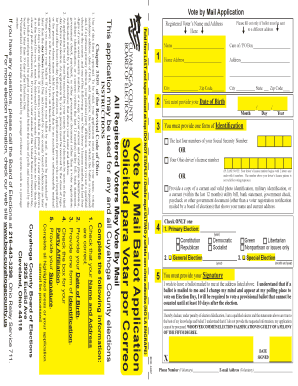

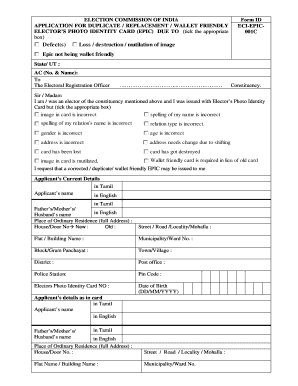
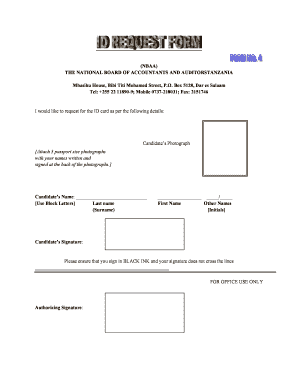
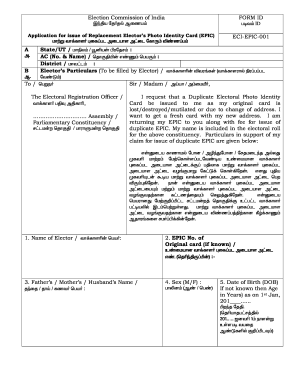
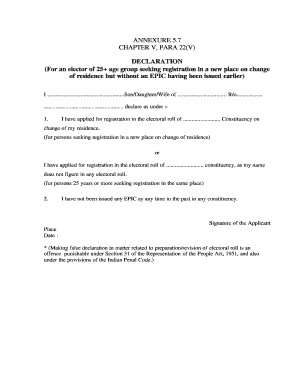

What is Voter id card format download in word?
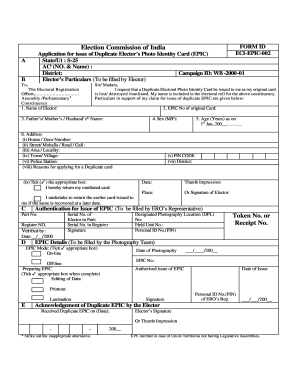
The Voter ID card format download in Word refers to the process of obtaining a Voter ID card template in a Word document format. This allows users to easily input their information and customize the template as needed for official use.
What are the types of Voter id card format download in word?
There are several types of Voter ID card format downloads available in Word. Some examples include:
Basic Voter ID card template
Colorful Voter ID card format
Election-themed Voter ID card design
How to complete Voter id card format download in word
Completing a Voter ID card format download in Word is a simple process. Here are a few steps to guide you:
01
Select the desired Voter ID card template in Word format.
02
Enter your personal information such as name, address, and voter ID number.
03
Customize the design and layout of the template to your preference.
04
Save the completed Voter ID card template to your device for future use.
pdfFiller empowers users to create, edit, and share documents online. Offering unlimited fillable templates and powerful editing tools, pdfFiller is the only PDF editor users need to get their documents done.
Video Tutorial How to Fill Out Voter id card format download in word
Thousands of positive reviews can’t be wrong
Read more or give pdfFiller a try to experience the benefits for yourself
Questions & answers
Is there a card template on word?
In Word, click New from the File menu. Next, type business cards into the search field at the top of the page. Once your search is complete, different business card templates will appear on the screen. You may need to purchase and download Word to create business cards on a personal computer.
How do I print ID size in Word?
0:54 26:44 How to Create an ID Card in Word | Microsoft Word Tutorials - YouTube YouTube Start of suggested clip End of suggested clip Go along to this section here. So in the top one which is the height i'm going to put 5.5. And inMoreGo along to this section here. So in the top one which is the height i'm going to put 5.5. And in the lower one which is the width i'm going to put 8.5 and press enter.
What is the size of the ID card in Word?
The normal paper size format for ID cards is around 3.375″ × 2.125″.
How to make a simple ID card?
How to design your own Photo ID Card Start with a blank card or choose one of our templates. Personalise by uploading your logo or adding shapes. Take a selfie and/or upload a photo of the cardholder. Add text about your cardholder and organisation. Customise further with punched holes, signatures or QR codes.
How do I make an ID card in Word?
0:06 9:09 How to Create an Employee ID Card Template Using Microsoft Word YouTube Start of suggested clip End of suggested clip Click size and click more preferred sizes set the white and height. Size set the margin then okay goMoreClick size and click more preferred sizes set the white and height. Size set the margin then okay go to insert menu.
How do I create an ID card in Word?
0:06 9:09 How to Create an Employee ID Card Template Using Microsoft Word YouTube Start of suggested clip End of suggested clip Click size and click more preferred sizes set the white and height. Size set the margin then okay goMoreClick size and click more preferred sizes set the white and height. Size set the margin then okay go to insert menu.