Sample Forms To Fill Out
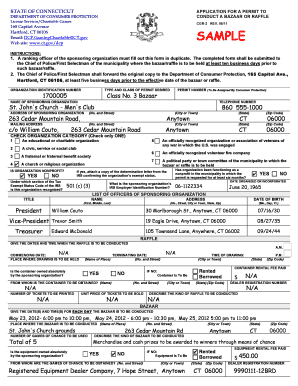

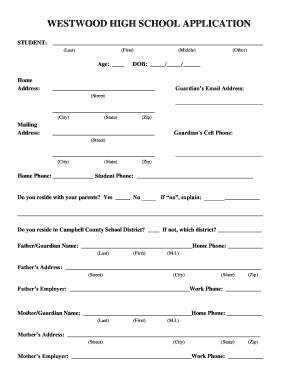
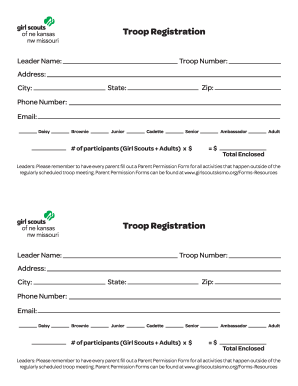

What is Sample forms to fill out?
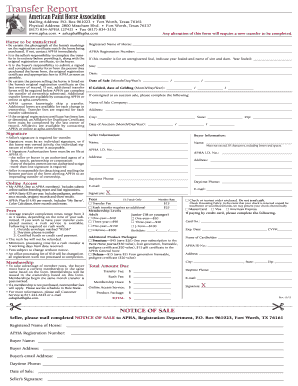
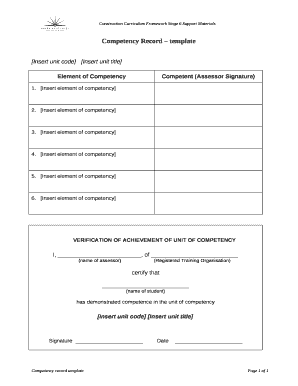
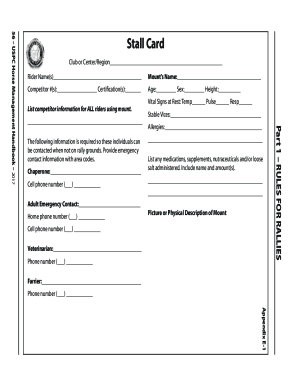
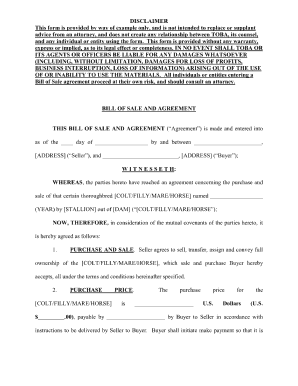
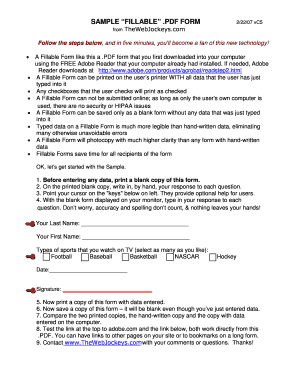
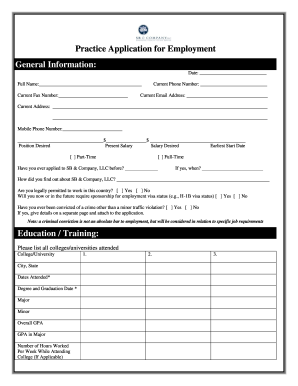
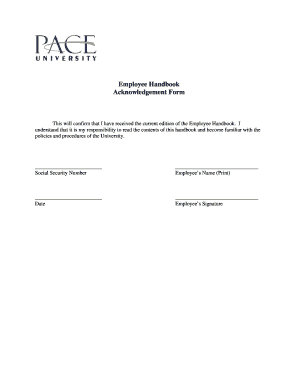
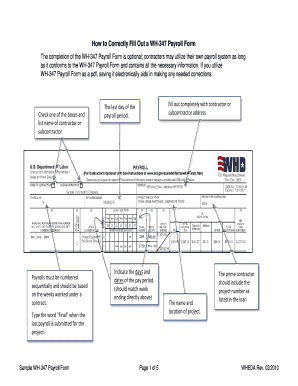
Sample forms to fill out are documents that require certain information to be entered in specific fields. These forms are commonly used for various purposes like applications, registrations, agreements, and more.
What are the types of Sample forms to fill out?
There are several types of sample forms to fill out, including but not limited to:
Application forms
Registration forms
Survey forms
Consent forms
Feedback forms
How to complete Sample forms to fill out
Completing sample forms to fill out is a straightforward process that involves the following steps:
01
Read the form instructions carefully before starting to fill it out.
02
Enter the required information accurately in the designated fields.
03
Review the filled-out form to ensure all details are correct and no information is missing.
04
Save a copy of the completed form for your records or submit it as required.
pdfFiller empowers users to create, edit, and share documents online. Offering unlimited fillable templates and powerful editing tools, pdfFiller is the only PDF editor users need to get their documents done.
Thousands of positive reviews can’t be wrong
Read more or give pdfFiller a try to experience the benefits for yourself
Questions & answers
How do I fill out an application form?
How to… FILL OUT A JOB APPLICATION Be Prepared. Make sure you know the correct names, dates, places and other information you will need. ... Ask If You May Take A Blank Application Home. ... Read The Form. ... Be Neat. ... Answer All Questions Completely And Correctly. ... Be Positive. ... Be Clear. ... Alert References Beforehand.
What are examples of forms?
The definition of form is the shape of a person, animal or thing or a piece of paperwork that needs to be filled out. An example of form is the circular shape of an apple. An example of form is a job application.
How do I fill a template?
1:52 3:05 How Do I Fill Out a Template? - YouTube YouTube Start of suggested clip End of suggested clip So you want to make sure you're scrolling. All the way to the end of the document. And making sureMoreSo you want to make sure you're scrolling. All the way to the end of the document. And making sure you're filling out all the required fields. And all the fields that are pertinent to your product.
How do I create an online application form?
6 Steps to Create an Online Application Form Without Coding Sign up for a free account. ... Create your application form. ... Build your application form. ... Customize your application form. ... Test your application form. ... Share your form.
How do you make a sample form?
Below, we will do a walkthrough with you on creating a form in Word that can be filled out by others: Step 1: Display the "Developer" Section. ... Step 2: Create a Form Template. ... Step 3: Add Content to This Form. ... Step 4: Set Properties for Content Controls. ... Step 5: Include Instructional Text to Your Form.
What is a sample request form?
A sample request form is a document used by your customers to order samples from your core. It is created and maintained by core administrators and can be configured to include any fields you require.
How do I fill in a fillable form?
Open your PDF Complete application. Open your PDF Complete application. Click the Windows Start button, then PDF Complete. Open a fillable PDF form. Click in an input field, and type in a value. ... Press Tab (on your keyboard) to accept the input. ... Click the Save icon from the menu bar to save your work.
How do I make a fillable PDF form fillable?
How to download/save the fillable PDF to your computer: Right click on the form link (Apply Button) and select “Save target as…” or “Save link as…” Filling the form using Adobe Reader: You can either type information directly into each field or cut and paste text from your own word processor.
What program can I use to create a fillable form?
Adobe Acrobat Form Creator Adobe Acrobat allows users to turn their old forms and paper documents into digital, fillable PDFs with ease. Whether it is a simple Word or Excel form, this program will let you make it smarter with digital fields. It automatically recognizes static form fields and makes them fillable.
How do I make a fillable PDF form for free?
How to make a PDF fillable: Open Jotform. Create a free Jotform account and build your fillable PDF form from scratch — or upload an existing PDF form to convert it into a fillable PDF in a single click. Customize your forms. ... Automate email responses. ... Download and share.
How do I create an online form for free?
Create and share your forms with Wufoo Create a form. Build and customize your form with our easy-to-use form builder. Share it. Link to your form on any page, embed it on a site, or use our REST API. Collect data and payments. Get notified as responses come in, or set up a real-time report.
How do I fill out an online application form?
0:08 4:19 How to Fill Out an Online Application - YouTube YouTube Start of suggested clip End of suggested clip Page. Click create account fill out the form with your first name last name email address phoneMorePage. Click create account fill out the form with your first name last name email address phone number and complete mailing.
Is Formtemplate free?
Create Free Legal Documents Online | FormsTemplates.
What are form templates?
A form template is a single file that contains multiple supporting files, such as files that define how controls on the form template should appear, files for graphics that appear on the form template, and programming files that enable custom behaviors in the form template.