Web Banner Creation Request Form Templates



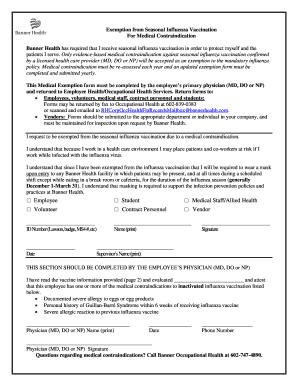
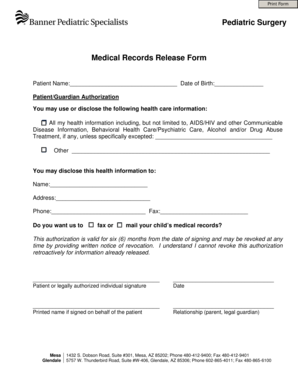
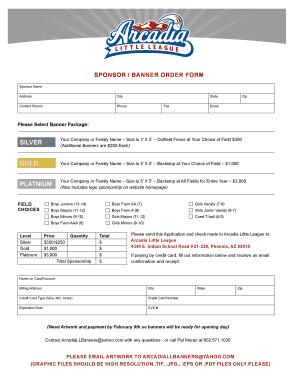


What are Web Banner Creation Request Form Templates?
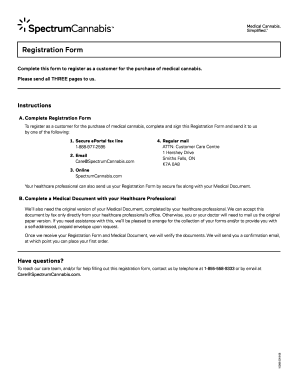
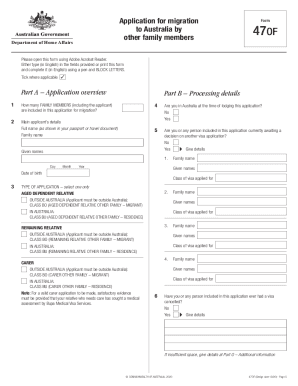
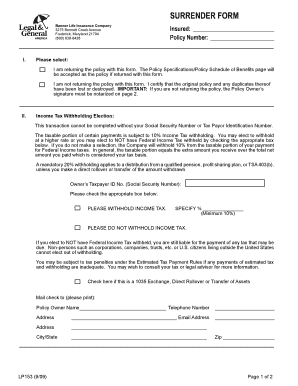
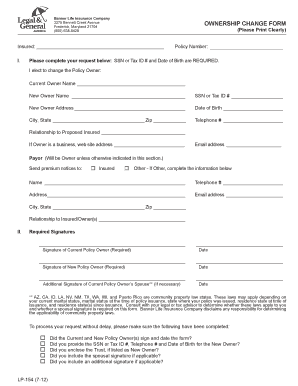
Web Banner Creation Request Form Templates are pre-made forms designed to gather specific information needed to create custom web banners. These templates streamline the request process and ensure all necessary details are provided.
What are the types of Web Banner Creation Request Form Templates?
There are different types of Web Banner Creation Request Form Templates tailored to various purposes. Some common types include:
Basic Web Banner Request Form Template
Animated Web Banner Request Form Template
Social Media Banner Request Form Template
How to complete Web Banner Creation Request Form Templates
Completing Web Banner Creation Request Form Templates is simple and straightforward. Follow these steps to fill out the form:
01
Open the template in a PDF editor like pdfFiller
02
Fill in the required information accurately
03
Review the details for accuracy and completeness
04
Save and share the completed form with the web banner creator
pdfFiller empowers users to create, edit, and share documents online. Offering unlimited fillable templates and powerful editing tools, pdfFiller is the only PDF editor users need to get their documents done.
Video Tutorial How to Fill Out Web Banner Creation Request Form Templates
Thousands of positive reviews can’t be wrong
Read more or give pdfFiller a try to experience the benefits for yourself
Questions & answers
How to make a banner at home?
1:48 3:06 How to Make a Banner - YouTube YouTube Start of suggested clip End of suggested clip First. Once you've finished a top portion start with the bottom center so you have an accurate ideaMoreFirst. Once you've finished a top portion start with the bottom center so you have an accurate idea of where the outer sections will fall into place tape the papers together and you're all. Done.
How do I make a banner in Canva?
1:38 11:41 Canva Banner Design Tutorial (2022) - YouTube YouTube Start of suggested clip End of suggested clip But for this. Example i want to use the canva templates to create a cover image for my facebookMoreBut for this. Example i want to use the canva templates to create a cover image for my facebook brand page. So let's head back over to the home page to check out the templates.
How do I make a banner for printing?
0:08 3:07 How to Print a Banner - YouTube YouTube Start of suggested clip End of suggested clip So the height of the page in PowerPoint must match the width of the physical roll. Set orientationMoreSo the height of the page in PowerPoint must match the width of the physical roll. Set orientation to landscape. Click okay type your banner. Text.
How to make and print a banner?
2:04 3:07 How to Print a Banner - YouTube YouTube Start of suggested clip End of suggested clip Click OK click print wait while the print preview opens verify that your banner is properlyMoreClick OK click print wait while the print preview opens verify that your banner is properly configured and click.
How do I make a good banner for my website?
How do you design great banner ads? — Use the most effective, standard banner sizes. Place your banner ads correctly. Maintain hierarchy. Keep it simple. Use buttons appropriately. Have a clearly defined frame. Make your text instantly readable. Use animation.
How do I make a printable banner in Word?
0:37 2:46 [TUTORIAL] Create a Printable BUNTING BANNER in Word (easy!) YouTube Start of suggested clip End of suggested clip Format. Then add in a letter using word art found in the insert tab. And then choose word art. TheMoreFormat. Then add in a letter using word art found in the insert tab. And then choose word art. The answer word or text box will appear and then type in your letter.