Wedding Photoshoot Agreement Templates

Get eSignatures done in a snap

Prepare, sign, send, and manage documents from a single cloud-based solution.

What are Wedding Photoshoot Agreement Templates?

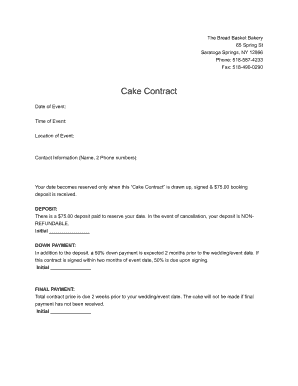
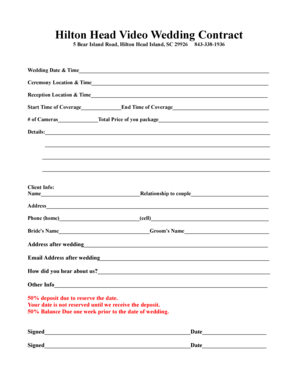
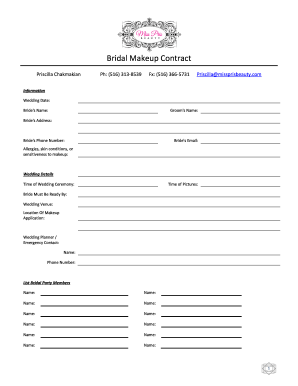
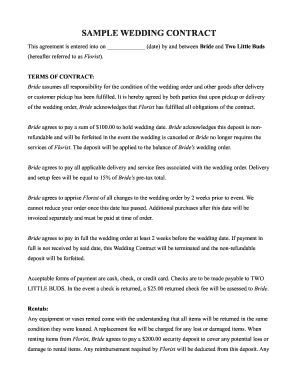
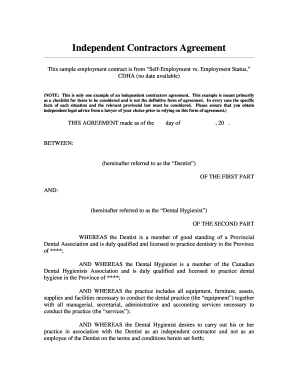
Wedding Photoshoot Agreement Templates are pre-designed forms that outline the terms and conditions between a couple and their chosen photographer for capturing memorable moments during their wedding day. These templates are essential for ensuring a clear understanding of the services provided, payment terms, and rights to the images.

What are the types of Wedding Photoshoot Agreement Templates?

There are several types of Wedding Photoshoot Agreement Templates available based on the specific needs of the couple and the photographer. Some common types include:
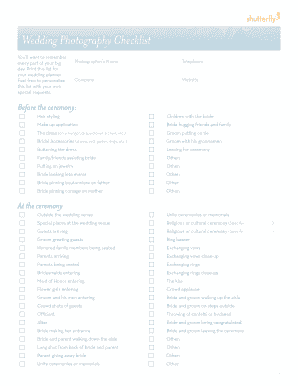
Standard Wedding Photoshoot Agreement Template
Customizable Wedding Photoshoot Agreement Template
Destination Wedding Photoshoot Agreement Template
Elopement Wedding Photoshoot Agreement Template

How to complete Wedding Photoshoot Agreement Templates
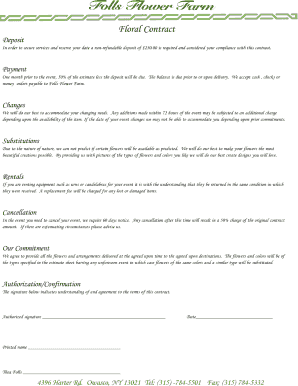
Completing a Wedding Photoshoot Agreement Template is a straightforward process that involves filling in the necessary information and reviewing the terms and conditions outlined. Here are the steps to complete the template:

01
Download a Wedding Photoshoot Agreement Template from a reputable source or use an online platform like pdfFiller to access customizable templates.
02
Fill in details such as the names of the couple and photographer, date and location of the wedding, services to be provided, payment terms, and any additional clauses.
03
Review the completed template to ensure accuracy and clarity of the agreement.
04
Sign the agreement electronically or in-person to make it legally binding.
05
Share copies of the signed agreement with all parties involved to maintain transparency and accountability.

pdfFiller empowers users to create, edit, and share documents online. Offering unlimited fillable templates and powerful editing tools, pdfFiller is the only PDF editor users need to get their documents done.

Video Tutorial How to Fill Out Wedding Photoshoot Agreement Templates
Thousands of positive reviews can’t be wrong

Read more or give pdfFiller a try to experience the benefits for yourself
4.0
I'm learning more as I go along;
I'm learning more as I go along; it's more helpful. And I'm still learning! I have discovered that I can upload the legal documents I'm working on to PDFiller with many useful things.
Marcella B.
5.0
I was in a jam!
I was in a jam! Law School needed me to fill out three documents and sign them and return. The only problem was that I did't have a fax, or scanner. With PDF filler I accomplished my mission at a fraction of the time and cost.
donald s.
4.0
How do I save for each patient so I don't have to continue to re-enter the demog...
How do I save for each patient so I don't have to continue to re-enter the demographic information each time??
greg p.
5.0
Manage and edit your PDF easily and quickly.
Manage and edit your PDF easily and quickly. pdffiller is a pdf processor quite different from the others, you can not only convert your files from pdf to other formats (and obviously from word, excel and others to pdf), but you can directly edit and process your texts online, so which you can write about the document, underline, place images, delete phrases and all the other things that a word processor allows you to do. Another advantage and surprises that you have, is that you can use files that are not only on your hard drive, but you can also use files from the web (through the address of the document) and you can integrate pdffiller with some app that you use daily as google drive, box, one drive and others. Finally, a very remarkable feature is that once you finish editing the file, you can choose some classic options such as the format in which you save it, but it also gives you the option to share it via mail, print it, send it by fax and use it in some social networks like facebook. Even if it is a bit strange, I miss the function of compressing the files, because whenever you add images to some document, the weight of the file increases a lot and makes the handling of the file more difficult. Besides that, there is nothing more to comment.
john r.

Questions & answers

Anyone can write a legal contract, so you are able to write your own. However, it is always wise to hire a professional business lawyer to draft your photography contract since they know what terms and conditions to include to protect you and your business.
A wedding photography contract should be well-detailed, particularly about your fees. The contract should specify the total price and list everything that it includes. These can be digital files, prints or albums. If something is not included in the package, list it and how much it costs.
12 Essential things to include in your photography contract Names of Both Parties. Engagement of Photographer (scope of service) Photographer & Client Responsibilities. Payment Details & Other Fees. Ownership of Work & Client Usage Rights. Limitation of Liability & Indemnification.
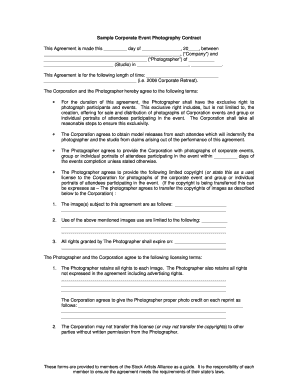
A basic wedding photography contract usually includes the following: Names and contact information for both the bride and groom. Detailed description of the service rendered — photographs, in this case. Breakdown of fees (including deposit) and payment schedule.
When written correctly, a photography contract is legally binding and will describe the responsibilities and rights of both the client and the photographer. It's important to make sure your contract is written in such a way that it will be valid in multiple scenarios.
Be sure to include the following on your next freelance photography contract: Name. This should include your client's legal name or the business name responsible for the session. Address. Location. Delivery. Cancellation policy. Payment method. Transfer of use rights and copyright ownership. Liability.