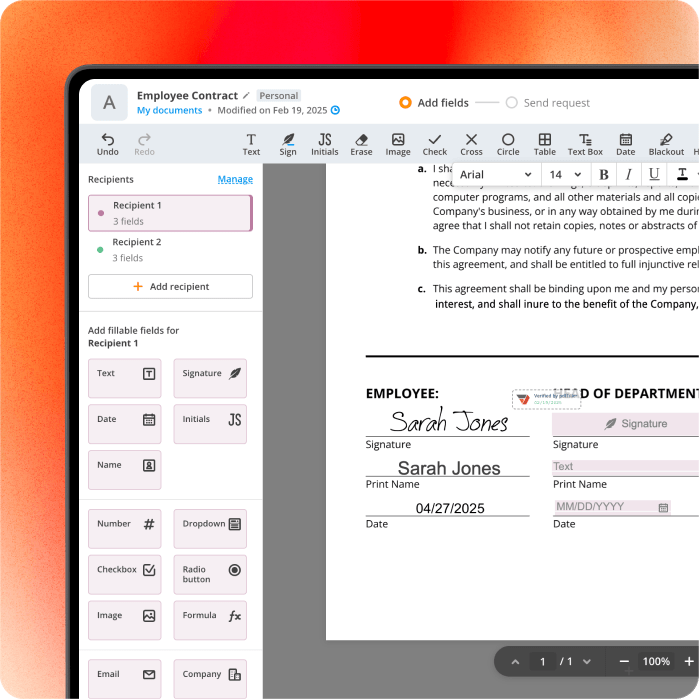
Insert Watermark and Signature in PDF मुफ़्त में
Drop document here to upload
Up to 100 MB for PDF and up to 25 MB for DOC, DOCX, RTF, PPT, PPTX, JPEG, PNG, JFIF, XLS, XLSX or TXT
अंतिम बार अद्यतन किया गया Oct 14, 2026
Try most popular PDF tools
Discover a full set of tools to handle any document task.
Edit PDFs
Make quick PDF edits online.
Sign
Add legally binding signatures.
Merge
Combine multiple PDFs.
Request signatures
Send a document for signing.
Convert
Transform PDFs into other formats.
Rearrange
Change the order of pages.
Share
Send PDFs for review or editing.
Compress
Reduce PDF file sizes.







pdfFiller ranks among the best
pdfFiller is rated 4.6 out of 5 stars across 1,000+ G2 reviews.
gILBIE WAS VERY HELPFUL AND QUICK TO PROVIDE THE FORM THAT I NEEDED.
So easy to use, thank you. And my carpal tunnel thanks you too because now I don't have to write for 8 hours a day, I can just type it up in half the time.My boss thanks you cause now I'm faster. Win-Win
I really liked it, and may use in the future!
easy to use! easy to use, use regularly.
A Great Paperless Office Tool PdfFiller is offers more than just fillable PDF forms. While there are many other options out there, its features stand and makes my work easy. The best features are that I don't need to have any software installed as it works on devices connected to the internet and I can edit an entire PDF document on the web and download to my PC, even during the free version. PDF forms can also be filled with data from spreadsheets and is integrated with google, dropbox and Microsoft cloud storages, which makes it easy to export and import data. The form templates don't offer much room for creativity. They are more business structured and limits customization.
Could not complete my job applications… Could not complete my job applications professionally without this!
Create and edit documents with a trusted solution