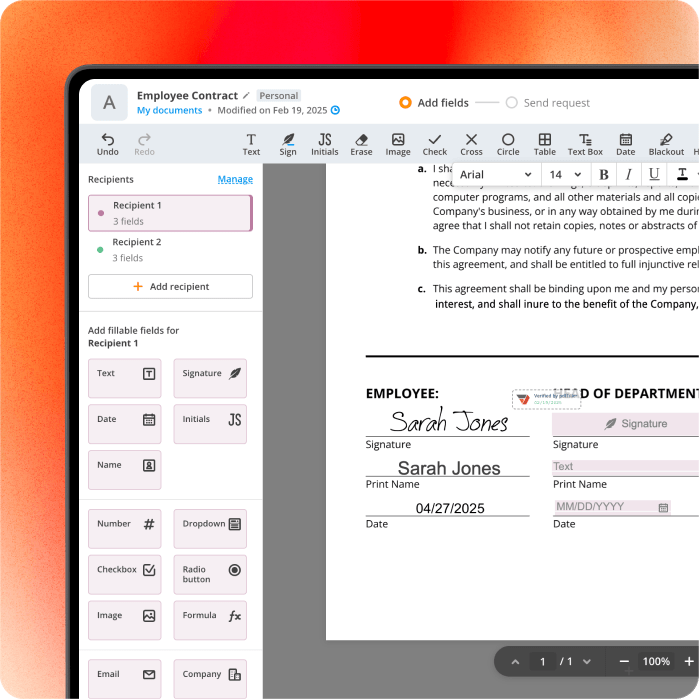
Save Password Protect DOCX in Contract मुफ़्त में
Drop document here to upload
Up to 100 MB for PDF and up to 25 MB for DOC, DOCX, RTF, PPT, PPTX, JPEG, PNG, JFIF, XLS, XLSX or TXT
अंतिम बार अद्यतन किया गया Sep 22, 2026
Try most popular PDF tools
Discover a full set of tools to handle any document task.
Edit PDFs
Make quick PDF edits online.
Sign
Add legally binding signatures.
Merge
Combine multiple PDFs.
Request signatures
Send a document for signing.
Convert
Transform PDFs into other formats.
Rearrange
Change the order of pages.
Share
Send PDFs for review or editing.
Compress
Reduce PDF file sizes.







pdfFiller ranks among the best
pdfFiller is rated 4.6 out of 5 stars across 1,000+ G2 reviews.
I absolutely love this app. It allows to fill-in, erase, add text/objects, etc.
What do you like best?
I like the fact that live Customer service is always there to guide you if there's a problem.
What do you dislike?
The only thing I dislike if when a large corporation wants a form filled out and you use PDF Filler they come back and tell you their shop uses Adobe Acrobat and to please fill out the form once again using Adobe.
Recommendations to others considering the product:
I'd recommend it
What problems are you solving with the product? What benefits have you realized?
It has saved me many hours of editing and signing contracts and agreements
Easy and Helpful Easy to find the form I needed and easy to fill out.
I have been help a lot with PDF filler! I can read, analyze, summarize, and even extract text and data from PDFs. If one need specific information pulled out, like tables, certain sections, or individual words, I can help with that too. And if you’re creating or editing a PDF, one can be assisted with formatting suggestions, content organisation, or even generating the text. If the PDF is complex or full of visuals, one can offer general descriptions, but it's harder for me to "see" the images in it. Overall, whether it’s processing, creating, or editing text-based content in PDF filler ,can be a solid resource.
I just signed up and started using this site. It is VERY nice!
PDFfiller is very easy to use and has… PDFfiller is very easy to use and has some great tools.
Create and edit documents with a trusted solution