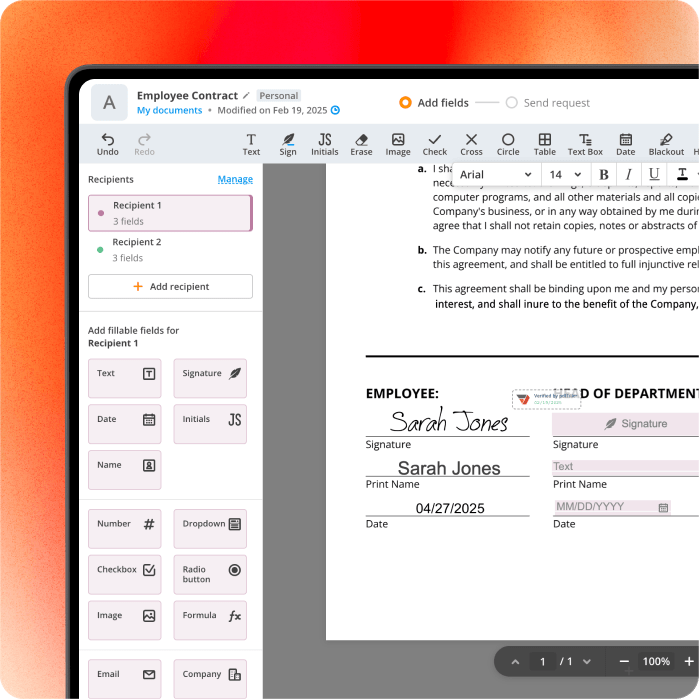
Use the PDF Form Wizard मुफ़्त में
Drop document here to upload
Up to 100 MB for PDF and up to 25 MB for DOC, DOCX, RTF, PPT, PPTX, JPEG, PNG, JFIF, XLS, XLSX or TXT
अंतिम बार अद्यतन किया गया Sep 28, 2025
Try most popular PDF tools
Discover a full set of tools to handle any document task.
Edit PDFs
Make quick PDF edits online.
Sign
Add legally binding signatures.
Merge
Combine multiple PDFs.
Request signatures
Send a document for signing.
Convert
Transform PDFs into other formats.
Rearrange
Change the order of pages.
Share
Send PDFs for review or editing.
Compress
Reduce PDF file sizes.







pdfFiller ranks among the best
pdfFiller is rated 4.6 out of 5 stars across 1,000+ G2 reviews.
Easy Auto-Renew Subscription Refund Like most sites that offer small services with yearly or monthly subscriptions, you most likely run into the "auto renew subscription" headache. While it is frustrating (as this happened to me with PDFfiller), it is always nice to have a little forgiveness. Before I disputed the transaction with my bank I "calmly" contacted PDFfiller support asking if I could be refunded for this un-consented transaction of $72. It only took 5 mins with customer support to give me a full refund. And for that hasty/easy relief they gave me (as well as a refund with no questions asked) I give them 5 stars. Also, not to mention, it is a great PDF filling software.
Very simple and user freindly. Worked with a large file: illustrated 240 page book.
good product good product, makes life easier
Its pretty easy to work, but would still like to learn about all the features.
Fantastic product! Has made completing docs simple!
It took a like while for me to figure out how to do what I wanted to do. But once I did, I was able to create the doc I needed. The part I liked best was the guidelines to put the fillable boxes in line with the other boxes in the document.
Create and edit documents with a trusted solution