
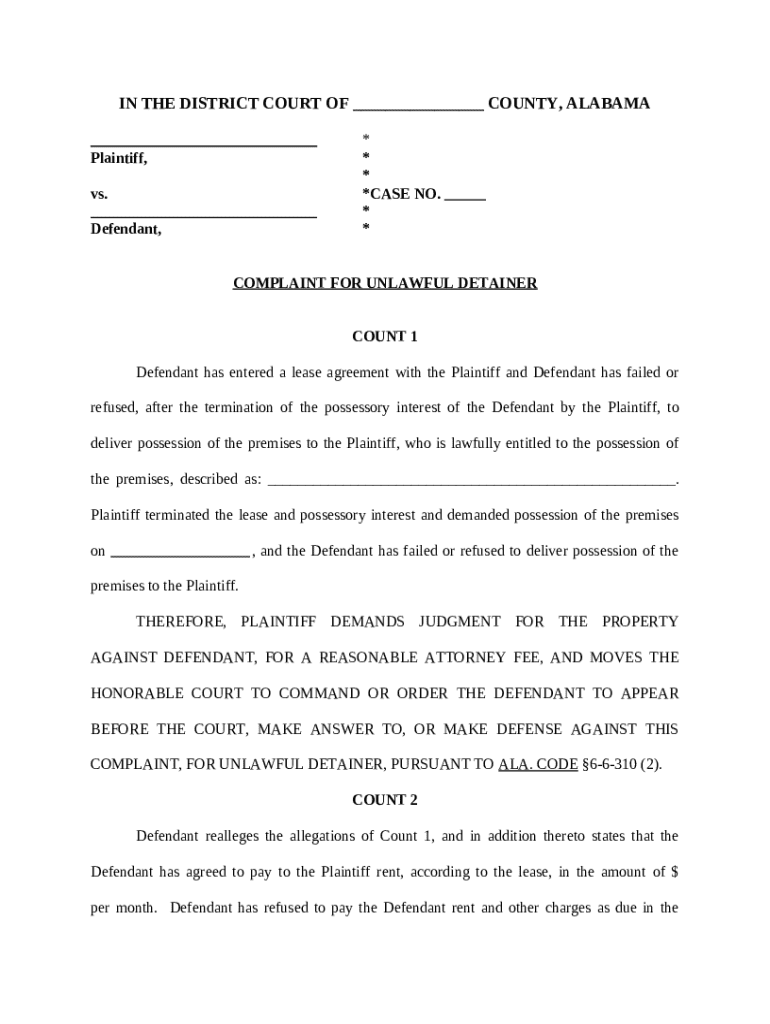
Get the free Alabama Unlawful Detainer Complaint
We are not affiliated with any brand or entity on this form

Fill out
Complete the form online in a simple drag-and-drop editor.

eSign
Add your legally binding signature or send the form for signing.

Share
Share the form via a link, letting anyone fill it out from any device.

Export
Download, print, email, or move the form to your cloud storage.
Why pdfFiller is the best tool for your documents and forms


End-to-end document management
From editing and signing to collaboration and tracking, pdfFiller has everything you need to get your documents done quickly and efficiently.
Accessible from anywhere
pdfFiller is fully cloud-based. This means you can edit, sign, and share documents from anywhere using your computer, smartphone, or tablet.
Secure and compliant
pdfFiller lets you securely manage documents following global laws like ESIGN, CCPA, and GDPR. It's also HIPAA and SOC 2 compliant.
What is Unlawful Detainer Complaint
The Alabama Unlawful Detainer Complaint is a legal document used by landlords in Alabama to initiate a lawsuit for unlawful detainer, where they seek to regain possession of a property from a tenant who has failed to vacate after lease termination.
pdfFiller scores top ratings on review platforms




My first day! As far away from tech savvy as you can get! With help on "Team Viewer" I learned how to solve all the problems I had getting started. I will certainly use tech support again but off to a fun start.
I love it! It helps with paperwork from work.
Convenient, helpful, tech support is awesome and knowledgeable
Finally a PDF editor that is all online for editing and saving to several cloud locations.
Incredible. Technology makes life easier.
Great features, love the ruler that lets you type straight every line unlike Adobe Acrobat. I really like the compatibility with mobile phones to create your digital signature. Overall I was quite happy and impressed with the software. It would be great if the trial period was longer.
Who needs Unlawful Detainer Complaint?
Explore how professionals across industries use pdfFiller.

Unlawful Detainer Complaint is needed by:
-
Landlords filing eviction notices in Alabama
-
Property management companies managing rental properties
-
Attorneys representing landlords in eviction cases
-
Tenants responding to unlawful detainer complaints
-
Notaries public facilitating signature verification
-
Real estate professionals dealing with lease terminations
How to fill out the Unlawful Detainer Complaint
-
1.Begin by accessing the Alabama Unlawful Detainer Complaint form on pdfFiller. You can find it by searching the form's name in the search bar.
-
2.Once the form is open, familiarize yourself with the layout. Identify fields that require your input and take note of any checkboxes or sections needing specific information.
-
3.Gather necessary details such as the property address, tenant's name, lease agreement specifics, and any outstanding rent or fees before you start filling in the form.
-
4.Complete each blank field carefully, ensuring that you provide accurate information. Use pdfFiller's tools to highlight or underline important entries.
-
5.If you encounter checkboxes, select the appropriate option that matches your situation. Ensure that any statements about lease agreements or tenant behaviors are appropriately addressed.
-
6.Review the completed form to check for any errors or omissions. Use pdfFiller's print preview feature to validate the formatting and layout.
-
7.Once you're satisfied with the form, finalize the document. You might need to electronically sign and have it notarized, so ensure those fields are completed as necessary.
-
8.After finalizing, save your form. Use the save option on pdfFiller to keep a copy on your device, or download the document in your preferred format for printing or sharing.

Who is eligible to file an Alabama Unlawful Detainer Complaint?
Landlords or property owners who have terminated a lease agreement and seek to regain possession of their property can file this complaint in Alabama. Ensure that all legal grounds for termination are met before filing.
What information do I need to complete the form?
You will need details about the leased property, terms of the lease agreement, and the amount of rent and additional fees owed by the tenant. Ensure you have accurate and up-to-date information before starting.
How do I submit the completed Unlawful Detainer Complaint form?
The completed form must be filed with the appropriate court in Alabama. After filling in the form, print it and deliver it in person or by mail to the court clerk along with any required filing fees.
Do I need supporting documents when filing the complaint?
Yes, you typically need to attach a copy of the lease agreement and any related correspondence with the tenant. Check local court requirements for any additional documentation that may be required.
Are there deadlines for filing an Unlawful Detainer Complaint?
Yes, deadlines vary based on state law and the specifics of the case. It's important to file promptly after the lease termination to avoid complications. Consult with a legal advisor for specific timelines.
What common mistakes should I avoid when completing this form?
Common errors include incomplete information, inaccurate tenant details, and failing to notarize the form if required. Double-check all fields and ensure proper signatures are in place before submission.
How long does it take to process the complaint after filing?
Processing times can vary by court. Generally, you can expect a response within a few weeks, but this varies by jurisdiction. Check with your local court for the specific timeline regarding processing.
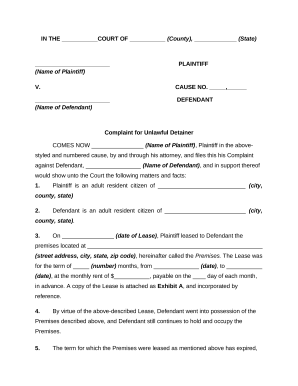
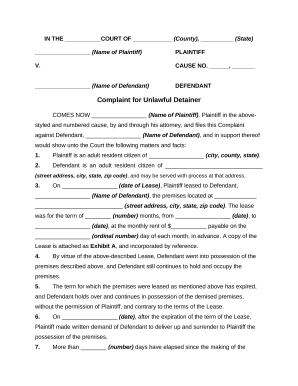
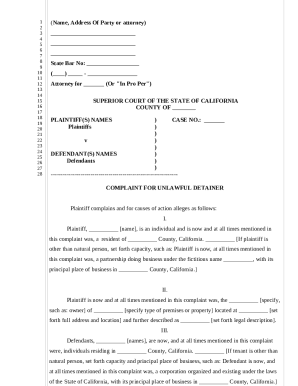
Related Forms



Get the latest insights from our blog


If you believe that this page should be taken down, please follow our DMCA take down process
here
.
This form may include fields for payment information. Data entered in these fields is not covered by PCI DSS compliance.