
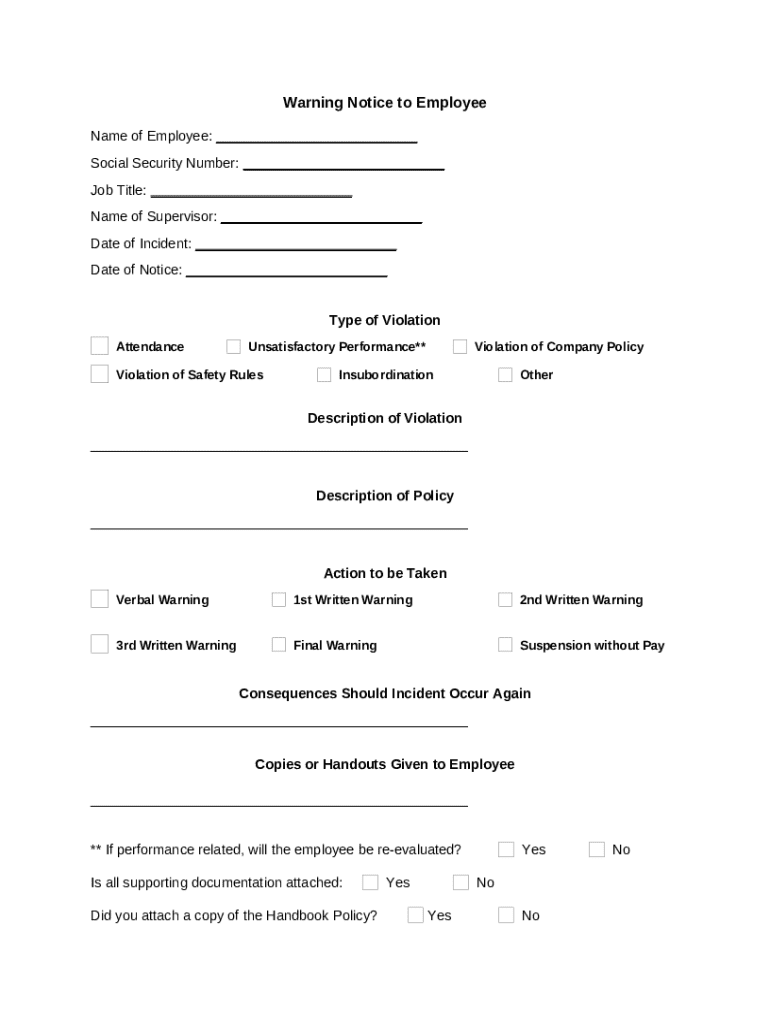
Get the free Employee Warning Notice Form
We are not affiliated with any brand or entity on this form

Fill out
Complete the form online in a simple drag-and-drop editor.

eSign
Add your legally binding signature or send the form for signing.

Share
Share the form via a link, letting anyone fill it out from any device.

Export
Download, print, email, or move the form to your cloud storage.
Why pdfFiller is the best tool for your documents and forms


End-to-end document management
From editing and signing to collaboration and tracking, pdfFiller has everything you need to get your documents done quickly and efficiently.
Accessible from anywhere
pdfFiller is fully cloud-based. This means you can edit, sign, and share documents from anywhere using your computer, smartphone, or tablet.
Secure and compliant
pdfFiller lets you securely manage documents following global laws like ESIGN, CCPA, and GDPR. It's also HIPAA and SOC 2 compliant.
What is Warning Notice
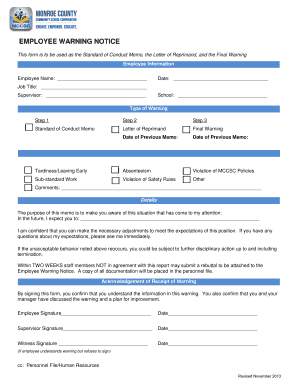
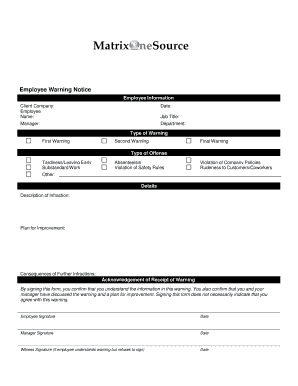
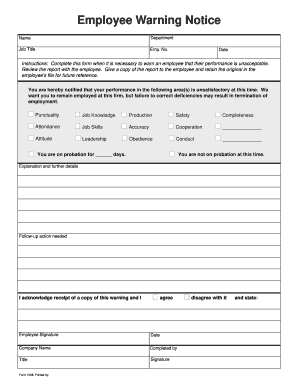
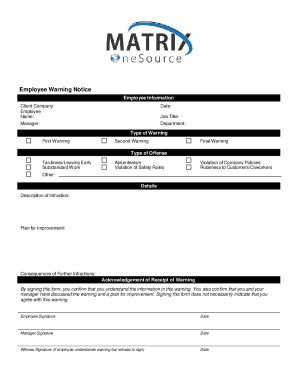
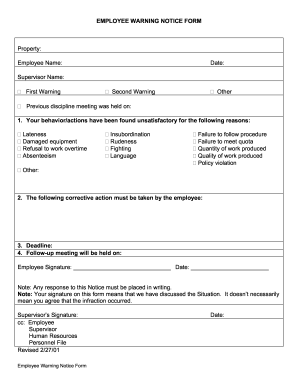
The Employee Warning Notice Form is a disciplinary action document used by employers to formally communicate violations and consequences to employees.
pdfFiller scores top ratings on review platforms




Saves so much time... makes it easy and convenient. Fast and efficient.
Simple and versatile. Since it is new "technology" for me, I must use it with some guidance to understand all its utility, so the tutorials that are included will be handy without having to go to school to learn it.
Good product to use for form filling. User friendly and would highly recommend.
So far very good, but it is my first dau using it...
first time and it is not to hard to figure out had live chat for help so i gave it four star i think later it may get five sta
Love this site! It was easy to use and very efficient!
Who needs Warning Notice?
Explore how professionals across industries use pdfFiller.

Warning Notice is needed by:
-
Human Resource Managers
-
Supervisors and Team Leaders
-
Company Executives
-
Employees facing disciplinary actions
-
Legal Advisors in Employment Matters
-
Compliance Officers
How to fill out the Warning Notice
-
1.To start, navigate to pdfFiller's website and log in to your account, or create a new account if you do not have one.
-
2.Once logged in, use the search bar to locate the 'Employee Warning Notice Form' or access it from your saved forms if previously downloaded.
-
3.Open the form by clicking on it, and it will load in the pdfFiller interface allowing you to view and edit the document.
-
4.Begin filling out the form by entering the employee's name in the designated field. Collect necessary information such as the Social Security Number and Job Title beforehand.
-
5.Select the type of violation by checking the applicable boxes, ensuring you accurately reflect the situation.
-
6.Detail the action to be taken in the provided section. Be clear about the consequences to help hold the employee accountable.
-
7.After all fields are completed, review each entry for accuracy and completeness. Ensure all required fields are filled and no mistakes are present.
-
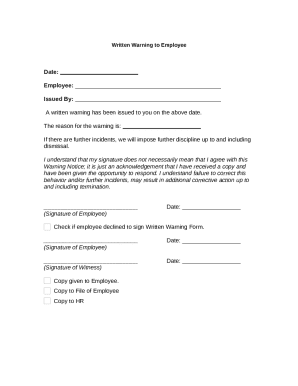
8.To finalize, navigate to the signature lines for both the employee and the witness. Utilize the e-signature feature in pdfFiller to gather signatures easily.
-
9.Once everything is signed and finalized, save your document by clicking on the save icon. You may also choose to download it in PDF format.
-
10.Submit the form as required by your workplace policies, whether that entails downloading it for physical submission or emailing it directly.

Who is eligible to use the Employee Warning Notice Form?
The Employee Warning Notice Form is designed for use by employers and their representatives, including HR managers and supervisors, to formally document disciplinary actions against employees.
Are there any deadlines for submitting this form?
While no specific deadline is set for submitting the Employee Warning Notice Form, it should be completed and issued promptly following a disciplinary incident to maintain an accurate record.
How do I submit the completed form?
The completed form can be submitted directly to your HR department or management. You can save the form from pdfFiller for physical or electronic submission, as per company policy.
What supporting documents should accompany the form?
It is recommended to include any relevant evidence supporting the disciplinary action, such as attendance records, performance reviews, or previous warning documents to provide context.
What common mistakes should I avoid when using this form?
Common mistakes include leaving fields empty, not gathering sufficient information beforehand, and failing to secure signatures from both the employee and witness on the form.
How long does it take to process this form?
Processing time for the Employee Warning Notice Form varies by organization. Typically, it should be reviewed and acknowledged by HR within a few business days after submission.
Can the form be modified after submission?
Generally, once the Employee Warning Notice Form is submitted and signed, modifications should be avoided. If changes are necessary, consult with your HR department for guidance.
Related Forms

Get the latest insights from our blog


If you believe that this page should be taken down, please follow our DMCA take down process
here
.
This form may include fields for payment information. Data entered in these fields is not covered by PCI DSS compliance.