
Last updated on
Oct 31, 2026
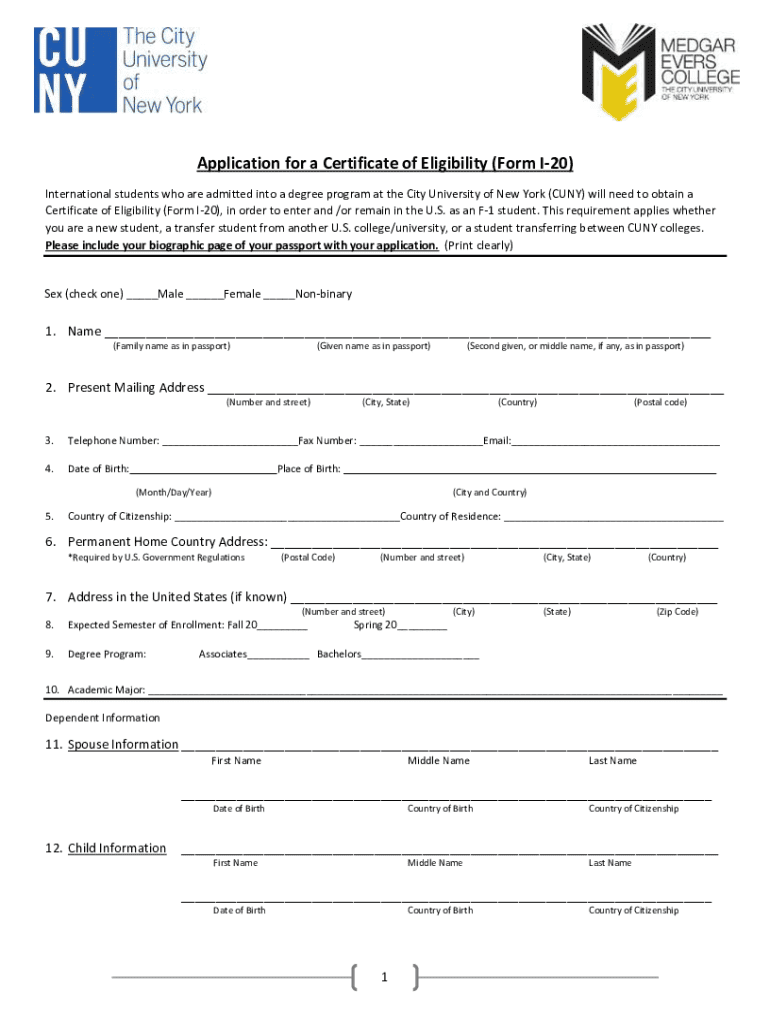
Get the free Certificate of Eligibility Form I-20
We are not affiliated with any brand or entity on this form
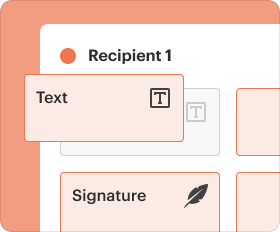
Fill out
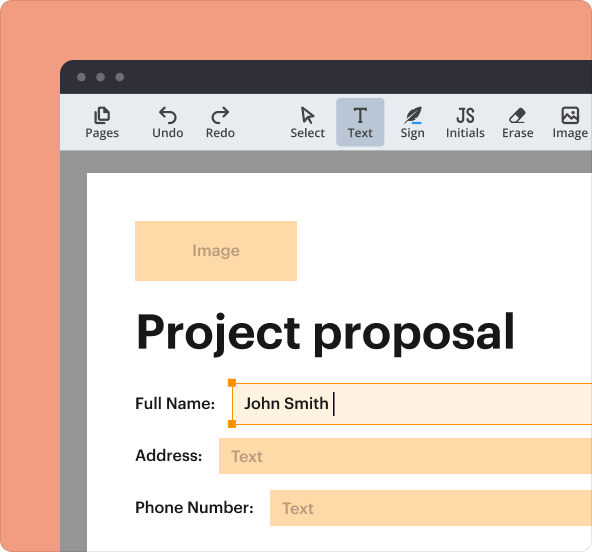
Complete the form online in a simple drag-and-drop editor.
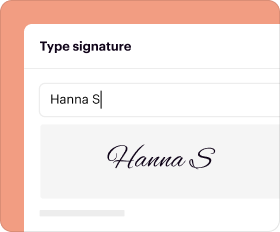
eSign
Add your legally binding signature or send the form for signing.
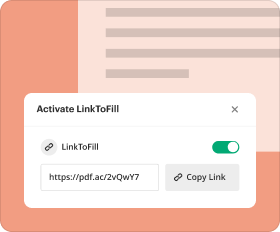
Share
Share the form via a link, letting anyone fill it out from any device.
Export
Download, print, email, or move the form to your cloud storage.
Why pdfFiller is the best tool for your documents and forms


End-to-end document management
From editing and signing to collaboration and tracking, pdfFiller has everything you need to get your documents done quickly and efficiently.
Accessible from anywhere
pdfFiller is fully cloud-based. This means you can edit, sign, and share documents from anywhere using your computer, smartphone, or tablet.
Secure and compliant
pdfFiller lets you securely manage documents following global laws like ESIGN, CCPA, and GDPR. It's also HIPAA and SOC 2 compliant.
What is Form I-20
The Certificate of Eligibility Form is a document used by individuals seeking benefits and services from government programs to demonstrate eligibility qualifications.
pdfFiller scores top ratings on review platforms




Who needs Form I-20?
Explore how professionals across industries use pdfFiller.

Form I-20 is needed by:
-
Veterans applying for educational benefits
-
Individuals seeking housing assistance
-
Students applying for tuition waivers
-
Service members requesting healthcare services
-
People pursuing employment benefits
Comprehensive Guide to Form I-20
What is the Certificate of Eligibility Form?
The Certificate of Eligibility Form serves as a crucial document for various benefits, playing a significant role in determining eligibility for educational aid, housing assistance, and more. Specifically designed for individuals seeking to apply for specific programs, the form establishes a foundation for access to essential services. Understanding what the Certificate of Eligibility Form entails is essential for individuals aiming to maximize their benefits and streamline their application processes.
This form holds particular importance for veterans and students, among others, acting as a gateway to numerous support options and thereby influencing their respective eligibility determinations in varied contexts.
Benefits of Using the Certificate of Eligibility Form
Accurately completing the Certificate of Eligibility Form can significantly streamline access to numerous benefits and services. One of the primary advantages of this form is its ability to simplify the verification of eligibility, ensuring that applicants receive the support they require without unnecessary delays.
Utilizing the form also aids in creating a systematic approach, thereby enhancing the overall efficiency of the application process, allowing individuals to focus more on their needs rather than administrative hurdles.
Who Needs the Certificate of Eligibility Form?
The Certificate of Eligibility Form is essential for a variety of individuals who may qualify for specific benefits. Primarily, this includes veterans, students, and other groups seeking educational and housing assistance. Understanding the target demographic can help streamline the process of obtaining necessary support.
-
Veterans applying for education benefits.
-
Students seeking financial aid for college.
-
Individuals needing housing assistance.
In each case, using the form correctly ensures that applicants can clarify their eligibility and access required resources.
Eligibility Criteria for the Certificate of Eligibility Form
To complete the Certificate of Eligibility Form successfully, individuals must meet specific eligibility criteria tailored to different contexts. The requirements may vary based on the purpose for which the form is being completed. For example, veterans must demonstrate military service, while students may need to provide proof of enrollment or admission into an educational institution.
-
Military service documentation for veterans.
-
Proof of enrollment for students.
-
Identification verification.
Additional resources are available to help individuals verify their eligibility, ensuring a smoother process when completing the form.
How to Fill Out the Certificate of Eligibility Form Online
Filling out the Certificate of Eligibility Form online simplifies the application process. Begin by accessing the pdfFiller platform, which allows users to edit and complete the form digitally.
-
Visit pdfFiller and create an account or log in.
-
Locate the Certificate of Eligibility Form within the platform.
-
Follow the on-screen instructions to fill out the form accurately.
-
Review your entries for completeness before submission.
This step-by-step approach minimizes errors and enhances user experience when completing the form online.
Field-by-Field Instructions for the Certificate of Eligibility Form
Understanding each section of the Certificate of Eligibility Form ensures accurate completion. The form consists of various fields, each requiring specific information.
-
Personal information such as name and contact details.
-
Eligibility details relevant to the context, such as service dates for veterans.
-
Signature and date fields for validation.
Common mistakes to avoid include providing incomplete information in required fields and omitting essential documentation. Thoroughly reviewing instructions before submission can prevent these issues.
Submission Methods for the Certificate of Eligibility Form
Once the Certificate of Eligibility Form is completed, it can be submitted through various methods. Understanding these options can enhance security and compliance during the submission process.
-
Electronic submission via pdfFiller.
-
Physical mailing to the appropriate address.
-
In-person submission at designated offices.
Each method has its own considerations for safety and compliance, ensuring that the document reaches the intended recipient securely.
Tracking and Confirmation After Submitting the Certificate of Eligibility Form
After submitting the Certificate of Eligibility Form, users can check the status of their submission. It is crucial to confirm that the application has been received and is being processed.
-
Follow up through the communication channels provided during submission.
-
Check for confirmation emails or notifications from the relevant agency.
Users should also be aware of the expected timeline for processing applications, which can vary depending on the specific context of the request.
What to Do After You Submit the Certificate of Eligibility Form
After submission, individuals should be prepared for various outcomes. Understanding what comes next can alleviate potential anxiety about the process.
-
Monitor application status for updates or requests for additional information.
-
Prepare for possible follow-up actions, especially if delays occur.
Being proactive during this phase can help ensure that any issues are addressed promptly, leading to successful application outcomes.
Leveraging pdfFiller for Your Certificate of Eligibility Form Needs
pdfFiller offers exceptional features that simplify the process of managing your Certificate of Eligibility Form. Users can take advantage of the platform's editing, filling, and secure submission options.
-
Easy-to-use digital interface for form completion.
-
Security features, including 256-bit encryption, for handling sensitive documents.
-
Options for eSigning and sharing securely with relevant parties.
These capabilities ensure not only efficiency in handling forms but also peace of mind when dealing with confidential information.
How to fill out the Form I-20
-
1.To access the Certificate of Eligibility Form on pdfFiller, visit the pdfFiller website and use the search bar to find the form by its name.
-
2.Once located, click on the form to open it in pdfFiller's editing interface.
-
3.Before filling out the form, gather all necessary information such as your personal details, eligibility criteria, and any required documentation.
-
4.Use the toolbar features in pdfFiller to navigate the form. Click on each field to enter your information where prompted.
-
5.Make sure to double-check the entries to ensure that all data is accurate and complete.
-
6.After filling out the form, take advantage of the review features available in pdfFiller to finalize your document.
-
7.Once reviewed, save your completed form by clicking on the save icon. You have the option to download it directly or save it to your pdfFiller account.
-
8.If you need to submit the form, choose the appropriate submission method from the options provided, whether online, by mail, or in person.
Who is eligible to use the Certificate of Eligibility Form?
Eligibility for the Certificate of Eligibility Form typically includes veterans, service members, and certain dependents applying for various government benefits. Always check specific eligibility criteria related to the program you are applying for.
Are there any deadlines for submitting the Certificate of Eligibility Form?
While specific deadlines can vary based on the program, it is generally advisable to submit the form as early as possible to avoid delays in receiving benefits. Refer to the specific program guidelines for detailed deadlines.
How can I submit the completed Certificate of Eligibility Form?
You can submit the completed form through various methods depending on the program requirements. Options typically include online submission, mailing it to the designated agency, or delivering it in person.
What supporting documents are required when filing this form?
Supporting documents may include proof of service, identity verification, and any other materials required to establish eligibility for benefits. Always refer to program instructions for a complete list.
What common mistakes should I avoid when filling out the form?
Common mistakes include omitting necessary information, providing incorrect details, and not signing the form. Ensure that all information is accurate and all fields are filled as required.
How long does it take to process the Certificate of Eligibility Form?
Processing times can vary based on the agency and the volume of applications. Typically, it can take several weeks. It’s best to check directly with the relevant agency for specific processing times.
Can I edit the Certificate of Eligibility Form after submission?
Generally, once submitted, you cannot edit the form. If changes are necessary, you will need to contact the agency and provide updated information or submit a new form as required.
Related Forms





Get the latest insights from our blog


If you believe that this page should be taken down, please follow our DMCA take down process
here
.
This form may include fields for payment information. Data entered in these fields is not covered by PCI DSS compliance.