
Last updated on
Oct 8, 2026

Get the free Texas GLO Consent to Release Information
We are not affiliated with any brand or entity on this form

Fill out
Complete the form online in a simple drag-and-drop editor.

eSign
Add your legally binding signature or send the form for signing.

Share
Share the form via a link, letting anyone fill it out from any device.

Export
Download, print, email, or move the form to your cloud storage.
Why pdfFiller is the best tool for your documents and forms


End-to-end document management
From editing and signing to collaboration and tracking, pdfFiller has everything you need to get your documents done quickly and efficiently.
Accessible from anywhere
pdfFiller is fully cloud-based. This means you can edit, sign, and share documents from anywhere using your computer, smartphone, or tablet.
Secure and compliant
pdfFiller lets you securely manage documents following global laws like ESIGN, CCPA, and GDPR. It's also HIPAA and SOC 2 compliant.
What is Texas CRI Form
The Texas GLO Consent to Release Information is a consent document used by applicants to authorize representatives to receive application-related information.
pdfFiller scores top ratings on review platforms




Who needs Texas CRI Form?
Explore how professionals across industries use pdfFiller.

Texas CRI Form is needed by:
-
Texas residents applying for disaster assistance
-
Authorized representatives assisting applicants
-
Government agencies processing applications
-
Legal representatives of applicants
-
Community organizations supporting applicants
-
Individuals helping navigate Texas GLO processes
Comprehensive Guide to Texas CRI Form
What is the Texas GLO Consent to Release Information?
The Texas GLO Consent to Release Information form enables applicants to authorize a representative to receive information regarding their application or project. This form plays a crucial role in facilitating communication with Texas GLO by formalizing the consent process for representatives to address application-related queries. The submission of this consent is valid until July 2025, ensuring that the authorized representatives can work on behalf of the applicants during this timeframe.
Purpose and Benefits of the Texas GLO Consent to Release Information
The Texas GLO Consent to Release Information form is essential for applicants seeking assistance. By allowing a representative to collect information, applicants can benefit in various ways:
-
Streamlined communication with Texas GLO representatives.
-
Enhanced support in navigating disaster applications and state benefits.
Situations where this form proves particularly useful include natural disaster applications, where timely access to information is critical for affected individuals. This form simplifies the application process by reducing the burden on applicants to communicate directly, thus improving efficiency.
Key Features of the Texas GLO Consent to Release Information Form
The Texas GLO Consent to Release Information form boasts several characteristics that make it user-friendly:
-
Fillable fields allow for easy entry of applicant and representative information.
-
Checkboxes and clear instructions guide users in completing the form correctly.
-
Digital compatibility with pdfFiller promotes easy completion and management of the document.
Who Needs the Texas GLO Consent to Release Information?
This form is designed for a specific audience including:
-
Individuals applying for state assistance or benefits.
-
Authorized representatives acting on behalf of applicants.
-
Anyone needing to authorize the release of information for application-related inquiries.
How to Fill Out the Texas GLO Consent to Release Information Online (Step-by-Step)
Completing the Texas GLO Consent to Release Information form online is straightforward. Follow these steps:
-
Access the form via pdfFiller.
-
Fill in all required fields with accurate information.
-
Review the form thoroughly to ensure all data entered is correct.
-
Submit the completed form electronically.
Make sure to double-check your data before submission to avoid errors that could delay the process.
Review and Validation Checklist for the Texas GLO Consent to Release Information
To ensure accuracy before submitting the Texas GLO Consent to Release Information form, consider the following checklist:
-
Verify all contact information is current and correct.
-
Check that the scope of authorization clearly outlines what information can be released.
-
Ensure all required fields are filled appropriately.
How to Sign the Texas GLO Consent to Release Information
When signing the form, consider the following aspects:
-
Understand the distinction between digital signatures and traditional wet signatures.
-
Use pdfFiller for electronic signing of the form.
-
Be aware of relevant deadlines for filing the signed form.
Submission Methods for the Texas GLO Consent to Release Information
Once the form is completed, you can submit it using various methods:
-
Online submission via pdfFiller.
-
Mail the completed form to the designated address.
Be sure to track your submission for confirmation to ensure that it has been received successfully.
Privacy and Security Considerations for the Texas GLO Consent to Release Information
Your privacy and data security are paramount when submitting this form. PdfFiller implements robust security measures such as:
-
256-bit encryption to safeguard your documents.
-
Compliance with HIPAA and GDPR regulations.
It's essential to keep sensitive information secure throughout the submission process to prevent unauthorized access.
Get Started with pdfFiller for Your Texas GLO Consent to Release Information
Utilizing pdfFiller for managing your Texas GLO Consent to Release Information form offers several advantages:
-
Edit and submit the form conveniently from any browser—no downloads necessary.
-
Explore features like eSigning to streamline the submission process.
-
Benefit from a user-friendly experience with reliable support options available.
How to fill out the Texas CRI Form
-
1.Access the Texas GLO Consent to Release Information form on pdfFiller by searching for the document title in the platform's search bar.
-
2.Open the form and familiarize yourself with the fillable fields and checkboxes. Review the provided instructions to understand what information is required.
-
3.Gather necessary information before you start filling out the form. You will need the applicant's contact details, details about the authorized representative, and specifics about the scope of authorization.
-
4.Navigate through the form using pdfFiller's interface. Click on each field to enter the required information, ensuring accuracy and completeness.
-
5.Once you have filled in all the required fields, take a moment to review the form for any errors or missing information. Use pdfFiller’s editing tools to make corrections as needed.
-
6.Finalize the form by ensuring that both the applicant's signature is present and any additional required data is accurately filled out.
-
7.After completing the review, save your progress on pdfFiller. You can also download the form in multiple formats or submit it directly through the platform.

Who is eligible to use the Texas GLO Consent to Release Information form?
The form is mainly for Texas residents who are applying for disaster assistance and wish to authorize a representative to receive information on their behalf.
What is the deadline for submitting the Texas GLO Consent to Release Information form?
The form is valid until July 2025, but it’s important to check with the Texas GLO for specific deadlines related to your application.
How can I submit the Texas GLO Consent to Release Information form?
You can submit the completed form electronically through pdfFiller after finalizing it or download it to submit via mail or in person, depending on the instructions provided by Texas GLO.
What supporting documents are required with the form?
Typically, no additional documents are required beyond the completed form; however, you may need to provide identification or proof of representation based on specific application guidelines.
What common mistakes should I avoid when completing this form?
Common mistakes include leaving fields blank, not signing the form, or failing to accurately provide the representative's details. Double-check all entries before submission.
How long does it take to process the Texas GLO Consent to Release Information form?
Processing times can vary; however, it's advisable to allow several weeks for the Texas GLO to review and respond to your request, especially during peak periods.
Is notarization required for the Texas GLO Consent to Release Information form?
No, the Texas GLO Consent to Release Information form does not require notarization, but it must be signed by the applicant.
Related Forms


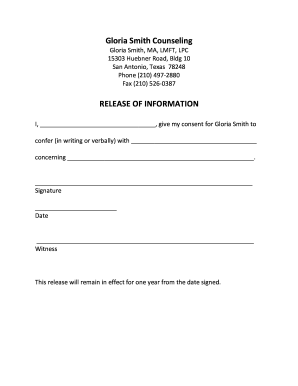
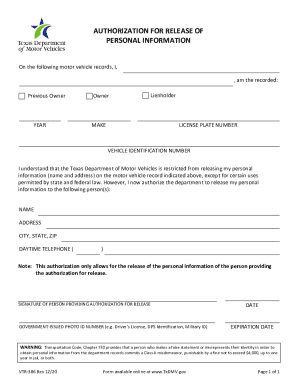

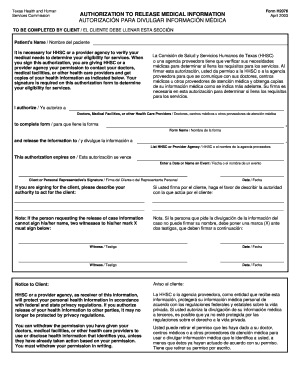
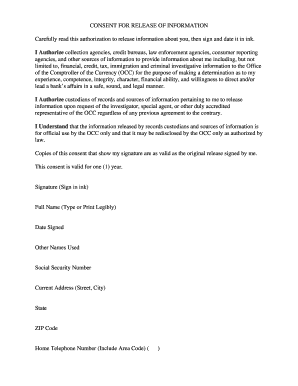


Get the latest insights from our blog


If you believe that this page should be taken down, please follow our DMCA take down process
here
.
This form may include fields for payment information. Data entered in these fields is not covered by PCI DSS compliance.