

Get the free Complete Enrollment Form
We are not affiliated with any brand or entity on this form

Fill out
Complete the form online in a simple drag-and-drop editor.

eSign
Add your legally binding signature or send the form for signing.

Share
Share the form via a link, letting anyone fill it out from any device.

Export
Download, print, email, or move the form to your cloud storage.
Why pdfFiller is the best tool for your documents and forms


End-to-end document management
From editing and signing to collaboration and tracking, pdfFiller has everything you need to get your documents done quickly and efficiently.
Accessible from anywhere
pdfFiller is fully cloud-based. This means you can edit, sign, and share documents from anywhere using your computer, smartphone, or tablet.
Secure and compliant
pdfFiller lets you securely manage documents following global laws like ESIGN, CCPA, and GDPR. It's also HIPAA and SOC 2 compliant.
What is CREON Enrollment
The CREON Complete Enrollment Form is a patient consent document used by individuals seeking enrollment in the CREON Complete support program to receive assistance for exocrine pancreatic insufficiency.
pdfFiller scores top ratings on review platforms




Who needs CREON Enrollment?
Explore how professionals across industries use pdfFiller.

CREON Enrollment is needed by:
-
Patients undergoing treatment with CREON
-
Prescribers managing patients with exocrine pancreatic insufficiency
-
Caregivers supporting patients in treatment
-
Healthcare providers involved in patient enrollment
-
Insurance representatives handling patient coverage
-
Medical institutions coordinating support programs
How to fill out the CREON Enrollment
-
1.To begin, navigate to pdfFiller’s website and use the search bar to locate the CREON Complete Enrollment Form.
-
2.Once found, click on the form to open it within the pdfFiller interface.
-
3.Before starting to fill in the form, gather necessary information such as personal details, insurance information, and consent for data sharing.
-
4.Begin entering information in the fields marked with an asterisk, which indicate required details like 'First Name', 'Last Name', 'Date of Birth', and 'Address'.
-
5.Utilize the fillable text boxes to input your information. If you need to change any data, you can easily edit these fields.
-
6.For sections involving checkboxes, such as consent or program options, ensure to select the appropriate boxes based on your situation.
-
7.After completing all sections for the patient, caregiver, and prescriber, review all entries for accuracy and completeness.
-
8.Once finalized, you can either download the form as a PDF or save it directly on pdfFiller.
-
9.For submission, fax the completed form to the designated program number provided during enrollment instructions.
-
10.Remember to keep a copy for your records after submission, ensuring you have all necessary confirmations.

Who is eligible to fill out the CREON Complete Enrollment Form?
Eligibility typically includes patients diagnosed with exocrine pancreatic insufficiency, their prescribers, and caregivers who support the treatment process. Consult with your healthcare provider for specific eligibility requirements.
Is there a deadline for submitting the enrollment form?
While there is no specific deadline listed for the CREON Complete Enrollment Form, it is advised to submit as soon as possible after diagnosis to ensure you receive timely support from the program.
How can I submit the completed enrollment form?
The completed CREON Complete Enrollment Form can be submitted via fax to the designated number provided in the program's instructions. Ensure all information is filled out accurately before sending.
What supporting documents are required with this enrollment form?
Typically, no additional documents are required. However, it is advisable to have your insurance information and any relevant medical records on hand to complete the form effectively.
What are common mistakes to avoid when filling out the form?
Common mistakes include leaving required fields blank, providing incorrect personal details, and failing to obtain necessary signatures. Always double-check your entries before submission.
How long does processing take after submitting the form?
Processing times for the CREON Complete Enrollment Form may vary, but applicants generally receive confirmation within a few days. For more precise information, contact the program directly.
What if I have issues accessing or filling out the form online?
If you encounter problems with accessing or completing the form on pdfFiller, refer to their customer support or help section. They can provide assistance with technical issues.
Related Forms
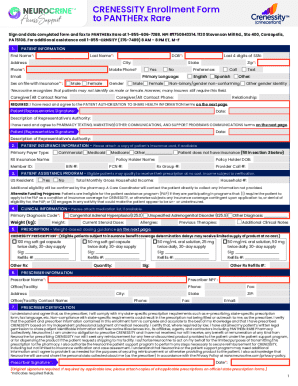


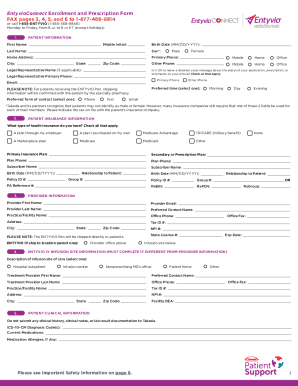

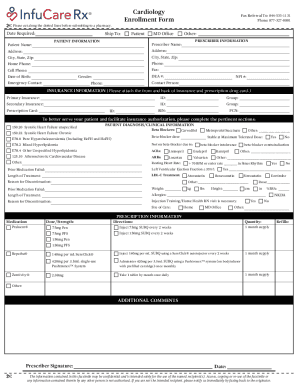
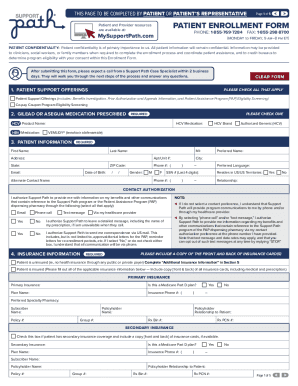

Get the latest insights from our blog


If you believe that this page should be taken down, please follow our DMCA take down process
here
.
This form may include fields for payment information. Data entered in these fields is not covered by PCI DSS compliance.