

Get the free New York State Expense Voucher
We are not affiliated with any brand or entity on this form

Fill out
Complete the form online in a simple drag-and-drop editor.

eSign
Add your legally binding signature or send the form for signing.

Share
Share the form via a link, letting anyone fill it out from any device.

Export
Download, print, email, or move the form to your cloud storage.
Why pdfFiller is the best tool for your documents and forms


End-to-end document management
From editing and signing to collaboration and tracking, pdfFiller has everything you need to get your documents done quickly and efficiently.
Accessible from anywhere
pdfFiller is fully cloud-based. This means you can edit, sign, and share documents from anywhere using your computer, smartphone, or tablet.
Secure and compliant
pdfFiller lets you securely manage documents following global laws like ESIGN, CCPA, and GDPR. It's also HIPAA and SOC 2 compliant.
What is NY Expense Voucher
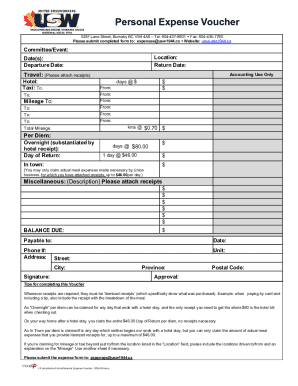
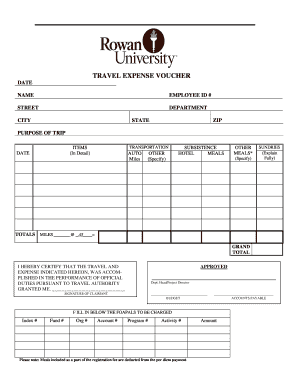
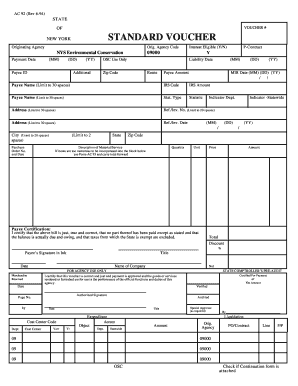
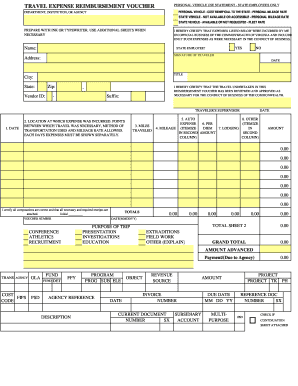
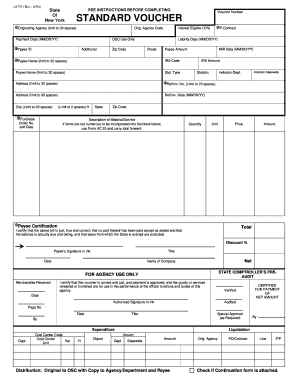
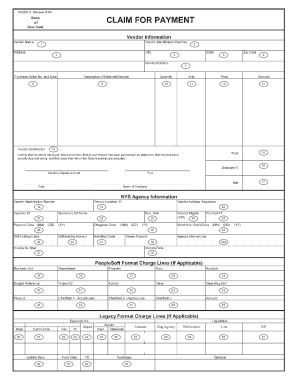
The New York State Expense Voucher is an official document used by public employees to request reimbursement for business-related expenses incurred while performing PEF business.
pdfFiller scores top ratings on review platforms




Who needs NY Expense Voucher?
Explore how professionals across industries use pdfFiller.

NY Expense Voucher is needed by:
-
Public Employees Federation members seeking reimbursement
-
State employees responsible for filing expense claims
-
Government officials managing expense approvals
-
Human Resources personnel overseeing reimbursements
-
Finance departments processing expense vouchers
How to fill out the NY Expense Voucher
-
1.Begin by accessing the New York State Expense Voucher on pdfFiller. You can type the form name into the search bar or browse through the Government Forms section.
-
2.Once opened, you'll see various fields to fill in. Click on each field to type in your information, including your Name, Email, Street Address, City, State, and Zip Code.
-
3.Before starting to fill out the form, gather all necessary information. This includes your expense details like dates, locations, purposes, and the amounts for each expense paid.
-
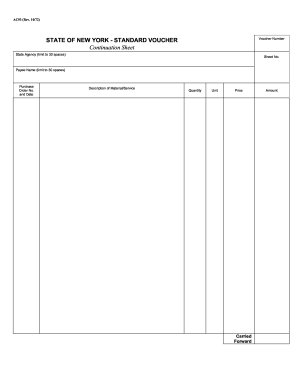
4.Use pdfFiller’s tools to enter your expenses accurately in the designated fields. There are specific spaces for each item's description, date, and amount.
-
5.If you have any receipts or supporting documents, utilize the upload feature on pdfFiller to attach them to your form. Make sure these are clear and legible.
-
6.Once every field is filled, carefully review your information for any errors or omissions. Ensure signatures are provided where required.
-
7.To finalize, click on the 'Save' button to keep a copy of your form. Choose to download the completed form or use the submit options available through pdfFiller.

Who is eligible to use the New York State Expense Voucher?
Eligibility includes public employees working for the state of New York who incur business-related expenses while performing their official duties. Members of the Public Employees Federation specifically should utilize this form.
What expenses can be claimed using this voucher?
The New York State Expense Voucher can be used for various business-related expenses, including travel costs, meals, and other necessary expenses incurred while performing PEF business.
How do I submit the completed expense voucher?
You can submit the completed expense voucher electronically through pdfFiller or print it out to turn in physically. Ensure that all required signatures are included before submission.
What supporting documents are required with this form?
You must include receipts or evidence of the expenses claimed. These documents should be clearly labeled and attached through pdfFiller’s upload features.
Are there common mistakes I should avoid while filling out the form?
Common mistakes include failing to sign the form, leaving out required information, and not attaching necessary receipts. Double-check your entries before submission.
What is the processing time for expense reimbursements?
Processing times can vary, typically ranging from a few weeks to longer, depending on the volume of submissions. Ensure you submit your voucher promptly.
Does the form require notarizing?
No, the New York State Expense Voucher does not require notarization. However, it does require approval signatures from relevant authorities.



Get the latest insights from our blog


If you believe that this page should be taken down, please follow our DMCA take down process
here
.
This form may include fields for payment information. Data entered in these fields is not covered by PCI DSS compliance.