
pdfFiller for Subcontractors
From contract to payment, without the paperwork. Sign agreements, submit change orders, and manage lien waivers, all in one place.
Last updated on Oct 9, 2026
Try most popular PDF tools
Discover a full set of tools to handle any document task.
Edit PDFs
Make quick PDF edits online.
Sign
Add legally binding signatures.
Merge
Combine multiple PDFs.
Request signatures
Send a document for signing.
Convert
Transform PDFs into other formats.
Rearrange
Change the order of pages.
Share
Send PDFs for review or editing.
Compress
Reduce PDF file sizes.
How it works


Watch pdfFiller in action
See how easy it is to fill, sign, and send any document — right from your browser.
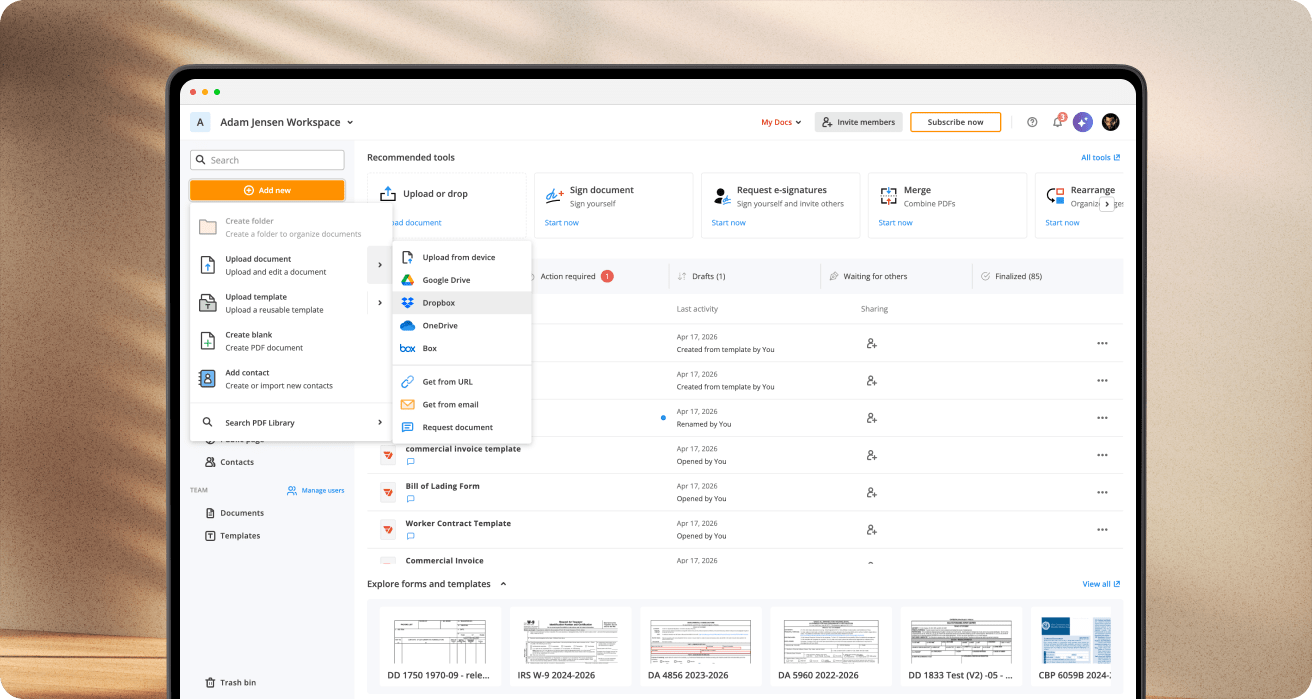
Stay compliant. Stay audit-ready
Manage project documents with confidence. pdfFiller delivers the security, compliance, and reliability your business depends on.


Everything you need to handle job documents
-
Online PDF editor Review contracts, update change order requests, fill out lien waivers, and make edits online. Add text, signatures, fillable fields, and more from any device.
-
Reusable templates Save your most-used contracts, scopes of work, and forms as reusable templates. Update the project details and send them out without starting from scratch.
-
Legally binding eSignatures Sign contracts online or send documents for signature. Track who's signed, see what's still pending, and send reminders when needed.
-
Online payments Charge recipients through Stripe or PayPal as they complete documents online. Collect payments and completed paperwork in the same workflow.
-
Sharing and collaboration Highlight key details and share documents for review or editing. Leave comments directly in the document to keep everyone on the same page.
-
Secure cloud storage Store contracts, change order requests, lien waivers, and other project documents in secure cloud storage. Organize files by project and quickly find what you need from anywhere.
Handle project paperwork online







Trusted by Contractors and Trades Professionals
pdfFiller is rated 4.6 out of 5 stars across 1,000+ G2 reviews.
"Helps get the work done"
I like that PDF Filler allows you to create a template and and works with interrogation apps so I can have forms filled in that I need for Every Client easily done. With a Quick scan of any Paper form I can fill in without any challenges.
"pdfFiller is my Hero"
I've been a subscriber for many years. This is a great service that does what is promises with ease! Simplicity - You can manage signatures, add text, fill out templates, save and send in a variety of ways - and it's all intuitive!
"pdfFiller is great to have"
Overall, my experience with pdfFiller has been positive and beneficial.pdfFiller is a highly versatile and user-friendly electronic document management platform that allows professionals to easily edit, sign, and share PDFs online. The platform offers a wide range of innovative features such as text editing, form filling, digital signatures, and cloud storage integration, making it an indispensable tool for streamlining workflow efficiency.
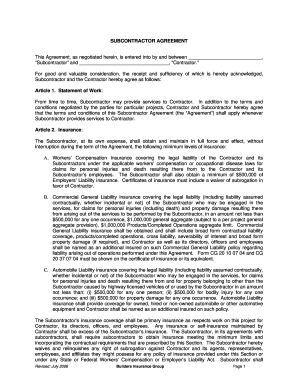
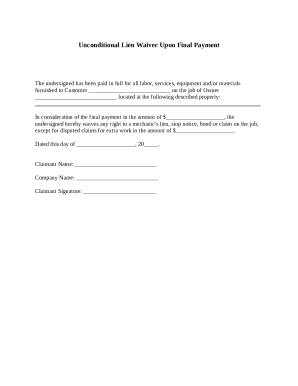
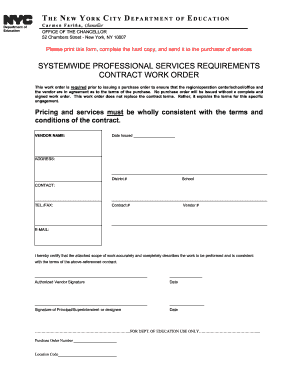
Common forms for Subcontractors



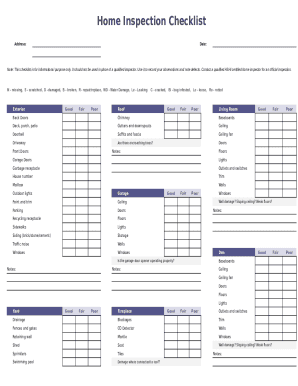
FAQs
If you can't find what you're looking for, please contact us anytime!
Yes. Open the document in pdfFiller, review the terms, add your signature, and send it back, all from your phone. No printing, scanning, or trip back to the office required.
Open a change order request template, add the work details, pricing, and schedule impact, then send it to the GC for approval. You'll have a signed record of what's been approved before work begins.
A lien waiver releases your right to file a mechanic's lien in exchange for payment. General contractors often request lien waivers at payment milestones, and pdfFiller lets you send, sign, and store them online.
Yes. Electronic signatures created in pdfFiller are legally binding. Every signed document includes a detailed audit trail with the signer's name, email address, IP address, and timestamp.
Yes. Save contracts, scopes of work, invoices, and other documents as reusable templates. Update the project details and use them again whenever you need them.
Plans start at $8/month when billed annually. Every plan includes PDF editing, eSignatures, and cloud storage, and you can try pdfFiller free for 30 days.
Start with a template, customize it for the job, and send it out.