Contact Form For Ecommerce Sites Templates


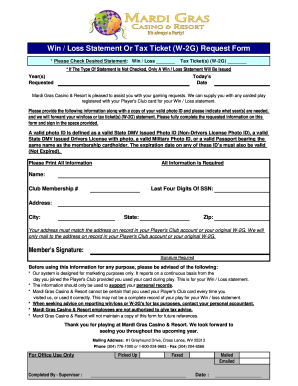
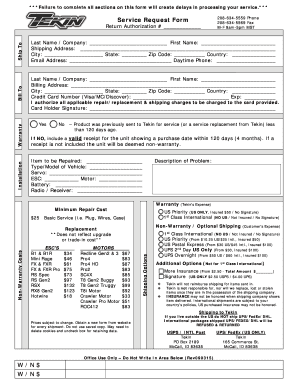
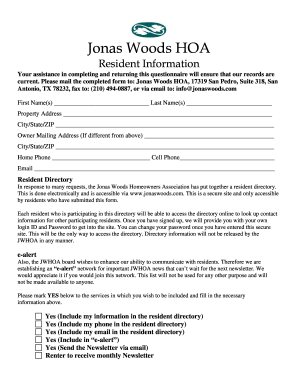
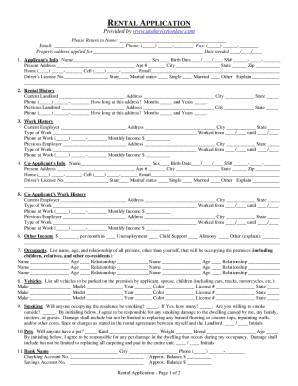



What are Contact Form for Ecommerce Sites Templates?
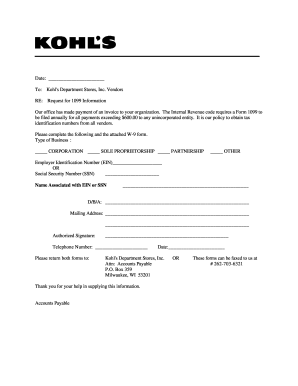
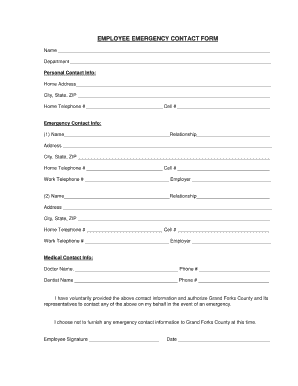
Contact form templates for Ecommerce sites are pre-designed forms that businesses can use on their websites to make it easier for customers to contact them. These templates usually include fields for name, email, phone number, and message, allowing visitors to reach out with inquiries or feedback.
What are the types of Contact Form for Ecommerce Sites Templates?
There are several types of contact form templates available for Ecommerce sites, each serving different purposes. Some common types include:
Basic Contact Form Template - Includes essential fields like name, email, and message.
Advanced Contact Form Template - Offers additional fields for phone number, address, or specific inquiries.
Customized Contact Form Template - Tailored to the business's unique requirements, with personalized fields and branding.
Feedback Form Template - Specifically designed for customers to leave reviews or suggestions.
How to complete Contact Form for Ecommerce Sites Templates
Completing a contact form for an Ecommerce site is simple and straightforward. Follow these steps:
01
Fill in your name, email, and phone number in the designated fields.
02
Enter your message or inquiry in the text box provided.
03
Optionally, provide additional information requested in specific fields.
04
Review your input for accuracy before submitting the form.
pdfFiller empowers users to create, edit, and share documents online. Offering unlimited fillable templates and powerful editing tools, pdfFiller is the only PDF editor users need to get their documents done.
Video Tutorial How to Fill Out Contact Form for Ecommerce Sites Templates
Thousands of positive reviews can’t be wrong
Read more or give pdfFiller a try to experience the benefits for yourself
Questions & answers
How do you say contact us for more information?
Some ideas for what you can say instead of 'Contact Us' include: Drop Us a Line. Get in Touch. Reach Out. Let's Chat. Talk to Us. Get Ahold of Us.
How do I create a contact us page for my website?
A good contact form should include 1 or 2 fields. The phone number and perhaps a name. That's it. If it's at the top of the funnel, you can create as many leads as possible. If it's in the middle of the funnel, you need to explain to your visitor why your product or service is the best option to solve their problem.
Do I need a contact form on my website?
You need a contact form if: You want to be in touch with your customers and look professional, showing that you are always ready to help. You want to protect your corporate mail from SPAM. You want all requests from customers to go to a specific employee.
How does contact form work on website?
How Does a Contact Form Work? A contact form is a short web-based form published on a website. Any visitor can fill out the form and submit it to send a message to the site owner. Behind the scenes, your contact form triggers an email message to be generated and sent to your email inbox.
How do I create a simple HTML contact form?
Create the HTML markup & CSS Collect user input with a simple contact form with 'Name', 'Email', and 'Message' fields. You can later add more fields, with specific coding like a Single Choice field and Dropdown field. So under the <header> element of your page, add the HTML markup for the form's header.
How do I create a contact form for my website?
How to create an HTML contact form in six steps Choose an HTML editor. (Image Source: Paperform) Create a new file with the. HTML extension. Create a new file with the. PHP extension. Generate the PHP code to capture form data. Your forms are connected. Create your HTML contact form. Add additional fields.