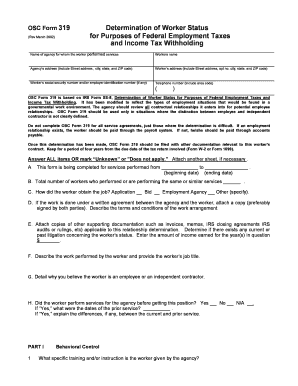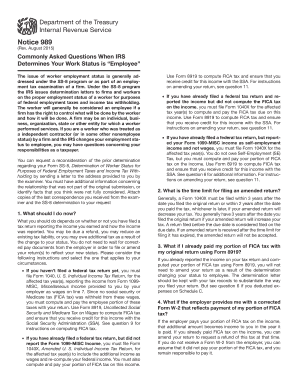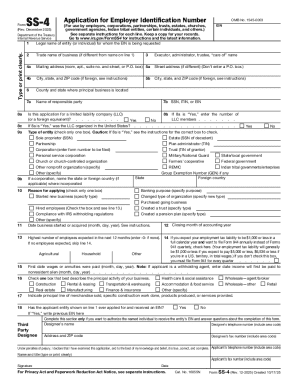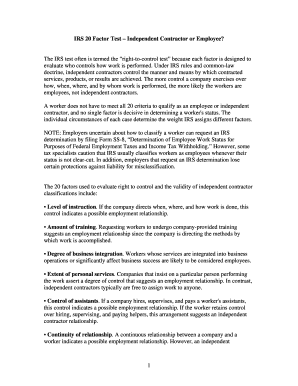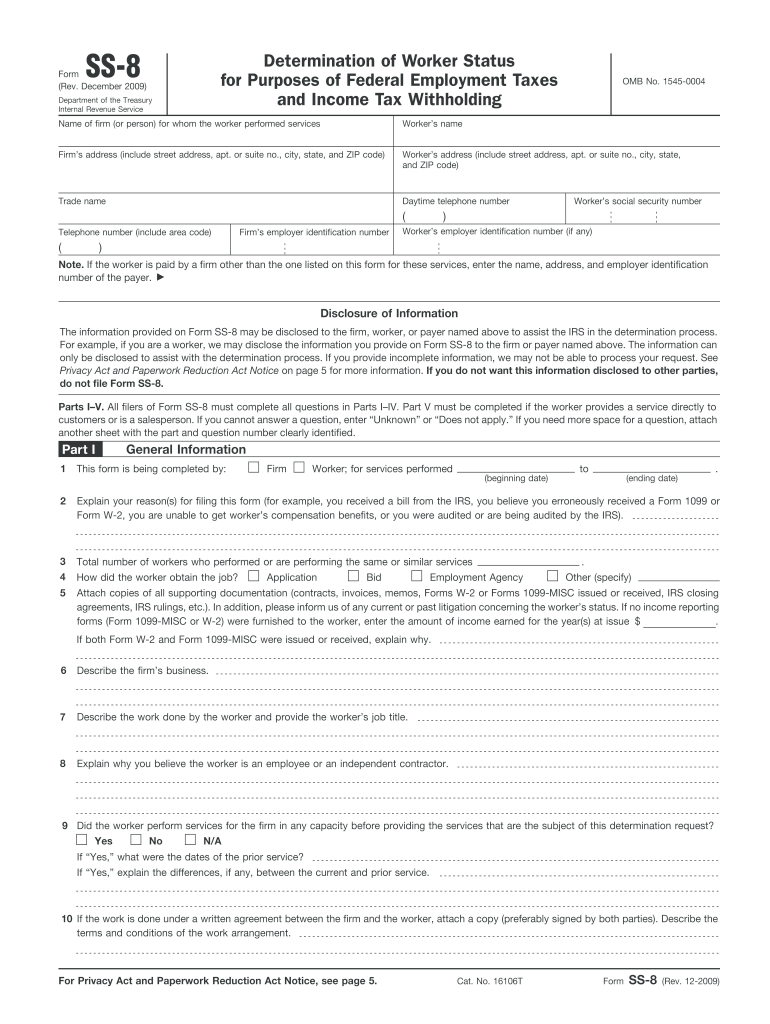
IRS SS-8 2009 free printable template



Get, Create, Make, and Sign IRS SS-8



FAQ about IRS SS-8
What should I do if I realize I've made a mistake on my 2009 ss 8 form after submitting it?
If you discover an error after filing your 2009 ss 8 form, you will need to submit a corrected form. Ensure you indicate that the submission is an amended return, and provide the correct information. It's critical to keep all relevant documentation and records of your original and corrected forms for your records.
How can I track the status of my submitted 2009 ss 8 form?
To verify the receipt and processing status of your 2009 ss 8 form, you can contact the relevant authority directly or use any available online tracking systems. Common e-file rejection codes can help identify issues; familiarize yourself with these to resolve any potential problems quickly.
Are e-signatures accepted when submitting the 2009 ss 8 form electronically?
Yes, e-signatures are generally accepted for electronic submissions of the 2009 ss 8 form, but it is essential to check the latest guidelines from the regulatory authority to ensure compliance. Retaining digital copies with secure storage is advisable for privacy and regulatory purposes.
What should I do if I receive a notice about the 2009 ss 8 form after submission?
Upon receiving a notice regarding your 2009 ss 8 form, read the correspondence carefully to understand the issue raised. Prepare any necessary documentation and, if required, respond promptly to clarify or rectify any concerns detailed in the notice.








How to Fill Out Small Business Tax Forms Online with pdfFiller
Struggling with your Schedule C or not sure how to file business taxes as a sole proprietor, LLC, or self-employed professional? This step-by-step pdfFiller tutorial walks you through completing IRS Schedule C quickly and accurately — no printing, no scanning, no stress. Whether you're handling small business tax deductions, tracking self-employed taxes, or preparing your full business tax return, pdfFiller makes it simple right in your browser.