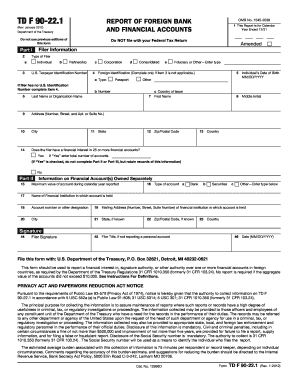
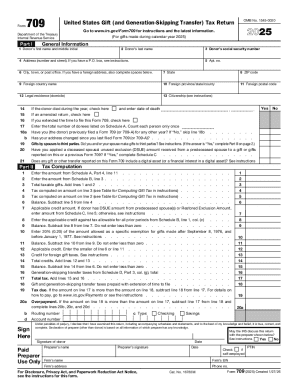
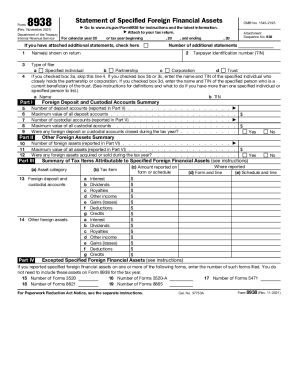
Form preview

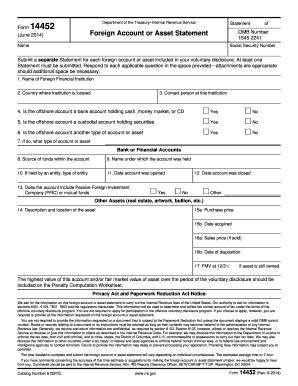
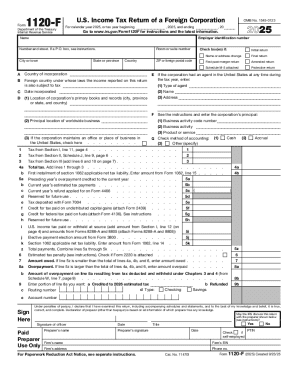
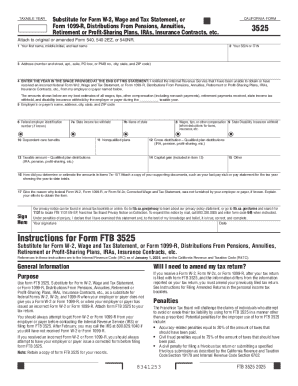
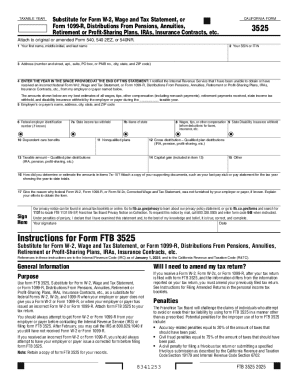
IRS 3520 2019 free printable template


Get Form
pdfFiller is not affiliated with IRS
Screenshot
Screenshot
Screenshot

Get, Create, Make, and Sign IRS 3520

Edit your IRS 3520 online
Type text, complete fillable fields, insert images, highlight or blackout data for discretion, add comments, and more.
Screenshot
Add your legally-binding signature
Draw or type your signature, upload a signature image, or capture it with your digital camera.
Screenshot
Share your form instantly
Email, fax, or share your IRS 3520 via URL. You can also download, print, or export forms to your preferred cloud storage service.
Screenshot

Instructions and Help about IRS 3520

How to edit IRS 3520

To edit IRS 3520, access the completed form in your chosen editing software, such as pdfFiller. Utilize the editing features to make necessary adjustments, ensuring all information remains accurate. After making changes, be sure to review the form before finalizing it for submission.

How to fill out IRS 3520

Fill out IRS 3520 by following a structured approach. Begin by gathering all required information, such as details on foreign trusts and distributions. Complete each section of the form methodically, ensuring clarity and accuracy. Once filled, verify all entries before submission.

About IRS 3 previous version

What is IRS 3520?

IRS 3520 is a tax form utilized by U.S. taxpayers to report certain transactions with foreign trusts, as well as the receipt of certain foreign gifts. This form is integral for compliance with U.S. tax laws when dealing with foreign assets.

Who needs the form?

Taxpayers who have engaged in transactions with foreign trusts or received gifts exceeding a specified threshold from foreign individuals are required to file IRS 3520. This includes individuals who are beneficiaries of foreign trusts or those who transfer property to a foreign trust.

Components of the form

IRS 3520 consists of several sections that capture detailed information about foreign trusts and transactions. Key components include the taxpayer’s identification information, details about the foreign trust, and specifics about any gifts received. Each section must be completed accurately to avoid penalties.

What information do you need when you file the form?

When filing IRS 3520, gather information such as your taxpayer identification number, details about the foreign trust, and any records related to gifts received. This may include the names and addresses of the trust or donors and the amounts involved.

Where do I send the form?

Send IRS 3520 to the address specified in the instructions on the form. Depending on your location and whether you are enclosing a payment, the submission address may vary, so always verify the correct address before mailing.

What is the purpose of this form?

The purpose of IRS 3520 is to ensure that taxpayers report foreign transactions accurately. It helps the IRS monitor and track property held in foreign trusts and the receipt of significant gifts from foreign entities to prevent tax evasion and ensure proper tax compliance.

When am I exempt from filling out this form?

You are exempt from filing IRS 3520 if you do not have any foreign trusts or have not received significant gifts from foreign individuals during the tax year. Additionally, certain low-value gifts and distributions may not require reporting.

What are the penalties for not issuing the form?

The penalties for failing to file IRS 3520 can be severe. Taxpayers may face penalties ranging from $10,000 to 35% of the unreported amounts, depending on the circumstances. Additionally, failing to report can result in increased scrutiny from the IRS and potential legal consequences.

Is the form accompanied by other forms?

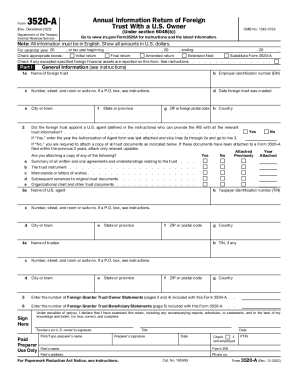
IRS 3520 may require accompanying documents depending on your specific situation. If applicable, you may need to file IRS Form 3520-A for foreign trusts with U.S. owners. These forms work together to provide the IRS with a complete picture of your foreign transactions.

FAQ about IRS 3520

If you've made a mistake on your IRS 3520 after submission, you can file an amended return. Use the same form and indicate the changes made in the appropriate sections. Ensure you attach a statement explaining the corrections to provide clarity to the IRS.

To verify the status of your IRS 3520, you can contact the IRS directly. They can provide information about receipt and processing times. Additionally, you should check for any correspondence from the IRS regarding your filing to confirm its status.

If you receive a notice from the IRS concerning your IRS 3520, review the notice carefully to understand the issue it addresses. Gather any required documentation and, if necessary, respond by the deadline provided in the notice to avoid further complications.

Common errors include incorrect taxpayer identification numbers, omission of required information, and failing to sign the form. Double-checking the form for accuracy and ensuring all necessary fields are completed can help avoid these pitfalls.

Yes, e-signatures are generally acceptable for filing the IRS 3520, but ensure that you follow any specific guidelines set by the IRS regarding the use of electronic signatures. Familiarize yourself with their requirements to ensure compliance.

See what our users say

Read user feedback and try pdfFiller to explore all its benefits for yourself
I really enjoy PDF filler. It is way more user friendly than Adobe Pro and it is so convenient for it to be a website that I can access from anywhere. Who ever created this is a genius!!!!!!!!!!!!
T Jones
Very easy to understand and fill out Very easy to understand and fill out
Matthew Marotta
See what our users say
Trust Seal
Trust Seal
Trust Seal
Trust Seal
Trust Seal
Trust Seal
Trust Seal
Trust Seal
Rate free form
4.3
satisfied
101 votes

How to Fill Out Small Business Tax Forms Online with pdfFiller

Struggling with your Schedule C or not sure how to file business taxes as a sole proprietor, LLC, or self-employed professional? This step-by-step pdfFiller tutorial walks you through completing IRS Schedule C quickly and accurately — no printing, no scanning, no stress. Whether you're handling small business tax deductions, tracking self-employed taxes, or preparing your full business tax return, pdfFiller makes it simple right in your browser.

If you believe that this page should be taken down, please follow our DMCA take down process here .
This form may include fields for payment information. Data entered in these fields is not covered by PCI DSS compliance.