
Last updated on
Nov 6, 2026
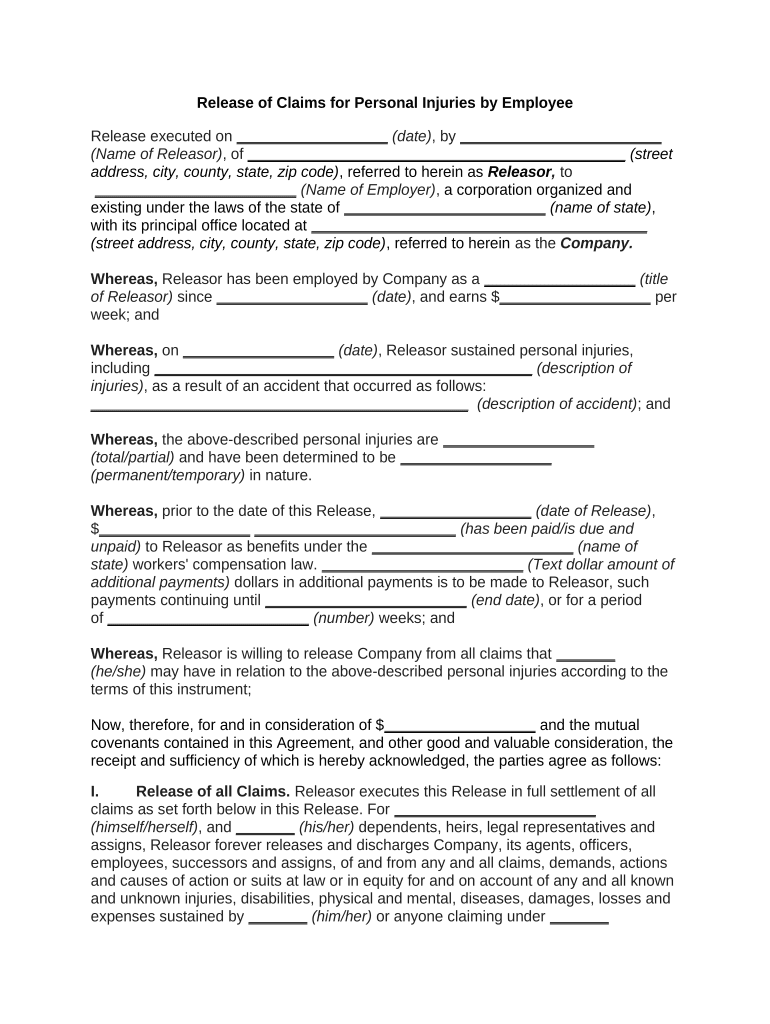
Get the free Release of Claims for Personal Injuries by Employee
We are not affiliated with any brand or entity on this form

Fill out
Complete the form online in a simple drag-and-drop editor.

eSign
Add your legally binding signature or send the form for signing.

Share
Share the form via a link, letting anyone fill it out from any device.

Export
Download, print, email, or move the form to your cloud storage.
Why pdfFiller is the best tool for your documents and forms


End-to-end document management
From editing and signing to collaboration and tracking, pdfFiller has everything you need to get your documents done quickly and efficiently.
Accessible from anywhere
pdfFiller is fully cloud-based. This means you can edit, sign, and share documents from anywhere using your computer, smartphone, or tablet.
Secure and compliant
pdfFiller lets you securely manage documents following global laws like ESIGN, CCPA, and GDPR. It's also HIPAA and SOC 2 compliant.
What is Employee Injury Release
The Release of Claims for Personal Injuries by Employee is a legal document used by employees to release their employer from liability for injuries sustained in a workplace accident.
pdfFiller scores top ratings on review platforms




The various ways you can get different forms and how easy it is to change the forms/files to fillable PDFs.
We've only used it twice but had good results. took a little to figure it out.
Just an easier GUI than any other I have used.... which is why i paid for Annual...
Needed to edit pdf & had a little difficulty figuring it out. All is good!
it was user friendly I don't often catch on to new programs but this was fairly easy
Easier to use than other PDF editor's…
Easier to use than other PDF editor's and reasonably priced
Who needs Employee Injury Release?
Explore how professionals across industries use pdfFiller.

Employee Injury Release is needed by:
-
Employees involved in workplace accidents.
-
Employers handling workers' compensation claims.
-
Legal professionals drafting injury release documents.
-
Human resources personnel managing employee injury cases.
-
Insurance companies processing claims related to workplace injuries.
Comprehensive Guide to Employee Injury Release
What is the Release of Claims for Personal Injuries by Employee?
The Release of Claims for Personal Injuries by Employee is a crucial legal document within the U.S. labor framework. Its primary purpose is to release an employer from liability for any personal injuries an employee sustains during workplace activities. By signing this form, the employee—known as the Releasor—consents to relinquish their right to hold the employer accountable for associated injuries.
It is mandatory for the Releasor to sign the form, thus formalizing the acknowledgment of the release. This document is integral in ensuring that all parties involved understand their rights and limitations, providing a structured approach to injury claims.
Purpose and Benefits of the Employee Injury Release Form
An employee may need to complete the Employee Injury Release Form for several compelling reasons after experiencing an injury. This form not only clarifies the parameters of compensation but also simplifies the process of claiming rightful benefits. By effectively utilizing the release form, employees can expedite their compensation process while ensuring they are protected legally.
Furthermore, the release form safeguards both the employee and employer, creating a clear framework within which claims can be managed without recurring liability issues.
Who Needs the Release of Claims for Personal Injuries by Employee?
This form is specifically designed for employees who have suffered injuries while performing their job duties. Situations that necessitate the completion of this form include slips, falls, or any other accidents occurring in the workplace. To be eligible for using this form, employees must demonstrate that they were injured while fulfilling their occupational responsibilities.
-
Employees with documented workplace injuries
-
Circumstances involving potential compensation claims
-
Those seeking legal protection post-injury
How to Fill Out the Employee Injury Release Form Online
Filling out the Employee Injury Release Form via pdfFiller is a straightforward process. Start by accessing the online platform and selecting the form. Follow these steps to ensure accuracy:
-
Provide detailed information about the accident, including date, time, and context.
-
Disclose specific injuries sustained and any medical treatment received.
-
Indicate the compensation you are attempting to claim.
Once completed, ensure that the form is submitted for approval by the workers' compensation board to validate its effectiveness.
Field-by-Field Instructions for Completing the Release of Claims
To uphold the integrity of your submission, follow these instructions for each fillable section of the release form:
-
Clearly input your full name and contact information in the designated fields.
-
Detail the nature of the injury and how it occurred.
-
Review each entry for accuracy to avoid common mistakes, such as missing signatures or incorrect dates.
Gather all necessary information before commencing, ensuring that all details reflect the actual circumstances of your case.
Submission Process for the Release of Claims for Personal Injuries
Submitting the completed form can be executed through various methods, primarily online or via mail. It's essential to check for any submission fees that may apply. Timely submission is critical, as it may influence the processing of your compensation claim.
Make note of deadlines associated with the submission and understand what expectations follow once your document is sent.
What Happens After You Submit the Form?
After submitting the form, you can expect standard processing within a specific timeframe. It is possible to track the status of your submission, providing peace of mind throughout the waiting period.
If corrections or amendments are necessary, procedures for making changes should be clearly understood beforehand to mitigate any potential delays.
Security and Compliance when Using the Release Form
When using pdfFiller's platform, you can rest assured that sensitive information is protected through stringent security measures, including 256-bit encryption. Compliance with regulations like HIPAA and GDPR further guarantees the confidentiality of your data.
This robust security framework allows users to comfortably manage their legal documents without fear of compromising personal information.
Real-Life Examples: Sample Completed Release of Claims for Personal Injuries
To assist users in navigating the release process, a sample of a filled-out form can serve as a valuable guide. This example highlights key sections and offers practical insights into how to complete each part effectively.
Variations may exist depending on individual circumstances, so familiarity with the form's structure is essential.
Get Started with pdfFiller for Your Release of Claims for Personal Injuries
Utilizing pdfFiller's tools for completing and submitting your release form enhances the overall experience. The platform’s features allow for seamless editing, signing, and sharing, ensuring you can handle legal documents effectively.
Experience a user-friendly interface while maintaining the security of your sensitive information as you move through the form-filling process.
How to fill out the Employee Injury Release
-
1.Access the form on pdfFiller by searching for ‘Release of Claims for Personal Injuries by Employee’ in the template library.
-
2.Once opened, navigate through the form using the interactive fields provided. Click on a field to start typing.
-
3.Before you begin, gather essential information such as the details of the accident, your name, address, and any compensation received.
-
4.Carefully fill in all required details about the accident and related injuries. Make sure to only provide accurate information.
-
5.Review the filled-out form for any errors or missing information before finalizing it. Use pdfFiller’s review tools to ensure compliance with necessary guidelines.
-
6.When satisfied, save your completed form. You can download it in your preferred format or submit it directly via pdfFiller’s submission options.

Who is eligible to use the Release of Claims for Personal Injuries by Employee?
This form is available for employees who have sustained personal injuries in workplace accidents and need to release their employer from liability.
Is there a deadline for submitting this form?
While specific deadlines may vary, it is advisable to submit the Release of Claims form promptly after the incident to ensure compliance with workers' compensation regulations.
How do I submit the completed form?
After completing the form in pdfFiller, you can either download it for mailing or use the built-in submission options to send directly to your employer or the insurance company.
What supporting documents do I need to provide?
It's often required to include any documentation related to the accident, such as medical records and compensation details, alongside the form to validate the claims made.
What are common mistakes to avoid when filling out this form?
Ensure that all necessary fields are completed fully, check for accuracy in the details provided, and make sure to sign the document where indicated to avoid processing delays.
How long does it take to process this form?
Processing times can vary, but typically employers or insurance companies may need several days to review the form and respond, depending on their internal procedures.
Do I need to notarize the Release of Claims form?
No, this particular form does not require notarization, but ensure you follow all other instructions for validity and acceptance.
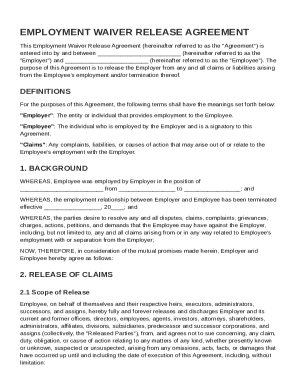
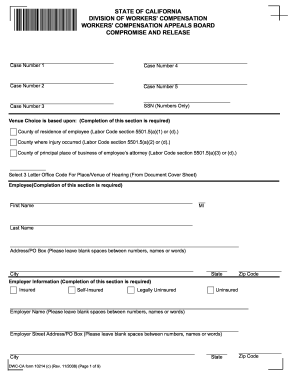
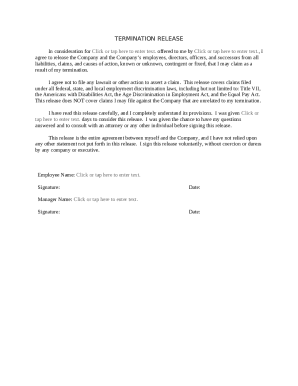
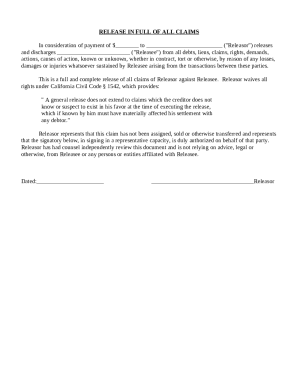
Related Forms



Related Catalogs
Get the latest insights from our blog



If you believe that this page should be taken down, please follow our DMCA take down process
here
.
This form may include fields for payment information. Data entered in these fields is not covered by PCI DSS compliance.