
Last updated on
Nov 7, 2026
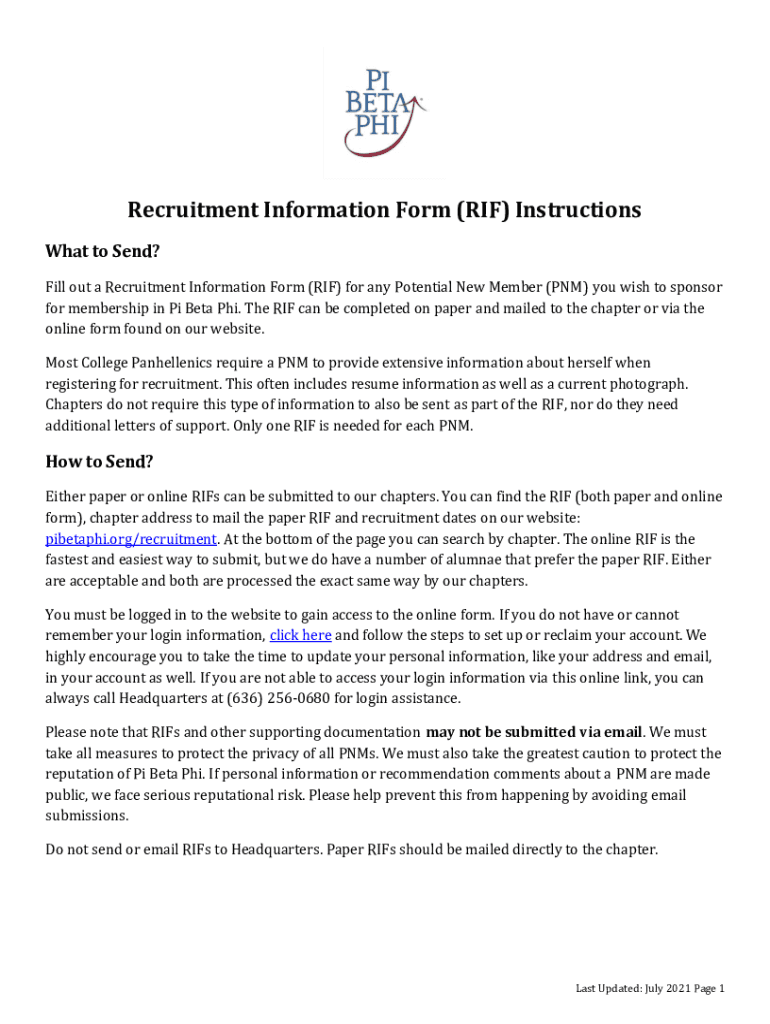
Pi Beta Phi Recruitment Information Form 2021-2026 free printable template
We are not affiliated with any brand or entity on this form

Fill out
Complete the form online in a simple drag-and-drop editor.

eSign
Add your legally binding signature or send the form for signing.

Share
Share the form via a link, letting anyone fill it out from any device.

Export
Download, print, email, or move the form to your cloud storage.
Why pdfFiller is the best tool for your documents and forms


End-to-end document management
From editing and signing to collaboration and tracking, pdfFiller has everything you need to get your documents done quickly and efficiently.
Accessible from anywhere
pdfFiller is fully cloud-based. This means you can edit, sign, and share documents from anywhere using your computer, smartphone, or tablet.
Secure and compliant
pdfFiller lets you securely manage documents following global laws like ESIGN, CCPA, and GDPR. It's also HIPAA and SOC 2 compliant.
What is Pi Beta Phi Recruitment Information Form
The Pi Beta Phi Recruitment Information Form is a document used by alumnae to recommend potential new members for membership in the sorority.
pdfFiller scores top ratings on review platforms




Who needs Pi Beta Phi Recruitment Information Form?
Explore how professionals across industries use pdfFiller.

Pi Beta Phi Recruitment Information Form is needed by:
-
Alumnae looking to submit recommendations for potential new members.
-
Prospective members needing a recommendation for sorority recruitment.
-
Colleges and universities involved in fraternity and sorority recruitment.
-
Sorority chapters requiring formal recommendations.
-
Individuals seeking to understand the recruitment process for Pi Beta Phi.
Comprehensive Guide to Pi Beta Phi Recruitment Information Form
Understanding the Pi Beta Phi Recruitment Information Form
The Recruitment Information Form (RIF) is a vital document used within the Pi Beta Phi sorority recruitment process. This form serves to recommend Potential New Members (PNMs) and is an essential tool for alumnae. By completing the RIF, alumnae help facilitate the recommendation process in line with both Pi Beta Phi and National Panhellenic Conference guidelines.
The significance of this form lies in its structured approach, aiding the recruitment committee in evaluating candidates effectively. It emphasizes the importance of alumnae contributions as they recommend outstanding PNMs for membership consideration.
Why Use the Pi Beta Phi Recruitment Information Form?
Completing the Recruitment Information Form provides numerous benefits, significantly enhancing the recruitment experience. First, it ensures a formal and organized recruitment process that allows chapters to assess candidates systematically.
Second, recommendations submitted through this form significantly impact the recruitment of PNMs, as they highlight the potential of each candidate. Additionally, using pdfFiller to submit the form enhances efficiency, offering ease of access and submission that makes the process straightforward and effective.
Who Needs the Pi Beta Phi Recruitment Information Form?
The target users of the Recruitment Information Form are primarily the alumnae of Pi Beta Phi. These individuals are responsible for submitting the RIF to recommend potential new members.
Potential New Members (PNMs) are typically women looking to join a sorority during their college years. It is also important to clarify the eligibility criteria for both alumnae wishing to submit the form and the PNMs being recommended for membership.
Essential Details Required on the Pi Beta Phi Recruitment Information Form
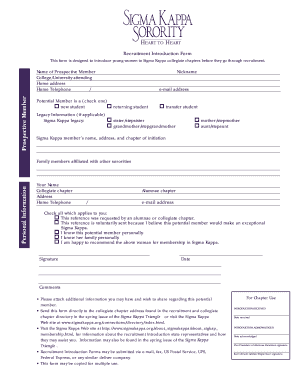
The Recruitment Information Form requires specific details to ensure a comprehensive recommendation. Key fields include:
-
Name of Potential Member
-
Home Address
-
College GPA
Accurate and complete information is critical in this process. Additionally, there may be optional fields which, if filled out, can enhance the quality of the recommendation provided.
Step-by-Step Guide on Filling Out the Pi Beta Phi Recruitment Information Form Online
Filling out the Recruitment Information Form using pdfFiller can be done efficiently by following these simple steps:
-
Access the form directly on pdfFiller.
-
Enter the required fields, ensuring accuracy in each entry.
-
Utilize features such as save, share, and edit to refine your submission before finalizing.
Field-by-field instructions enhance completion accuracy and help users navigate the form with confidence.
Submitting the Pi Beta Phi Recruitment Information Form: What You Need to Know
After completing the Recruitment Information Form, submitting it is straightforward. The form can be submitted online through pdfFiller, ensuring that it reaches the appropriate chapter effectively.
Once submitted, it is advised to wait for confirmation of receipt from the chapter. Timely filing is essential, particularly considering potential deadlines set by the sorority for recruitment processes.
Common Mistakes to Avoid When Completing the Pi Beta Phi Recruitment Information Form
To ensure a successful submission, it's important to be aware of common mistakes. Frequent errors include:
-
Incomplete sections of the form
-
Providing incorrect or outdated information
Validation checklists can serve as effective tools to double-check for accuracy before submission, helping avoid the consequences of improper filing.
Security and Privacy Considerations for Your Form Submission
Submitting sensitive information through the Recruitment Information Form raises important security considerations. pdfFiller implements robust security measures to protect user data, ensuring compliance with regulations like GDPR and HIPAA.
Users can feel reassured knowing that their information is safeguarded while using this platform for submission.
Experience the Convenience of Using pdfFiller for Your Pi Beta Phi Recruitment Information Form
Utilizing pdfFiller for the Pi Beta Phi Recruitment Information Form offers significant advantages. The platform enables users to easily edit, sign, and share their completed forms, enhancing the overall user experience.
User-friendly features streamline the form-filling process, encouraging individuals to engage with the platform for a seamless submission experience.
How to fill out the Pi Beta Phi Recruitment Information Form
-
1.To access the Pi Beta Phi Recruitment Information Form on pdfFiller, visit the pdfFiller website and use the search function to locate the form by its name.
-
2.After opening the form, familiarize yourself with its layout. You will see various fillable fields pertinent to the recommendation process.
-
3.Before you begin filling out the form, gather all necessary information about the potential member, including their name, home address, college, GPA, and any personal notes you wish to include.
-
4.Click on each field in the form to enter the required information. pdfFiller allows you to type directly into the fields, and you can use the tab key to navigate between them easily.
-
5.Pay special attention to the signature line. Ensure you have reviewed the form's content before signing it to confirm its accuracy.
-
6.Once you have completed all the required fields, take a moment to review the information entered to ensure everything is correct and complete.
-
7.After finalizing your responses, look for the options to save and download the completed form. pdfFiller provides options to save it to your account or download it directly to your device.
-
8.If needed, you can directly submit the form through pdfFiller, following the on-screen prompts which may direct you to email or submit it through another specified method.

Who can fill out the Pi Beta Phi Recruitment Information Form?
The form is designed to be filled out by alumnae of Pi Beta Phi who wish to recommend potential new members for membership in the sorority.
What information is required on the form?
The form requires details such as the potential member's name, home address, college, GPA, and personal notes from the alumna providing the recommendation.
Is there a deadline for submitting the form?
While specific deadlines may vary, it is essential to submit the form prior to the official recruitment process to ensure timely consideration of the potential new member’s application.
How can I submit the completed form?
You can submit the form either through pdfFiller directly or by downloading it and emailing it to the appropriate sorority contact as per the submission guidelines provided by your chapter.
Are there any common mistakes to avoid when filling out the form?
Common mistakes include incomplete fields, incorrect information about the potential member, and forgetting to sign the form where indicated. Always double-check before submission.
How long does it typically take to process the form?
Processing times can vary but expect a few days to a couple of weeks depending on the chapter's response time during the recruitment period.
Can I edit the form after submission?
Once you submit the form, you cannot make changes. If edits are necessary, it is best to contact the relevant chapter directly or submit a new form with the corrected information.
Pi Beta Phi Recruitment Information Form Form Versions
Related Forms
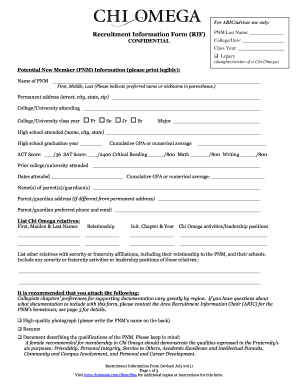
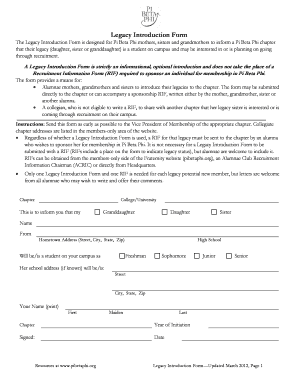
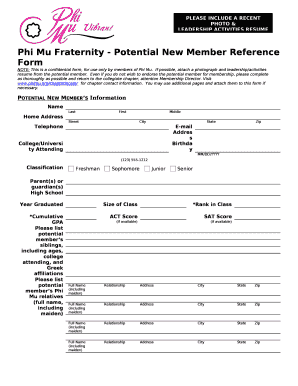


Get the latest insights from our blog


If you believe that this page should be taken down, please follow our DMCA take down process
here
.
This form may include fields for payment information. Data entered in these fields is not covered by PCI DSS compliance.