
Last updated on
Oct 31, 2026
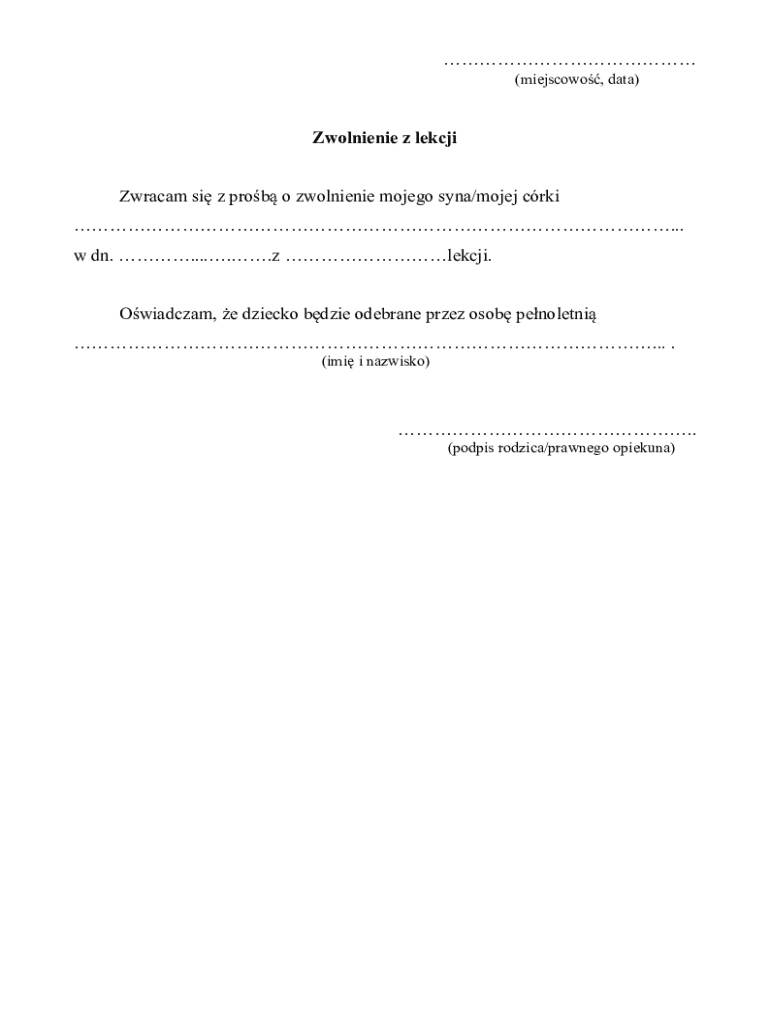
Get the free School Excuse Note
We are not affiliated with any brand or entity on this form

Fill out
Complete the form online in a simple drag-and-drop editor.

eSign
Add your legally binding signature or send the form for signing.

Share
Share the form via a link, letting anyone fill it out from any device.

Export
Download, print, email, or move the form to your cloud storage.
Why pdfFiller is the best tool for your documents and forms


End-to-end document management
From editing and signing to collaboration and tracking, pdfFiller has everything you need to get your documents done quickly and efficiently.
Accessible from anywhere
pdfFiller is fully cloud-based. This means you can edit, sign, and share documents from anywhere using your computer, smartphone, or tablet.
Secure and compliant
pdfFiller lets you securely manage documents following global laws like ESIGN, CCPA, and GDPR. It's also HIPAA and SOC 2 compliant.
What is Class Excuse
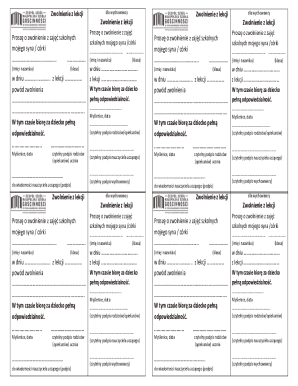
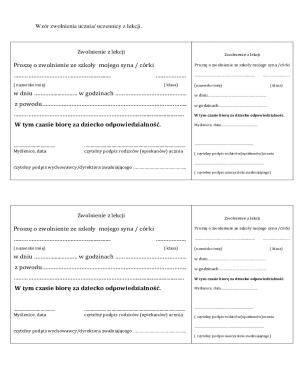
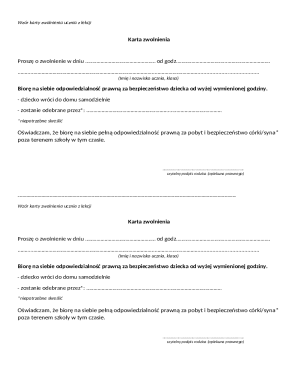
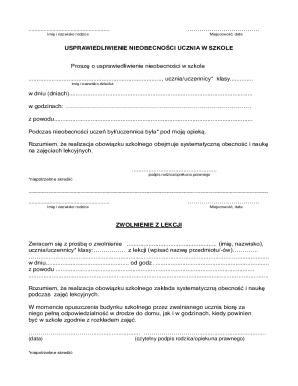
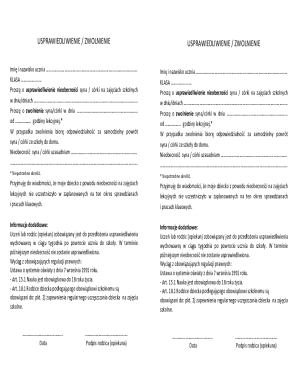
The School Excuse Note is a parental consent document used by parents or guardians to formally request permission for their child to be excused from school lessons.
pdfFiller scores top ratings on review platforms




Who needs Class Excuse?
Explore how professionals across industries use pdfFiller.

Class Excuse is needed by:
-
Parents or guardians seeking to excuse their child from school.
-
School administrators requiring documented parental consent.
-
Teachers needing to verify absences for students.
-
Childcare providers needing to confirm approved leave.
-
Legal guardians managing education-related documentation.
Comprehensive Guide to Class Excuse
What is a School Excuse Note?
A School Excuse Note is a formal document that serves the purpose of requesting permission for a child to be excused from school. Typically used by parents or guardians, this note provides essential information to the school regarding a child's absence. Having a valid excuse is crucial for maintaining accurate attendance records and ensuring compliance with school policies.
Purpose and Benefits of the School Excuse Note
The School Excuse Note is essential for fostering a safe and effective learning environment. It benefits both parents and educators by verifying the legitimacy of a child's absence. Additionally, this note supports clear communication between the school and parents, facilitating adherence to school policies and ensuring child safety.
Key Features of the School Excuse Note
Key features and requirements of the School Excuse Note include:
-
Child's name
-
Date of absence
-
Lesson subject being missed
-
Parent/guardian signature
These elements ensure that all necessary information is communicated. Variations in requirements may exist depending on different educational settings.
Who Needs the School Excuse Note?
The primary audience for the School Excuse Note includes parents or guardians of schoolchildren. This document is typically required in scenarios such as medical appointments or family emergencies. Certain situations, like planned school events, may exempt parents from needing to submit this note.
How to Fill Out the School Excuse Note Online (Step-by-Step)
Filling out the School Excuse Note can be straightforward. Follow these steps:
-
Fill in the child's name.
-
Select the date of absence.
-
Indicate the subject of the lesson missed.
-
Add the parent/guardian's signature.
Be sure to check for accuracy and legibility to prevent any misunderstandings with school authorities.
Common Errors to Avoid When Using the School Excuse Note
When filling out the School Excuse Note, users often encounter mistakes such as incomplete information or illegible handwriting. To avoid these pitfalls:
-
Double-check all fields before submission.
-
Ensure clarity in your handwriting or use digital forms.
Complete and accurate information is vital for the note to be accepted by school officials.
How to Submit the School Excuse Note
Various submission methods are available for the School Excuse Note, including:
-
In-person submission at the school office
-
Online submission via the school's designated portal
Be mindful of deadlines and specific requirements regarding submissions, such as whom to submit the form to, including school offices or individual teachers.
Securely Managing Your School Excuse Note
When handling school forms, security and data protection are paramount. pdfFiller ensures the safety of sensitive information during the filling and submission process by adhering to regulations such as GDPR and HIPAA.
Using pdfFiller to Create Your School Excuse Note
pdfFiller is a user-friendly solution for filling out School Excuse Notes, providing capabilities such as editing, eSigning, and secure document management. Users are encouraged to leverage this platform for convenience and ease of use.
Experience Seamless Document Management Today
Experience the benefits of a cloud-based solution that simplifies document management tasks, including School Excuse Notes. Explore how pdfFiller can enhance your approach to handling important school documents.
How to fill out the Class Excuse
-
1.To access the School Excuse Note form, visit the pdfFiller website and use the search function to locate the document.
-
2.Open the form by clicking on it to load the interactive editing interface provided by pdfFiller.
-
3.Before filling out the form, gather all necessary information including your child's full name, the date of absence, and details of the lesson they will miss.
-
4.Once the necessary information is at hand, start with filling in your child's name in the designated field to ensure proper identification.
-
5.Next, enter the date of the intended absence clearly in the format required by the form to prevent confusion.
-
6.Proceed to specify the subject or lesson your child will miss, ensuring that the information is accurate to maintain clarity.
-
7.After inputting the relevant details, find the signature section and digitally sign the document to authenticate your request.
-
8.Review all filled fields to confirm the accuracy of the entered information and to ensure no critical details were overlooked.
-
9.Once satisfied with the completed form, save your changes by clicking the save option within the pdfFiller interface.
-
10.You can then download the form to your device or submit it directly to the school through the provided submission options.

Who should fill out the School Excuse Note?
The School Excuse Note should be filled out by a parent or guardian who is responsible for the child and can sign on their behalf.
Is there a deadline for submitting the School Excuse Note?
While specific deadlines may vary by school, it is advisable to submit the excuse note as soon as possible, ideally before the absence occurs, to ensure approval.
How can I submit the School Excuse Note once completed?
You can submit the completed School Excuse Note either by delivering a printed copy to your child's school or by using electronic submission methods available through pdfFiller.
What information do I need to provide on the form?
You will need to provide your child's full name, the date of absence, the subject of the lesson, and a signature confirming your consent.
Are there any common mistakes to avoid when filling out the form?
Common mistakes include incorrect spelling of names, omitting signatures, and failing to provide the full date of absence. Double-check all fields before submitting.
Can I edit the School Excuse Note after saving?
Yes, pdfFiller allows you to edit the School Excuse Note anytime after saving it. Simply revisit the document within your pdfFiller account.
Where can I find support if I have issues with the form?
For support with the School Excuse Note or questions about the process, you can contact your child's school or visit the help section on pdfFiller.
Related Forms


Get the latest insights from our blog


If you believe that this page should be taken down, please follow our DMCA take down process
here
.
This form may include fields for payment information. Data entered in these fields is not covered by PCI DSS compliance.