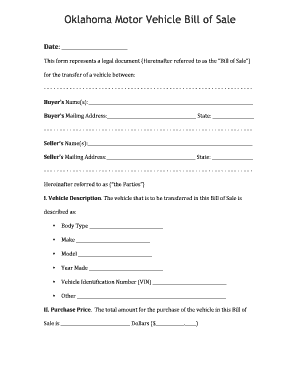
Bill Of Sale Form - Page 3
Get eSignatures done in a snap

Prepare, sign, send, and manage documents from a single cloud-based solution.

What is a Bill of sale?

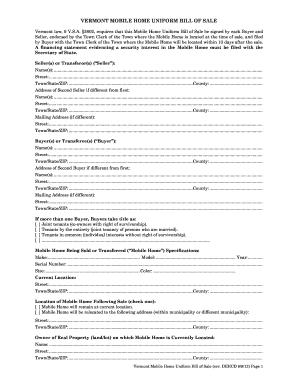
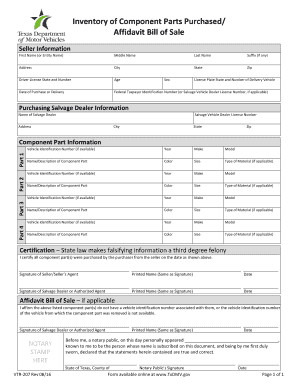
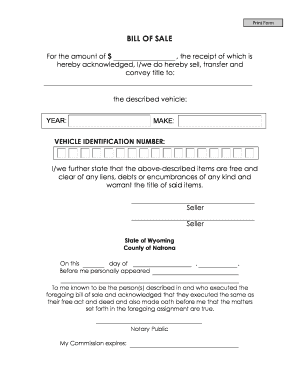
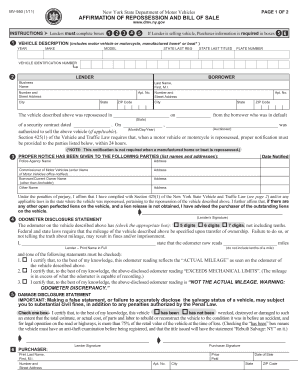
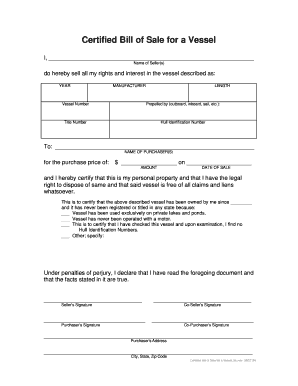
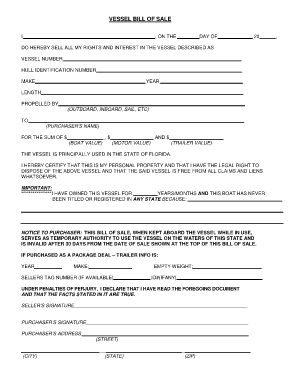
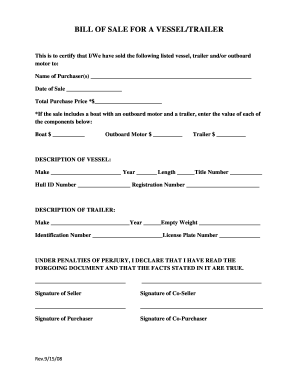
Every time you sell or present your property to a person or business entity, all the parties of this transaction sign a Bill of Sale form. This special document certifies that the transfer of property rights to the new owner has occurred. There are different kinds of Bills of Sale depending on the object of the transaction and sale as well as the state where the transaction takes place. Every state in the US has a specific documents to certify the title transfer. The Car Bill of Sale is the most common agreement. Usually the seller of a car fills out this form. It is an important certification of the transaction and benefits for both the buyer and the seller of the vehicle. The new owner should keep in mind that the Bill of Sale template is not the only document required for the title transfer.

What is Bill of Sale Used For?

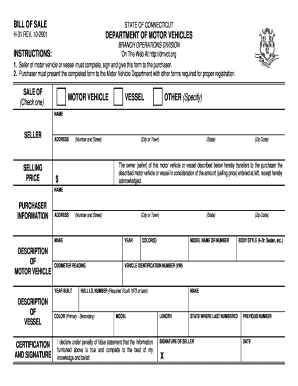
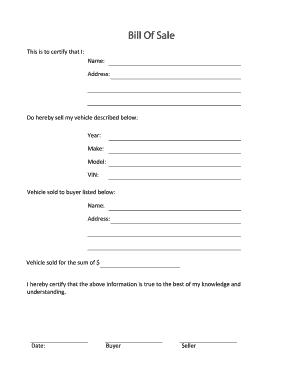
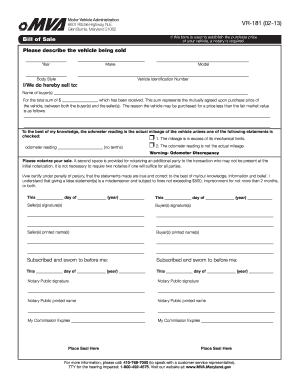
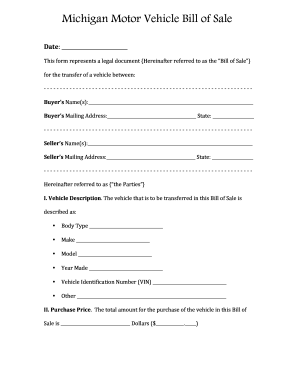
The Bill of Sale contract is a document certifying the vehicle’s purchase and sales agreement. The automobile bill of sale sample contains information about the date of the transaction, detailed information about the car (make, model, year, odometer reading, vehicle identification number), its price and the contact information of the seller and the buyer. The contract also contains information about the method of payment: cash or money transfer. The buyer must remember that this agreement is not proof of a completed transaction. For confirmation of ownership rights, you must complete a title transfer. Vehicle history report may also be needed to clarify the car conditions. If the buyer has any doubts concerning the vehicle (make year, motor details, previous owners, etc.) they have to ask for a history report before the title transaction and examine it carefully. That will help them make the right decision. Usually these two documents accompany the Bill of Sale form. The certification has no expiration date, and it can be filled out when there is a need.

How to write a Bill of Sale

The Car Bill of Sale contains little information, yet it’s very important. It will take you up to ten minutes to fill it out.

Completing the fillable and printable auto bill of sale is very easy even though there are quite a few fields to fill out. The preparer (usually the seller of the car) has to provide information about the buyer and the seller. This includes personal information: name, address, place of work, phone number and email. The document also must contain details of deal: price of the car, date of purchase, other essential information that should be taken into account by the parties. The seller has to add the details about the car. It is very important for the buyer and they have to pay attention to these clauses. The seller and the buyer sign the document and date it.

Both parties keep a copy of the agreement. In case any disputes arise, this document serves as a legal agreement between the parties. That’s why it is important to complete the Bill of Sale according all these rules.

Video Tutorial How to Fill Out Bill Of Sale Form

Thousands of positive reviews can’t be wrong

Read more or give pdfFiller a try to experience the benefits for yourself
5.0
Easy to use & Quick My business is all about paperwork.
Easy to use & Quick My business is all about paperwork. Everything is time sensitive and I could not get things done without PDFfiller. I use it daily. The ease of use is so important to me. I don't have time to learn difficult programs. Easy to upload docs from anywhere, rearrange pages, make corrections, save as PDF and save or email. You can name your files and go back to them when needed. The dashboard is easy to navigate. I have used this software for years and they are always improving and adding new features. I have had trouble uploading an occasional document but customer service fixed the issue each time. Sometimes my document is too large which is frustrating, they have a size limit. Also, a document with signatures from another software company (e-sign) sometimes don't come thru.
Maureen C.
5.0
This product is fantastic!
This product is fantastic! It is an easier way to scan in documents that need information changed often. We have made them templates. It allows us to change already printed documents and keep the professional look. It is an easier way to share templates with others on the team. The ease of use and the price. The software is almost intuitive, so that almost anyone can use it without spending a lot of time. It has all the functions that get the job done. The printing of documents requires having adobe for us. We have found that printing straight from the website, often does not print in full size. We have to save as PDF and then print. You can make it work, but it takes longer.
Dena H.
5.0
Amazing value!
Amazing value! I just purchased a subscription to PDFFiller due to being unhappy with a recent upgrade to Adobe's Document Cloud, and I'm absolutely thrilled with it so far, although I have been having some minor challenges. I suspect this is just part of the learning curve, but twice I contacted the online chat support and I am happy to say I was working with actual humans who were clearly native English speakers - a huge time saver when there isn't a language barrier! The challenges pertain to sharing documents. I was not signed up for the E-Sign upgrade, and shouldn't need to be in order to obtain client signatures, as far as I can tell. However, I don't mind signing up for E-Sign, and because the price is very reasonable, I went ahead and upgraded. I'm not certain what level of security is necessary for my line of work, and there are numerous choices available. Also, I had a problem when asking for phone number authentication, something that apparently can't be used when a document is emailed vs. sending a link. I'm still learning, but this is easily the most user-friendly .pdf system that allows for client signatures AND .pdf creations and edits, all while retaining security measures. The ease of editing .pdf files and forms. Challenges with sending files for signature and security options.
Kathy B.

Questions & answers

1.020 Bill of Sale (CVC §1652) A bill of sale must accurately establish the chain of ownership and is: Not required to be notarized or witnessed. Not required for sales between California-licensed dealers. Not required for dealer sales to a retail purchaser when the title is properly endorsed.
A California motor vehicle bill of sale form is used when a vehicle (or vessel) is purchased to report the sales price, identify the buyer and seller, and provide evidence that the transaction took place. A bill of sale is essential in documenting the transfer of ownership and is required in all private sales.
California doesn't publish an official horse bill of sale. Buyers and sellers are free to draft their own. The only requirement, other than buyer and seller signature, is that the bill of sale includes the purchase price.
To take over ownership of a vehicle, you will need: If the seller is not the owner whose name is on the title, you will need a Bill of Sale signed by both the seller and the person whose name appears on the title. A record of the odometer mileage (if the vehicle is less than 10 years old).
California doesn't publish an official horse bill of sale. Buyers and sellers are free to draft their own. The only requirement, other than buyer and seller signature, is that the bill of sale includes the purchase price.
In the state of California, it is required that you have a completed bill of sale before you register the vehicle. So you'll need to bring a copy of your car's bill of sale to the DMV when you go. You will also need to have your bill of sale in order to have the title of the car transferred.