
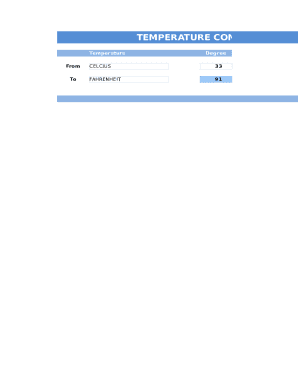
What is Excel Tools?

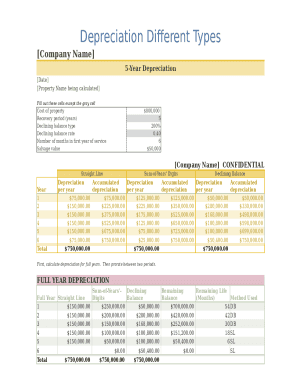
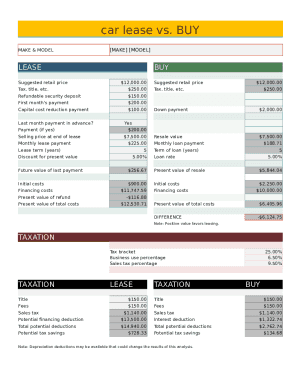
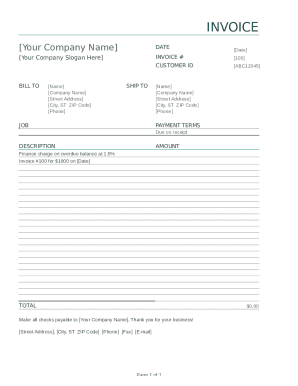
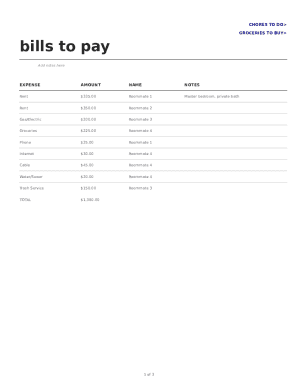
Excel Tools refer to a set of features and functions within Microsoft Excel software that assist users in performing tasks such as data analysis, calculations, formatting, and more. These tools are designed to enhance the user's experience and efficiency when working with spreadsheets.

What are the types of Excel Tools?

There are various types of Excel Tools available to users, each serving a specific purpose. Some common types of Excel Tools include:

Formulas and Functions
PivotTables
Charts and Graphs
Conditional Formatting
Data Validation

How to complete Excel Tools

Completing Excel Tools involves using these features effectively to achieve desired results. Here are some steps to help you make the most out of Excel Tools:

01
Familiarize yourself with the different tools available in Excel.
02
Practice using formulas and functions to perform calculations.
03
Utilize PivotTables to summarize and analyze data effectively.
04
Create visually appealing charts and graphs to represent data.
05
Apply conditional formatting to highlight important information.
06
Use data validation to ensure accurate data entry.

pdfFiller empowers users to create, edit, and share documents online. Offering unlimited fillable templates and powerful editing tools, pdfFiller is the only PDF editor users need to get their documents done.

Thousands of positive reviews can’t be wrong

Read more or give pdfFiller a try to experience the benefits for yourself
4.0
Sometimes difficult to get into PDF.
Sometimes difficult to get into PDF. Also confused about 941 form not being approved for January 2019.
Elmer G S
5.0
Very easy to navigate and it makes work so much easier.
Very easy to navigate and it makes work so much easier. No more papers getting lost, everything is digital.
Cynthia D.
5.0
I love the Link to Fill service and the ability to edit a PDF without paying the...
I love the Link to Fill service and the ability to edit a PDF without paying the super high cost of Adobe DC. Priced just right!
Cymbree C.