Learning Excel

What is Learning Excel?
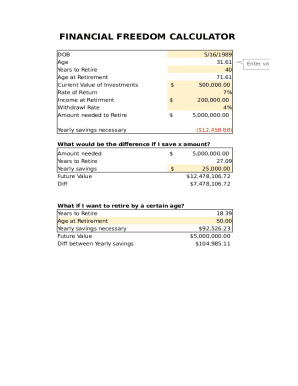
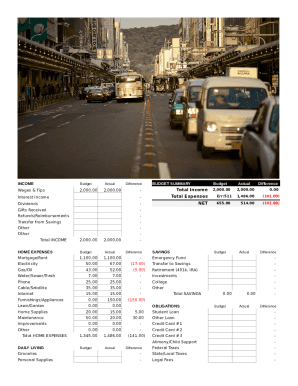
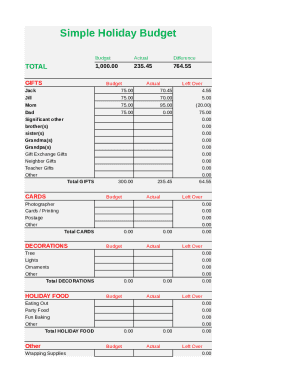
Learning Excel is the process of mastering the various functions and capabilities of Microsoft Excel, a powerful tool used for data analysis, reporting, and organizing information. Excel allows users to create spreadsheets, perform calculations, and visualize data in charts and graphs.
What are the types of Learning Excel?
There are several types of Learning Excel, including:
Basic Excel skills such as navigating the interface and entering data
Intermediate Excel skills like using formulas, functions, and creating tables
Advanced Excel skills such as data analysis, pivot tables, and automation
How to complete Learning Excel
To successfully complete Learning Excel, follow these steps:
01
Begin by familiarizing yourself with the basic features of Excel
02
Practice using formulas and functions to perform calculations
03
Explore advanced features like pivot tables and data visualization
04
Utilize online resources and tutorials to enhance your skills
pdfFiller empowers users to create, edit, and share documents online. Offering unlimited fillable templates and powerful editing tools, pdfFiller is the only PDF editor users need to get their documents done.
Thousands of positive reviews can’t be wrong
Read more or give pdfFiller a try to experience the benefits for yourself