Job Placement Information Form Templates

Get eSignatures done in a snap

Prepare, sign, send, and manage documents from a single cloud-based solution.

What are Job Placement Information Form Templates?

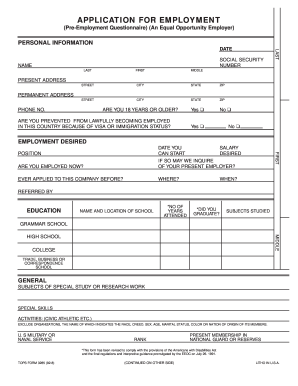
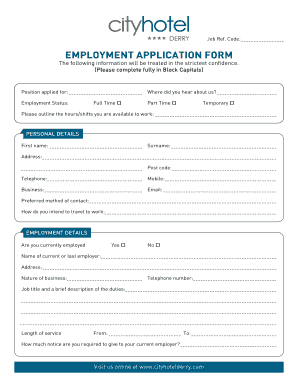
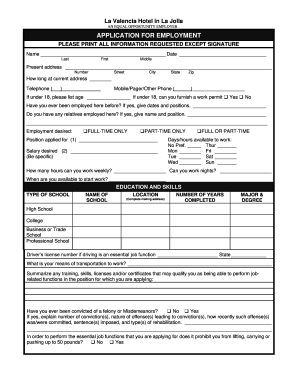
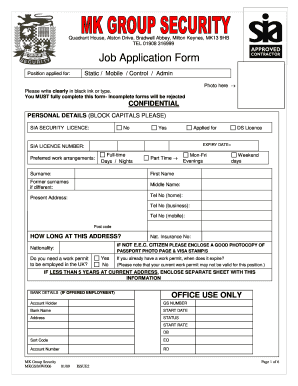
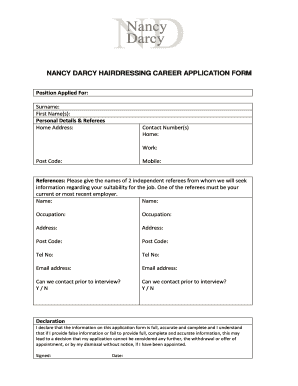
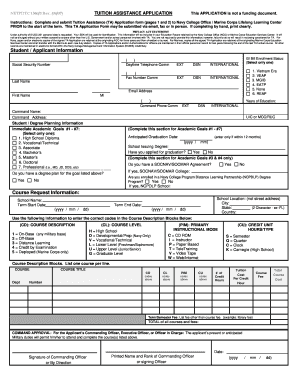
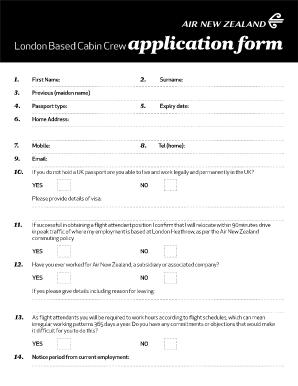
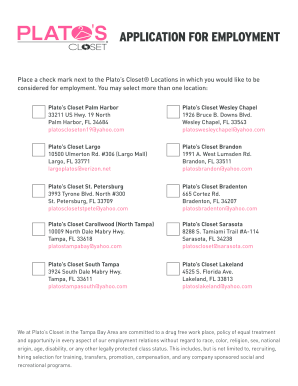
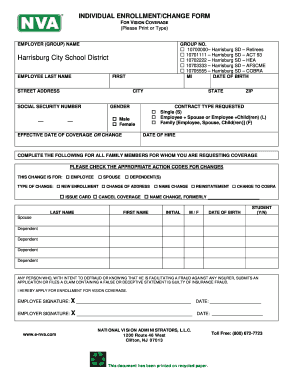
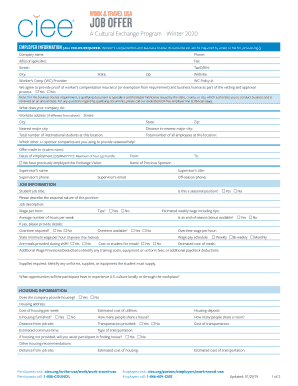
Job Placement Information Form Templates are standardized documents used by companies and organizations to collect specific information from job seekers. These templates help streamline the hiring process and ensure that all necessary details are gathered efficiently.

What are the types of Job Placement Information Form Templates?

There are several types of Job Placement Information Form Templates tailored to different industries and positions. Some common types include:
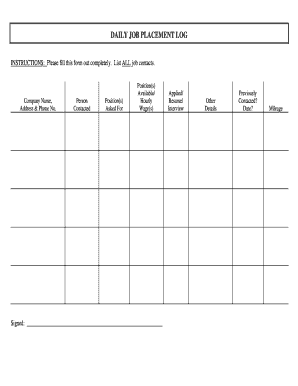
General Job Application Form Template
Resume Submission Form Template
Employment Background Check Form Template
Skills Assessment Form Template
Interview Availability Form Template

How to complete Job Placement Information Form Templates
Completing Job Placement Information Form Templates is a straightforward process that can be broken down into a few simple steps. Here's how you can effectively fill out these forms:
01
Gather all necessary information before starting the form.
02
Carefully read through each question and provide accurate and detailed responses.
03
Double-check your answers for any errors or missing information before submitting.
04
Submit the completed form through the designated method specified by the employer.
05
Utilize online platforms like pdfFiller to easily create, edit, and share these documents securely.

pdfFiller empowers users to create, edit, and share documents online. Offering unlimited fillable templates and powerful editing tools, pdfFiller is the only PDF editor users need to get their documents done.

Video Tutorial How to Fill Out Job Placement Information Form Templates
Thousands of positive reviews can’t be wrong

Read more or give pdfFiller a try to experience the benefits for yourself
5.0
The program is easy to use and super convenient.
What do you like best? The program is easy to use and super convenient. Your documents are always with you on the server PDFIller provides. What do you dislike? Getting in touch with a person in customer service is impossible and emails to cust. serv. have not been answered. I originally signed up as a single user; but then as my needs expanded at my office, I added and paid for three more users. For a while everything worked without issue, but then the other three users could not log-in and the different prompts in my dashboard were saying the subscriptions were active and to this day my office staff works through my sole account which can knock someone off in the middle of something. What problems are you solving with the product? What benefits have you realized? The fax benefit is awesome. I use the program with my insurance agency. It is way more user friendly than Adobe and you don't need a separate service to send a client a form to sign.
Troy Walton
5.0
I have tried many signing apps and software and this one is by far the best in t...
What do you like best? I have tried many signing apps and software and this one is by far the best in terms of ease, flexibility and speedy workflow. What do you dislike? Maybe it is just something I am not figuring out...but the orange box prompts on some documents get more in the way sometimes than help. Recommendations to others considering the product: Keep up the good work! What problems are you solving with the product? What benefits have you realized? Signing of all contracts, invoices, and P&Ls. I love the ease of storing documents I most commonly use to transmit has and easy to clients with a simply date update.
Christopher Emerson
5.0
As an attorney, I am always filling out forms and also filing documents online t...
What do you like best? As an attorney, I am always filling out forms and also filing documents online that need my signature. PDFfiller does all of these things with ease. It is an invaluable tool to me. What do you dislike? Stop changing the format. I love the way it is. Each time you make changes it slows me down as I have to learn a new way to operate. What problems are you solving with the product? What benefits have you realized? Forms are easily filled out. I can make corrections to old forms and add to text anywhere on any document.
Anne Singer
5.0
Ability to edit then fax.
What do you like best? Ability to edit then fax. Simple to find documents that I have scanned to PDF format. What do you dislike? Could have a better fax cover sheet, it should be more graphic. Recommendations to others considering the product: Just do it. Will save you time. What problems are you solving with the product? What benefits have you realized? Saves time
Patrick McCarthy

Questions & answers

An employee information form is an important human resources (HR) document that every new employee must complete and maintain It contains important personal information about each employee, such as their Social Security number, spouse's contact details and details about employment, including their position, department,
What is an employee information form? An employee information form contains key information on employees that is used to keep a record of who worked for the company, their duration of employment, and in what role. It can also be used as an emergency contact information form in the event of any serious workplace injury.
0:00 1:45 How to create an online application form - YouTube YouTube Start of suggested clip End of suggested clip In this video we will create an internship. Application form so we are selecting the relatedMoreIn this video we will create an internship. Application form so we are selecting the related template. Now all you have to do is add your questions or edit the existing. Ones.
How to structure an effective job application form Name of applicant. Contact information (phone and email) Education. Work experience. Professional references (optional) Availability (e.g., weekends, night shift) Applicant's signature and date.
Employers use job application forms to gather information from prospective employees. The questions on these forms typically introduce candidates, share their contact information and detail their work history.
0:16 1:27 How to Fill out a Job Application - YouTube YouTube Start of suggested clip End of suggested clip Application. Make sure that your printing is neat and legible. Step 2 communicate your education andMoreApplication. Make sure that your printing is neat and legible. Step 2 communicate your education and work history accurately. Being sure to explain any gaps.