Spa Consent Form Templates - Page 3

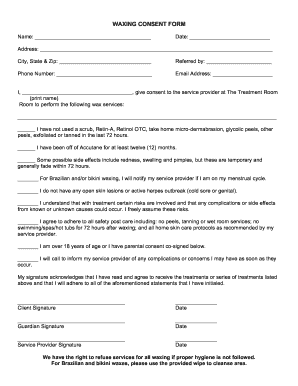
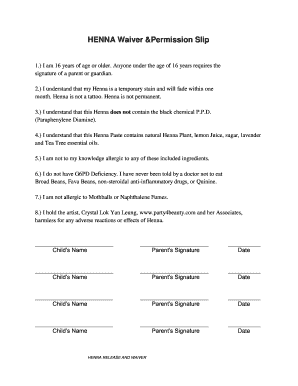
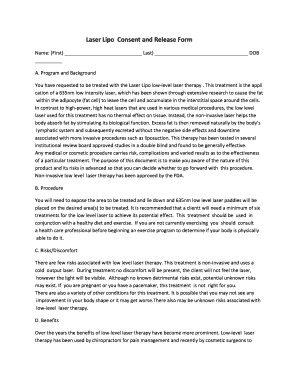
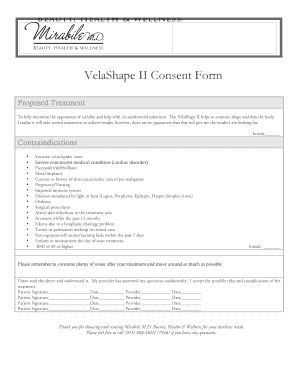
What are Spa Consent Form Templates?
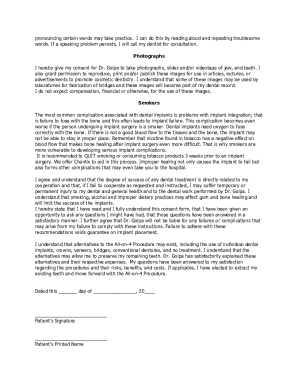
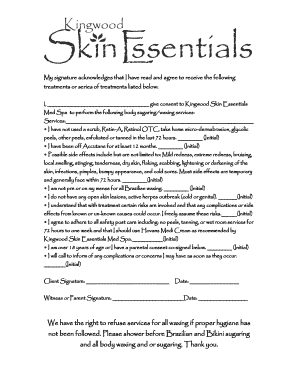
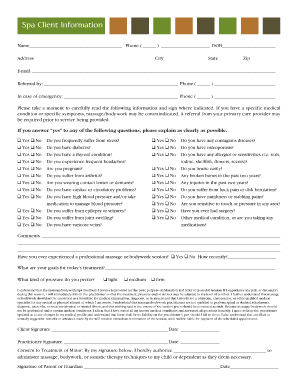
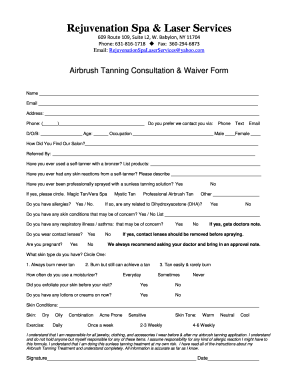
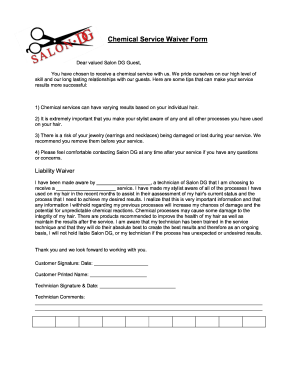
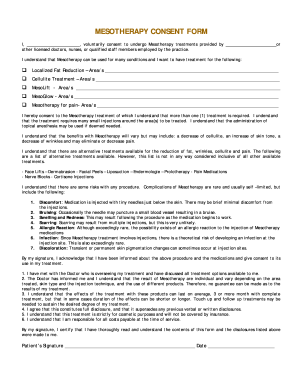
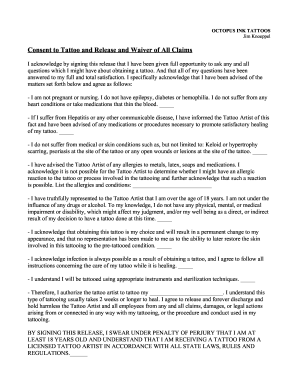
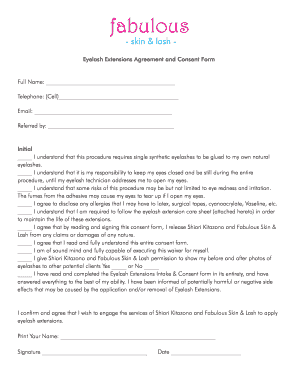
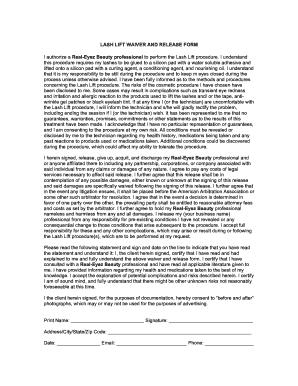
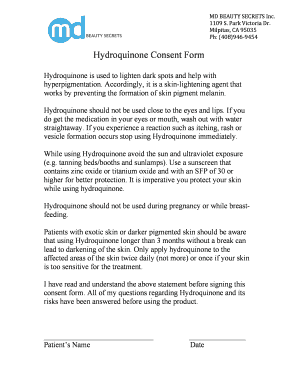
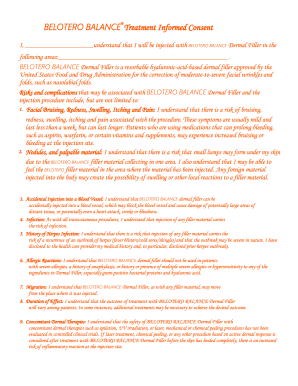
Spa Consent Form Templates are pre-designed forms that spas use to obtain consent from their clients before performing certain treatments or services. These forms outline the risks, benefits, and potential side effects of the treatment, as well as any necessary disclosures or waivers that the client needs to acknowledge.
What are the types of Spa Consent Form Templates?
There are several types of Spa Consent Form Templates that spas commonly use, including:
Massage Therapy Consent Form
Facial Treatment Consent Form
Waxing Consent Form
Chemical Peel Consent Form
Body Wrap Consent Form
How to complete Spa Consent Form Templates
Completing Spa Consent Form Templates is a simple process that involves the following steps:
01
Fill in your personal information, including name, address, and contact details
02
Read through the treatment details and risks outlined in the form
03
Check any boxes or provide signatures where required to indicate your consent
04
Date the form to confirm your agreement
05
Keep a copy of the completed form for your records
pdfFiller empowers users to create, edit, and share documents online. Offering unlimited fillable templates and powerful editing tools, pdfFiller is the only PDF editor users need to get their documents done.
Video Tutorial How to Fill Out Spa Consent Form Templates
Thousands of positive reviews can’t be wrong
Read more or give pdfFiller a try to experience the benefits for yourself
Questions & answers
What are the 4 components of a consent form?
There are 4 components of informed consent including decision capacity, documentation of consent, disclosure, and competency. Doctors will give you information about a particular treatment or test in order for you to decide whether or not you wish to undergo a treatment or test.
How do I create a consent form in Word?
0:37 2:59 Creating a Consent Form - YouTube YouTube Start of suggested clip End of suggested clip I'm going to use this pre-existing Word document as a basis for my consent. Form. So I will justMoreI'm going to use this pre-existing Word document as a basis for my consent. Form. So I will just copy the content from here and paste it into intake queue. I'll just make a few adjustments. Here.
What is a typical consent form?
The consent form must identify the subject's alternatives to participation in the protocol and should offer a discussion of their relative advantages and disadvantages. It is usually not necessary to provide a full account of the risks and benefits of alternative treatments in the research consent form.
How do you write a good consent form?
The informed consent documentation should be friendly, straightforward, and conversational. Ideally, the adult informed consent documents should be written at or below an 8th grade reading level, with a readability score of more than 50 (the higher the score, the easier your document is to read).
What is SPA consent?
A Spa Consent Form is used to capture consent from the client who wishes to avail of the service of the Spa Salon. Before the procedure, a signed consent form is needed from the client so that both parties are legally protected.
What is consent form example?
I understand that my participation is voluntary and that I am free to withdraw at any time, without giving a reason and without cost. I understand that I will be given a copy of this consent form. I voluntarily agree to take part in this study.