





Expense Claim Form Templates - Page 2
Get eSignatures done in a snap

Prepare, sign, send, and manage documents from a single cloud-based solution.

What are Expense Claim Form Templates?

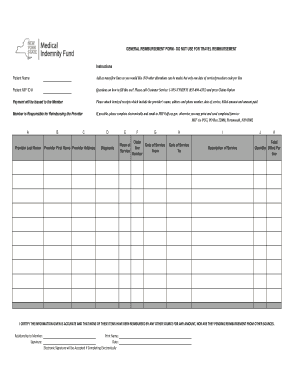
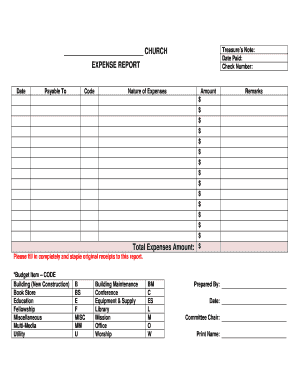
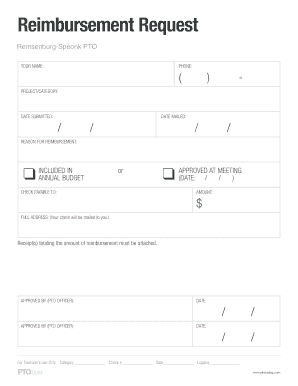
Expense Claim Form Templates are pre-designed documents that enable users to easily record and submit expenses incurred during business activities. These templates streamline the process of reporting expenses, ensuring accuracy and efficiency.

What are the types of Expense Claim Form Templates?

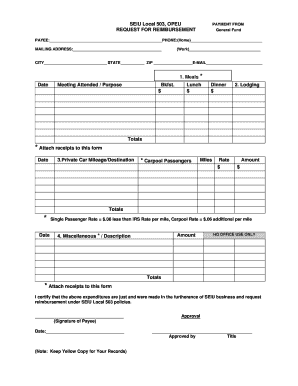
There are several types of Expense Claim Form Templates available, including: 1. Basic Expense Claim Form Templates 2. Mileage Expense Claim Form Templates 3. Meal Expense Claim Form Templates 4. Travel Expense Claim Form Templates Each type is tailored to specific expense categories, making it easier for users to track and report their expenditures.

Basic Expense Claim Form Templates
Mileage Expense Claim Form Templates
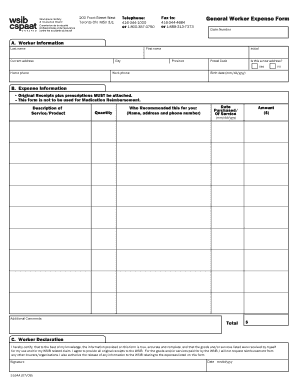
Meal Expense Claim Form Templates
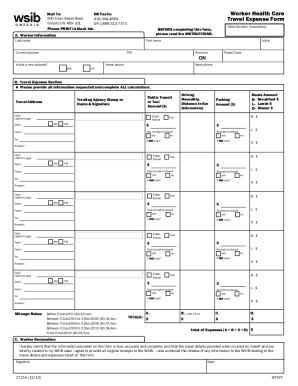
Travel Expense Claim Form Templates

How to complete Expense Claim Form Templates

Completing Expense Claim Form Templates is simple and straightforward. Here are some steps to follow:

01
Gather all receipts and documentation related to your expenses.
02
Fill in the required fields on the Expense Claim Form Template, including date, description, and amount.
03
Double-check the information entered for accuracy and completeness.
04
Submit the completed form to the designated approver for review and processing.

pdfFiller empowers users to create, edit, and share documents online. Offering unlimited fillable templates and powerful editing tools, pdfFiller is the only PDF editor users need to get their documents done.

Video Tutorial How to Fill Out Expense Claim Form Templates

Thousands of positive reviews can’t be wrong

Read more or give pdfFiller a try to experience the benefits for yourself
5.0
Like it very much.
Like it very much. Makes me feel good that I have an all in one program for all my needs such as email, fax, and signature on line for doc's.
anonymous F.
4.0
Already dropped this in a previous.
Already dropped this in a previous… Already dropped this in a previous feedback form. Great product!
alexander oweka
5.0
Easy to use Easy to use, perfectly works when you need to sign or fill out the p...
Easy to use Easy to use, perfectly works when you need to sign or fill out the pdf, word contracts. great product!
Richard Apolo
5.0
Great Customer service Great Customer service.
Great Customer service Great Customer service. I didn't need the subscription and thought I had cancelled but it turns out I was charged. I contacted them about it and received an immediate response and was refunded the money.
Virginia Blum

Questions & answers

5 Steps to make an Expense Reimbursement Form: Step 1: Note Employees' Details. This includes the name, designation, address, date of purchase or travel, etc. Step 2: Record The Expenses. Step 3: Draft the Declaration. Step 4: Note Down the Payment Method. Step 5: Mention the Documents to be Attached.
Later - often at the end of the month - the employee completes an expense claim form. This should include the date, time, location, reason for spending, and the receipt or sales invoice. Their manager receives the expense report and approves (or denies) the transaction.
Expense claims are submitted by employees to claim back costs that they have personally paid for in relation to their work on behalf of their employer. Claims might be for fuel, food expenses, other travel expenses like train or taxi fares, or for flights.
Claims might be for fuel, food expenses, other travel expenses like train or taxi fares, or for flights. A traditional expense report is usually made up of multiple expense claims which are submitted for approval.
A Reimbursement Form acts as a report of expenses incurred. The Reimbursement Form will include a description of each expense, the amount of the transaction, and the date the expense was incurred.
Instructions: Enter company and employee information. Enter department name (if applicable). Specify expense period. Indicate the date when the expense was incurred. Enter description of each expense along with its category type, e.g., lodging, meal, transport, entertainment, etc. Enter amount paid for each expense.