





Medical Online Result - Page 3

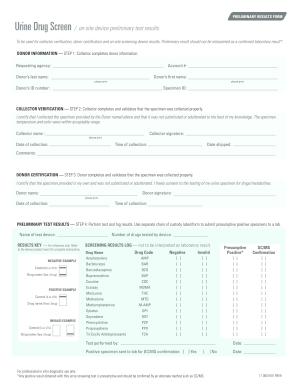
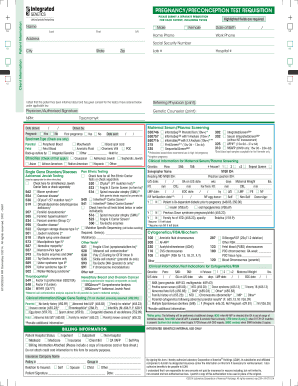

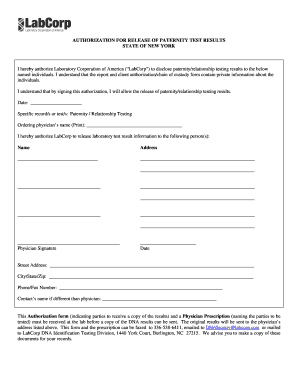
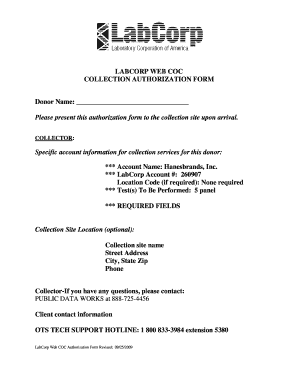

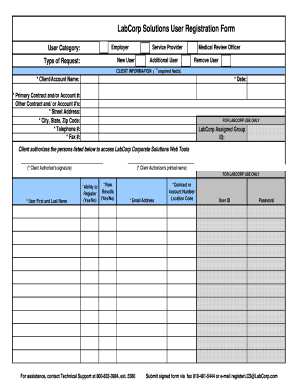

What is Medical online result?
Medical online result is a digital report or record of a patient's medical test findings and diagnostic results. It is accessed online through secure portals provided by healthcare providers for patients to review their medical information remotely.
What are the types of Medical online result?
There are several types of Medical online results including:
Lab test results
Imaging reports (X-rays, MRIs, CT scans)
Pathology reports
Prescription histories
Physician notes
How to complete Medical online result
To complete Medical online results, follow these steps:
01
Log in to the secure patient portal provided by your healthcare provider
02
Navigate to the section that contains your medical online result
03
Review the report carefully to understand the findings and recommendations
04
Download or print a copy for your records if needed
05
Consult with your healthcare provider if you have any questions or concerns
pdfFiller empowers users to create, edit, and share documents online. Offering unlimited fillable templates and powerful editing tools, pdfFiller is the only PDF editor users need to get their documents done.
Video Tutorial How to Fill Out
Thousands of positive reviews can’t be wrong
Read more or give pdfFiller a try to experience the benefits for yourself
Questions & answers
How do I submit my Medi-Cal online?
Online Log in to your account. Click on the “Upload Eligibility Documents” link located on the right, below “Actions Needed” in the Household Summary page. Click “Upload Document” under the household member after the information for the proof they need to submit.
How do I fill out Medi-Cal form?
How to Fill Out the Medi-Cal. Choice Form. Lines 1 through 7. 2 Head of. 4 5 Home Address. 6 Telephone Number. Household. Print your Home. Write your home area. Print your full name Address including the code and telephone (First and Last Name). ... E-mail Address. City and Zip Code. Write your E-mail. address. CHOOSING A HEALTH PLAN.
Can I check my Medi-Cal online?
Where Can I Access My Medi-Cal Member Services? You can access your member services online through your plan's website and the Covered California website. Each service manages different aspects of your coverage. Also, your local county office will take care of specific parts of your Medi-Cal membership.
How do I check the status of my Medi-Cal application?
Call Medi-Cal Directly You can also check on your Medi-Cal status by calling the Medi-Cal hotline at (800) 541-5555. If you're outside of California, call (916) 636-1980.
How can I access my medical records?
How to Request Your Medical Records. Most practices or facilities will ask you to fill out a form to request your medical records. This request form can usually be collected at the office or delivered by fax, postal service, or email. If the office doesn't have a form, you can write a letter to make your request.
Where do I send my medical examiner certificate in California?
Medical Certificate Renewal Mail to: Department of Motor Vehicles. ... Other Contact Information: California Department of Motor Vehicles website: http://www.dmv.ca.gov/ Other Info (California Only):
What is check in medical examination report?
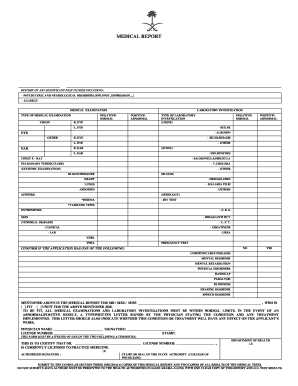
A Medical Examination Report Form is a document required to complete by an individual in order to qualify for a new job or maintain their current job. ... It also has a section that asks about the medical condition and medical history of the patient.
How do I send my DOT medical card in Texas?
Any driver with an updated certificate can submit it to DPS via email at CDLMedCert@dps.texas.gov or by fax at (512) 424-2002.
How can I check my medical exam result in Kuwait?
Procedures Visit the Office of Medical Reports and Commissions in the hospital administration concerned and submit the required documents. Fill the service application form. Receive the report at the specified date in person.
How can I check my medical report online in India?
How Can I check Gamca medical status online? Open google and search for Gamca or Gcchmc. Click on the official website of Gamca which is – https://v2.gcchmc.org. At the menu bar click on check candidate status. Enter your passport number and nationality and click on generate.
How do I make a fake doctor report?
How can I make medical certificate? Name and address of the patient. Name and address of the doctor/ medical practitioner. The exact period of leave/time off that is medically justifiable. Nature/ degree of incapacitation/ injury/ illness. Date of medical diagnosis and the date of issue of the certificate.