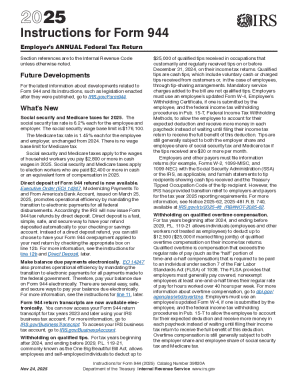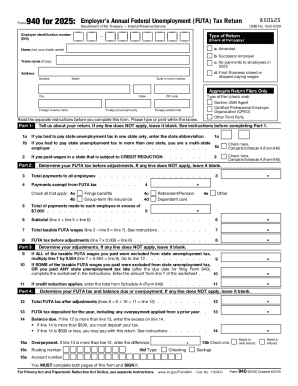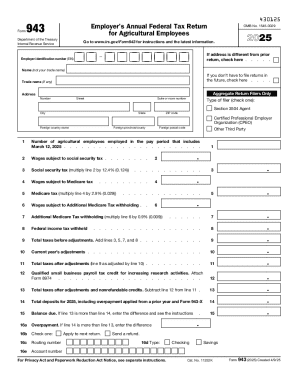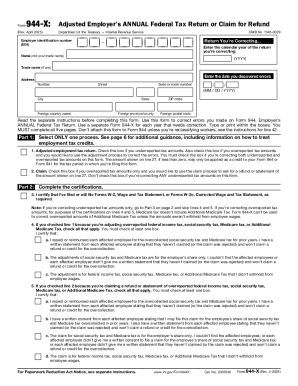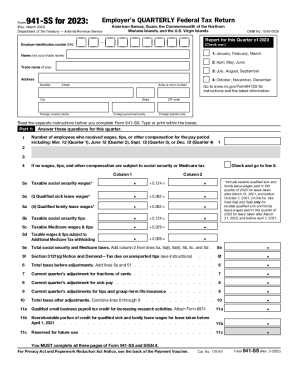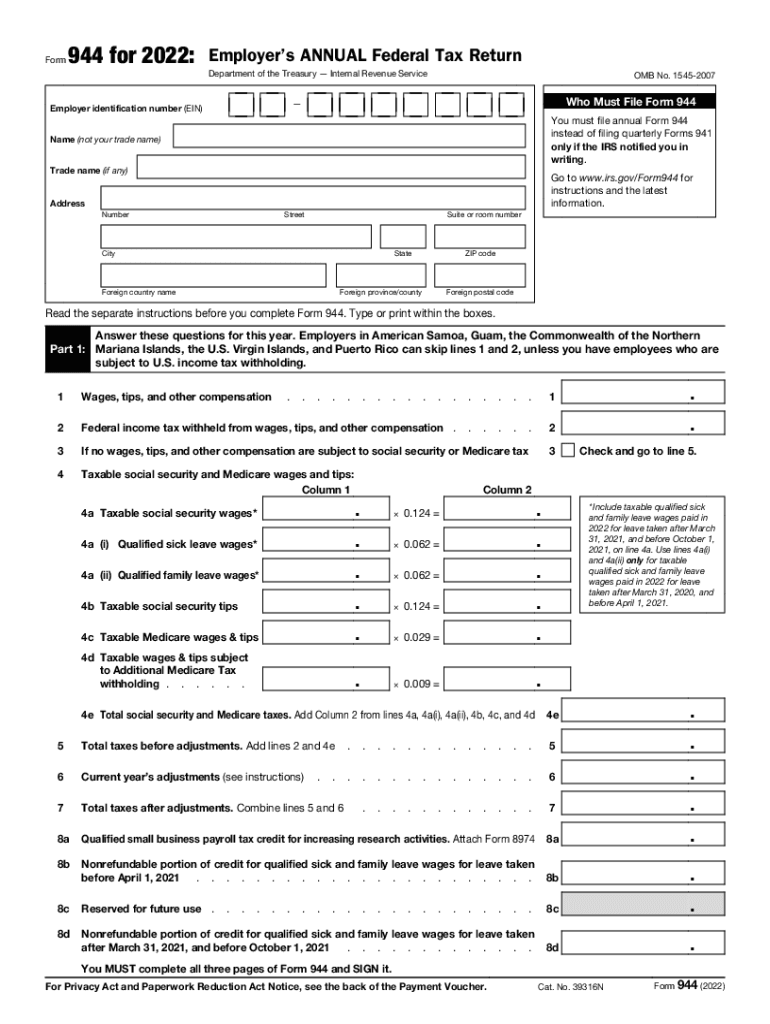
Form preview

IRS 944 2022 free printable template


Get Form
pdfFiller is not affiliated with IRS
Screenshot
Screenshot
Screenshot

Get, Create, Make, and Sign IRS 944

Edit your IRS 944 online
Type text, complete fillable fields, insert images, highlight or blackout data for discretion, add comments, and more.
Screenshot
Add your legally-binding signature
Draw or type your signature, upload a signature image, or capture it with your digital camera.
Screenshot
Share your form instantly
Email, fax, or share your IRS 944 via URL. You can also download, print, or export forms to your preferred cloud storage service.
Screenshot

Instructions and Help about IRS 944

How to edit IRS 944

To edit the IRS 944 form, obtain the most recent version from the IRS website or use a service like pdfFiller to easily modify the form digitally. Focus on ensuring all fields are accurately filled out and that any corrections are clearly marked. Save your edits to maintain an electronic record.

How to fill out IRS 944

Filling out the IRS 944 involves following these steps:
01
Download the IRS 944 form from the IRS website or use pdfFiller for online access.
02
Provide your business name, address, and Employer Identification Number (EIN) in the appropriate boxes.
03
Enter the payroll information reflecting your employees' wages and withheld taxes.
04
Complete any necessary calculations for total tax liability.
05
Review all entries for accuracy before submission.

About IRS previous version

What is IRS 944?

IRS 944 is the "Employer's Annual Federal Tax Return," designed for small employers to report their annual payroll tax liability. This form allows qualifying employers to submit taxes once a year rather than quarterly, which simplifies tax compliance for businesses that owe less than $1,000 in payroll taxes annually.

When am I exempt from filling out this form?

You are exempt from filing IRS 944 if your total payroll tax liability for the year exceeds $1,000. In such cases, you should use Form 941 to report quarterly payroll taxes instead. Furthermore, if your business ceases operations during the year or has no employees, you are not required to file this form.

What are the penalties for not issuing the form?

Failing to file IRS 944 may result in significant penalties. The IRS can impose fines for late filing, which generally start at $50 per month for each month the return is late, up to a maximum of 25% of the total tax due. Interest will also accrue on unpaid taxes, adding to your overall liability.

Is the form accompanied by other forms?

Typically, IRS 944 is filed independently; however, if you made adjustments or corrections in your payroll throughout the year, you may need to include certain schedules or forms related to those adjustments, such as Form 941-X for corrections. Check IRS guidelines for any additional requirements.

What is the purpose of this form?

The primary purpose of IRS 944 is to enable small businesses to report withheld income taxes, social security taxes, and Medicare taxes for their employees. By consolidating this reporting into an annual return, businesses can streamline their payroll tax compliance.

Who needs the form?

Employers whose total tax liability for the year is $1,000 or less are required to file IRS 944. Additionally, the IRS may instruct certain employers to file this form instead of the quarterly Form 941, depending on their specific tax situation.

Components of the form

IRS 944 consists of several parts, including a section to report wages paid, taxes withheld, and any adjustments to prior tax periods. Relevant information includes details on prior payments, taxes due, and employee wages. The accuracy of this information is crucial, as it directly affects your tax calculations.

What information do you need when you file the form?

When preparing to file IRS 944, gather the following information:
01
Your Employer Identification Number (EIN).
02
Total wages paid to employees for the year.
03
Amount of federal income tax withheld from employees.
04
Social Security and Medicare tax amounts withheld.
05
Records of any adjustments made throughout the year.

Where do I send the form?

The IRS 944 form must be mailed to the address specified in the filing instructions provided by the IRS for your state. You can find this information on the IRS website depending on your location and whether you are enclosing payment.

FAQ about IRS 944

If you realize a mistake has been made after filing your IRS 944, you can submit a corrected form. You will need to prepare IRS Form 944-X, which allows you to amend the original submission. Ensure to follow the IRS guidelines for making corrections to avoid any delays in processing.

To verify the status of your IRS 944, you can use the IRS online tools or contact their helpline for assistance. Keep your confirmation number available if you e-filed, as it will help expedite the lookup process and provide clarity on whether your form has been processed.

If you receive a rejection notice for your IRS 944, carefully review the rejection code provided. Common reasons include mismatched information or missing details. Correct the errors based on the rejection reason, and then resubmit your claim accurately to ensure it is processed without further issues.

Yes, electronic signatures are acceptable for IRS 944 filings. Ensure your e-signature complies with IRS requirements, which typically include a personal identification number (PIN) for security purposes. This allows for streamlined filing while adhering to necessary authentication procedures.

If you receive an IRS notice regarding your IRS 944, read the letter carefully to understand the issue raised. Gather any necessary documentation and respond by the deadline stated in the notice. Ensure your response addresses the specific inquiries, providing clear and concise information to facilitate resolution.

See what our users say

Read user feedback and try pdfFiller to explore all its benefits for yourself
App is to use for my duty! App is to use for my duty! Thanks a lot!
pronetrich
Very fast and excellent support Very fast and excellent support
José María Rodríguez
See what our users say
Trust Seal
Trust Seal
Trust Seal
Trust Seal
Trust Seal
Trust Seal
Trust Seal
Trust Seal
Rate free form
4.9
satisfied
44 votes

How to Fill Out Small Business Tax Forms Online with pdfFiller

Struggling with your Schedule C or not sure how to file business taxes as a sole proprietor, LLC, or self-employed professional? This step-by-step pdfFiller tutorial walks you through completing IRS Schedule C quickly and accurately — no printing, no scanning, no stress. Whether you're handling small business tax deductions, tracking self-employed taxes, or preparing your full business tax return, pdfFiller makes it simple right in your browser.

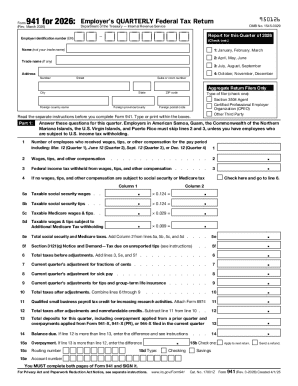
Related Forms

If you believe that this page should be taken down, please follow our DMCA take down process here .
This form may include fields for payment information. Data entered in these fields is not covered by PCI DSS compliance.