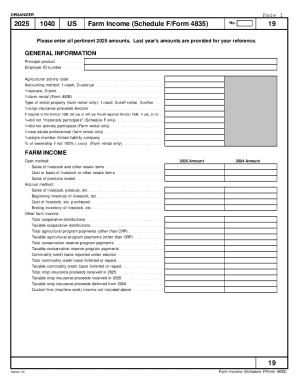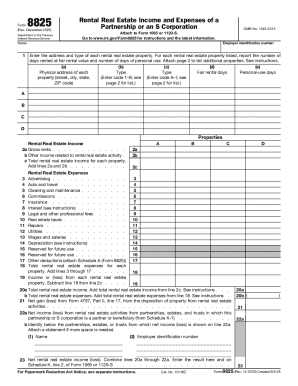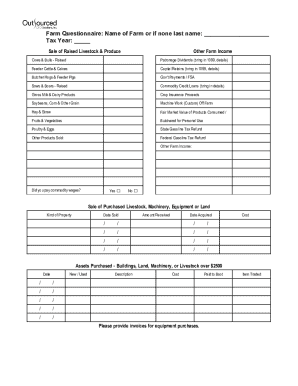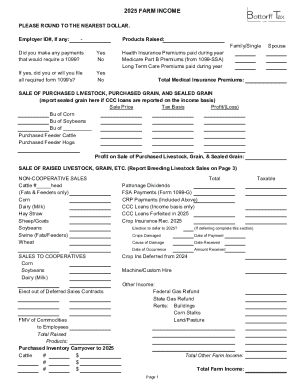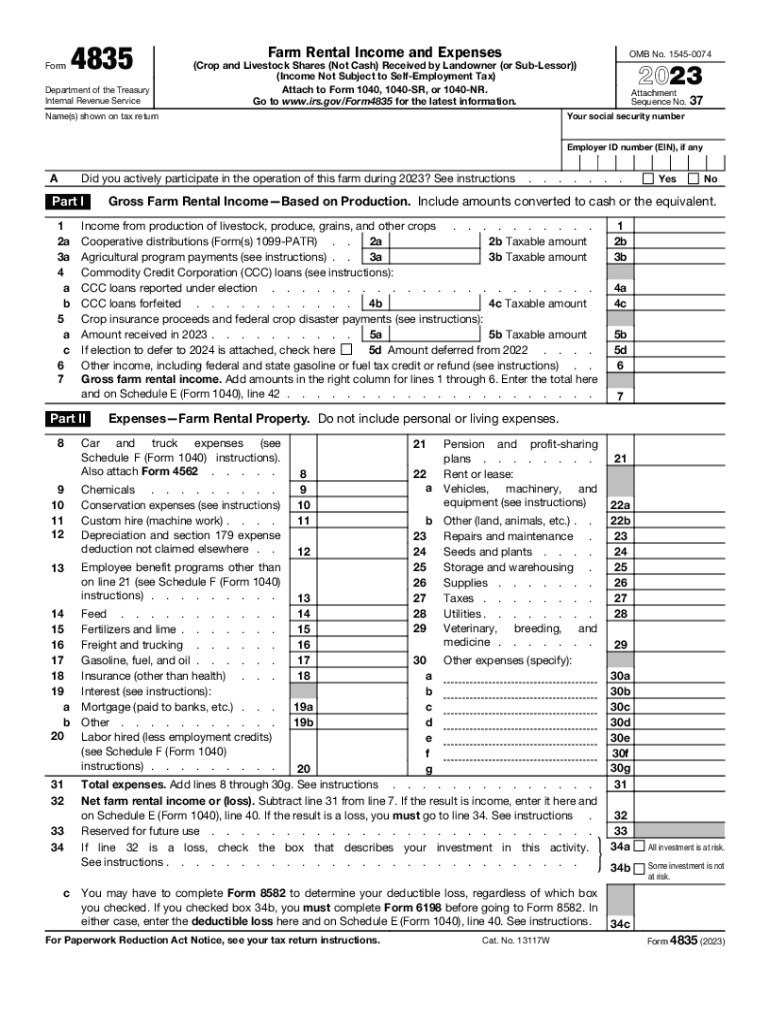
IRS 4835 2023 free printable template



Get, Create, Make, and Sign IRS 4835



Instructions and Help about IRS 4835
How to edit IRS 4835
How to fill out IRS 4835
About IRS 4 previous version
What is IRS 4835?
Who needs the form?
Components of the form
What information do you need when you file the form?
Where do I send the form?
What is the purpose of this form?
When am I exempt from filling out this form?
What are the penalties for not issuing the form?
Is the form accompanied by other forms?
FAQ about IRS 4835
What should I do if I need to correct a mistake on my IRS 4835?
If you've made an error on your IRS 4835, you should submit an amended version of the form. Be sure to clearly indicate that it is a corrected submission. You can also use Form 1040-X to amend your tax return if necessary, ensuring you keep records of both submissions.
How can I track the status of my IRS 4835 submission?
To track the status of your IRS 4835, visit the IRS website and use the 'Where's My Refund?' tool if applicable. Keep in mind that processing times can vary, and you'll want to check for any notifications if your e-file was rejected, reviewing common rejection codes for resolution.
What are some common errors to avoid when submitting IRS 4835?
Common errors include incorrect taxpayer identification numbers and mismatched income reports. Double-check your calculations and ensure all necessary fields are completed accurately to avoid processing delays or rejections during submission.
What do I do if I receive an IRS notice after filing IRS 4835?
If you receive an IRS notice after filing your IRS 4835, carefully read the correspondence for instructions. It's important to respond promptly and gather any requested documentation to clarify or resolve the issue presented in the notice.
Are there specific technical requirements for e-filing IRS 4835?
Yes, when e-filing IRS 4835, ensure you use compatible tax software that meets IRS standards. Additionally, a reliable internet connection and updated browser settings are essential to facilitate a smooth filing experience.
See what our users say








How to Fill Out Small Business Tax Forms Online with pdfFiller
Struggling with your Schedule C or not sure how to file business taxes as a sole proprietor, LLC, or self-employed professional? This step-by-step pdfFiller tutorial walks you through completing IRS Schedule C quickly and accurately — no printing, no scanning, no stress. Whether you're handling small business tax deductions, tracking self-employed taxes, or preparing your full business tax return, pdfFiller makes it simple right in your browser.