
Last updated on
Oct 19, 2026
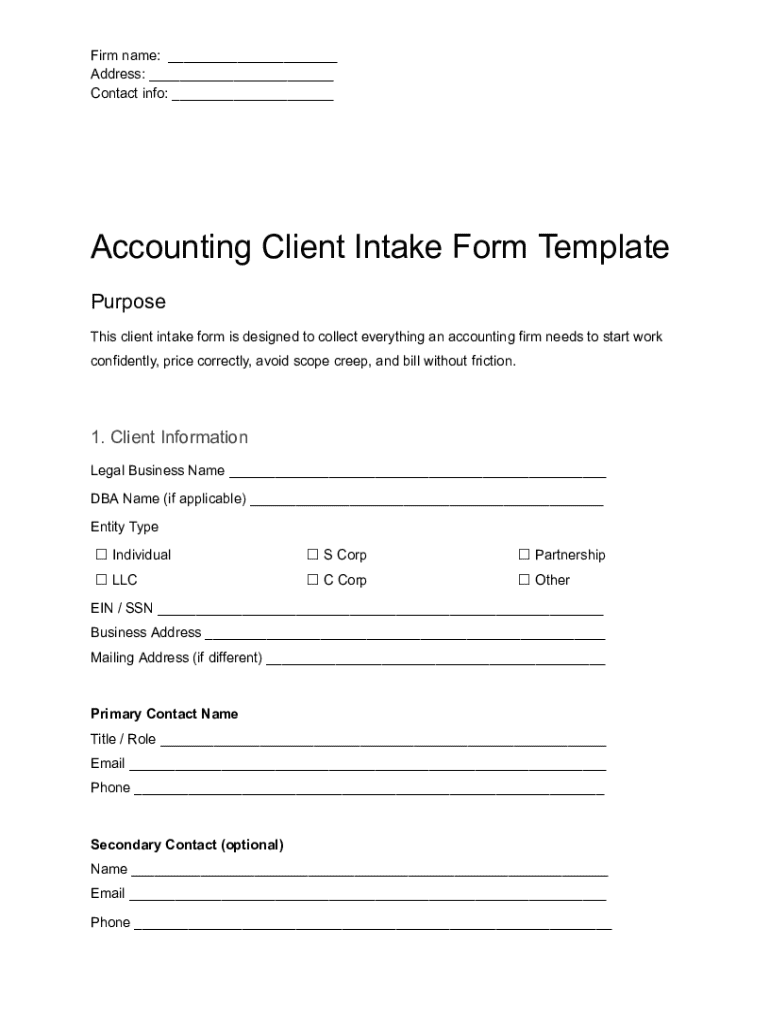
Get the free Accounting Client Intake Form Template
We are not affiliated with any brand or entity on this form

Fill out
Complete the form online in a simple drag-and-drop editor.

eSign
Add your legally binding signature or send the form for signing.

Share
Share the form via a link, letting anyone fill it out from any device.

Export
Download, print, email, or move the form to your cloud storage.
Why pdfFiller is the best tool for your documents and forms


End-to-end document management
From editing and signing to collaboration and tracking, pdfFiller has everything you need to get your documents done quickly and efficiently.
Accessible from anywhere
pdfFiller is fully cloud-based. This means you can edit, sign, and share documents from anywhere using your computer, smartphone, or tablet.
Secure and compliant
pdfFiller lets you securely manage documents following global laws like ESIGN, CCPA, and GDPR. It's also HIPAA and SOC 2 compliant.
What is Accounting Intake Form
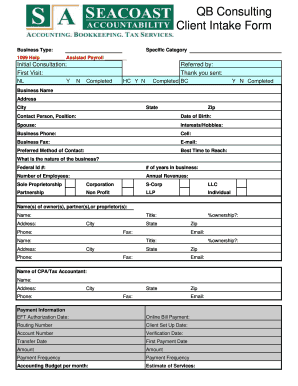
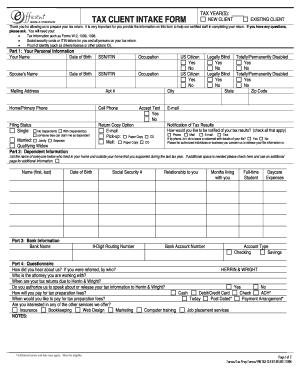
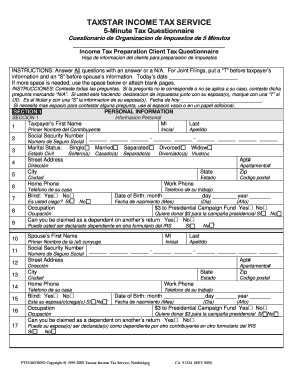
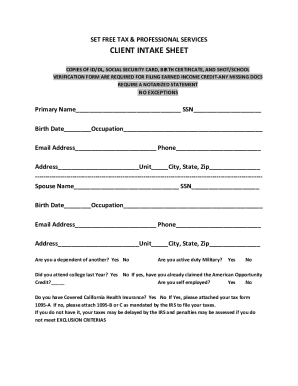
The accounting client intake form is a document used by accounting firms to collect essential information from new clients for effective service delivery.
pdfFiller scores top ratings on review platforms




Who needs Accounting Intake Form?
Explore how professionals across industries use pdfFiller.

Accounting Intake Form is needed by:
-
Accountants seeking to onboard new clients.
-
Financial consultants needing client details.
-
Tax professionals preparing for client consultations.
-
Small business owners requiring accounting services.
-
Freelancers looking for financial guidance.
Comprehensive Guide to Accounting Intake Form
What is the Accounting Client Intake Form?
The accounting client intake form is a vital document that plays a crucial role in the accounting process. This form serves as an overview of the relationship between accountants and clients, facilitating the collection of essential client information. By gathering relevant data, the accounting client intake form helps streamline the accounting process, ensuring that clients' needs are met efficiently and effectively.
Understanding what this form entails is important for both clients seeking services and accountants who rely on accurate data to provide tailored support.
Purpose and Benefits of the Accounting Client Intake Form
The accounting client intake form is critical because it establishes a clear understanding of client needs and expectations. By accurately identifying these requirements, accountants can deliver better service. This form also ensures precise data collection, which significantly enhances the overall efficiency of the accounting process.
For accountants, the benefits extend beyond just time-saving; improved client satisfaction is a direct result of thoughtful data management and tailored service, facilitated by the completion of this essential form.
Who Needs the Accounting Client Intake Form?
New clients seeking accounting services are the primary audience for the accounting client intake form. It is equally important for existing clients who need to update their information, ensuring that records remain current and accurate. Additionally, certain professions and industries—such as freelancers, small business owners, and corporations—commonly utilize this form to maintain clear communication with their accountants.
How to Fill Out the Accounting Client Intake Form Online (Step-by-Step)
Filling out the accounting client intake form online is a straightforward process. Follow these step-by-step instructions to ensure accuracy:
-
Access the online form through the designated platform.
-
Begin with personal information, including name, contact details, and business name if applicable.
-
Provide tax status, which may include options like individual, LLC, or corporation.
-
Detail specific requests or needs regarding accounting services.
-
Review all information for completeness and accuracy before submitting.
Consider any visual aids provided to enhance your understanding of each section.
Common Errors and How to Avoid Them When Submitting the Accounting Client Intake Form
When completing the accounting client intake form, it's essential to avoid common pitfalls that could lead to rejection. Here are frequent mistakes to steer clear of:
-
Omitting critical personal information.
-
Inaccurate tax status selection.
-
Not reviewing the form for typos or missing fields.
To ensure a smooth submission process, double-check all provided information. Accurate details help prevent processing delays and ensure timely service delivery.
How to Submit the Accounting Client Intake Form and What to Expect
Submitting the accounting client intake form can be done through various methods. Clients can choose between electronic submission via the platform or physical delivery if necessary. After submission, clients should expect a confirmation that their form has been received.
Processing times may vary; however, clients should be prepared for next steps, which can include follow-up communications or additional document requests.
Security and Compliance When Using the Accounting Client Intake Form
Security is paramount when handling sensitive client information, and the accounting client intake form is no exception. pdfFiller employs advanced security features, including 256-bit encryption, to protect data. Furthermore, compliance with GDPR regulations ensures that client information remains confidential throughout the process.
To safeguard personal information while filling out the form, users should follow best practices such as using secure internet connections and avoiding public Wi-Fi.
Explore pdfFiller for Simplifying Your Accounting Client Intake Form Experience
pdfFiller can significantly enhance your experience with the accounting client intake form. Key features include eSign capabilities and template creation, making it easier to complete forms accurately and efficiently. The user-friendly interface of pdfFiller is designed to facilitate a seamless form filling experience.
Feedback from the community highlights the advantages brought by using pdfFiller for accounting document management.
Additional Resources for Completing the Accounting Client Intake Form
To further assist users in completing the accounting client intake form, several resources are available. Users can access templates and comprehensive guides on pdfFiller that provide additional support during the form-filling process. If further assistance is needed, contacting customer support is recommended.
Moreover, resources for understanding relevant accounting regulations and updates are vital for ensuring compliance and staying informed.
How to fill out the Accounting Intake Form
-
1.To access the accounting client intake form on pdfFiller, navigate to the pdfFiller website and use the search bar to find the form by entering its name.
-
2.Once you locate the form, click on it to open it in the pdfFiller editor where you can begin to fill out the necessary fields.
-
3.Before filling out the form, gather all necessary documentation, including your business license, previous financial records, and personal identification.
-
4.Start by entering your contact information in the relevant fields, ensuring that all details are accurate and up-to-date.
-
5.Proceed to input financial details such as income sources and business expenses in the specified sections of the form.
-
6.As you complete each section, use the built-in tools in pdfFiller to highlight areas requiring additional information to ensure a thorough submission.
-
7.After completing all sections of the form, take a moment to review your entries for any errors or missing information by using the 'Review' feature.
-
8.Once you are satisfied with the completed form, click on the 'Save' button to store your work, or choose the 'Download' option to save a copy for your records.
-
9.If you need to submit the form electronically, select the 'Submit' option to send it directly to the accounting firm or your chosen contact.

What information do I need to complete the accounting client intake form?
Before starting the form, gather essential documents like your personal identification, financial records, and business information to ensure efficient completion of all required fields.
Are there any deadlines for submitting the accounting client intake form?
While there may not be a strict deadline for submitting the intake form, it's advisable to complete it as soon as you decide to engage with an accounting firm to avoid delays in service.
How can I submit the accounting client intake form once completed?
You can submit the completed intake form directly through pdfFiller by using the 'Submit' feature to send it via email or to the designated contact's address.
What mistakes should I avoid when filling out the form?
Common mistakes include providing incorrect or outdated contact information, skipping required sections, and failing to double-check for errors. Always review your form before submission.
Are there any processing fees associated with this form?
Generally, there are no fees for submitting the accounting client intake form itself; however, fees may apply for additional services once the form is processed by the accounting firm.
How long does it take to process the accounting client intake form?
Processing times can vary based on the accounting firm, but typically you can expect a response within a few business days after submission.
Can I edit the form after I have submitted it?
Once submitted, the form usually cannot be edited directly. Contact the accounting firm if you need to make modifications or provide additional information.
Related Forms



Get the latest insights from our blog


If you believe that this page should be taken down, please follow our DMCA take down process
here
.
This form may include fields for payment information. Data entered in these fields is not covered by PCI DSS compliance.