Free Agreements Word Templates - Page 12
Get eSignatures done in a snap

Prepare, sign, send, and manage documents from a single cloud-based solution.

What are Agreements Templates?

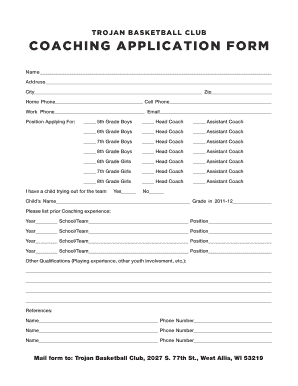
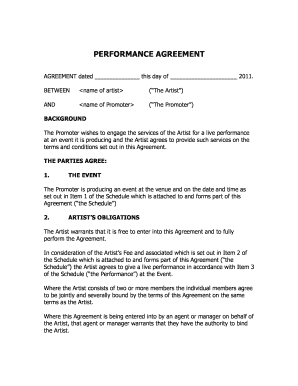
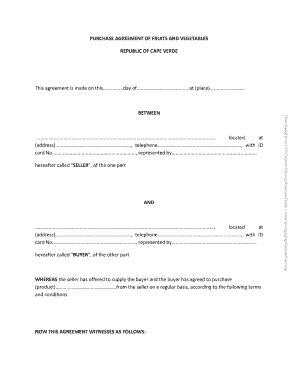
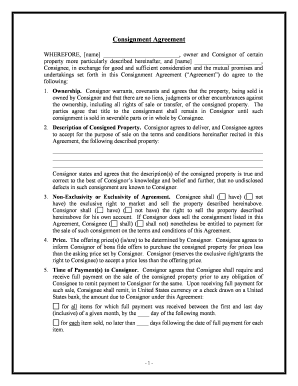
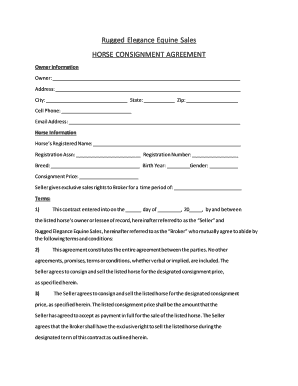
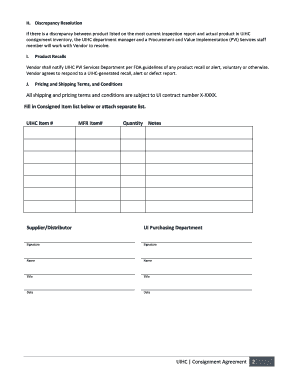
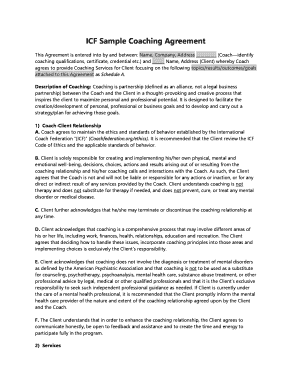
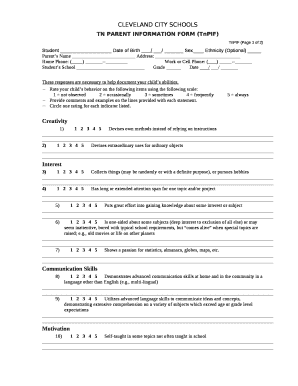
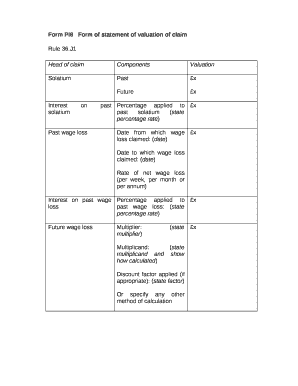
Agreements Templates are pre-written documents that outline the terms and conditions of a legal agreement between two or more parties. These templates provide a starting point for creating your own agreement and help ensure that all necessary information is included.

What are the types of Agreements Templates?

There are various types of Agreements Templates available to suit different needs and purposes. Some common types include: Employment Agreements, Rental Agreements, Partnership Agreements, Non-Disclosure Agreements, Service Agreements, and Sales Agreements.

Employment Agreements
Rental Agreements
Partnership Agreements
Non-Disclosure Agreements
Service Agreements
Sales Agreements

How to complete Agreements Templates

Completing Agreements Templates is a simple process that involves filling in the necessary information and making any required modifications. To complete an Agreements Template, follow these steps:

01
Open the template in a PDF editor like pdfFiller
02
Fill in the blanks with your specific details
03
Review the completed agreement for accuracy and completeness
04
Save and share the finalized document with the other parties involved.

pdfFiller empowers users to create, edit, and share documents online. Offering unlimited fillable templates and powerful editing tools, pdfFiller is the only PDF editor users need to get their documents done.
Thousands of positive reviews can’t be wrong

Read more or give pdfFiller a try to experience the benefits for yourself
5.0
Really great product.
Really great product. So many of the forms I am sent would mean hours of unnecessary handwriting. With PDF Filler I am able to complete them in 1/2 the time. (The only negative is the learning curve, but once I learned how to maneuver around its great!)
Jocelyn R.
5.0
I started using PDFfiller as an alternative to Adobe Acrobat, which is not avail...
What do you like best? I started using PDFfiller as an alternative to Adobe Acrobat, which is not available for Chromebook. I expected it to be something I could use to make small edits to PDFs and also to fill in non-fillable forms. It has proven to be way WAY more than that. I like that the program is incredibly versatile. What do you dislike? I wish I could save files to by Google Drive into the folders that I want rather than having to move them from the PDFfiller folder. Recommendations to others considering the product: Try it first, but it really is that good. What problems are you solving with the product? What benefits have you realized? editing PDFs, converting PDfs to Power Point, signing documents directly,
Joseph Gareri
5.0
So far so good.
So far so good. I did sign up for the 6.99 a month... now it says after my free trail I will be charged $20 a month???
Lou E B