Free Schedule Word Templates - Page 12
Get eSignatures done in a snap

Prepare, sign, send, and manage documents from a single cloud-based solution.

What are Schedule Templates?

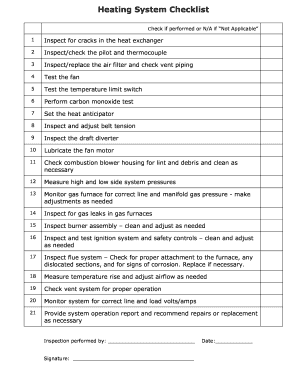
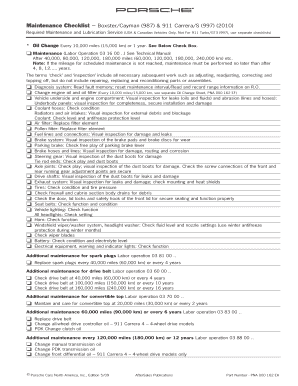
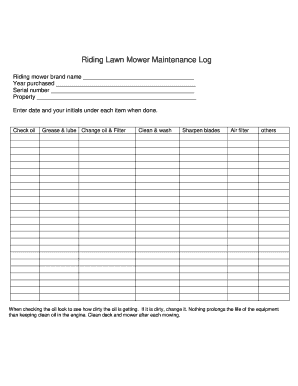
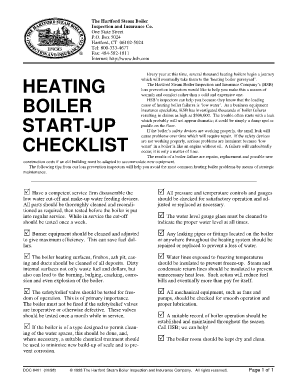
Schedule templates are pre-designed formats that help users organize their time effectively. These templates are commonly used for planning daily, weekly, monthly, or even yearly activities. By utilizing schedule templates, users can easily keep track of their appointments, tasks, and events.

What are the types of Schedule Templates?

There are various types of schedule templates available to suit different needs and preferences. Some common types include:

Daily schedule templates
Weekly schedule templates
Monthly schedule templates
Yearly schedule templates

How to complete Schedule Templates

Completing schedule templates is a simple and efficient process that can greatly improve time management skills. Follow these steps to effectively use schedule templates:

01
Choose the appropriate schedule template that fits your needs
02
Fill in the necessary details such as dates, times, and tasks
03
Review and adjust the schedule as needed to ensure accuracy and efficiency

pdfFiller empowers users to create, edit, and share documents online. Offering unlimited fillable templates and powerful editing tools, pdfFiller is the only PDF editor users need to get their documents done.

Thousands of positive reviews can’t be wrong

Read more or give pdfFiller a try to experience the benefits for yourself
4.0
The filling of the spaces in blank when there are squares are a bit tedious.
The filling of the spaces in blank when there are squares are a bit tedious. One has to center the square and it is not always neat and aligned with the other characters one enters. It is slow.
Manuel R
5.0
A bit pricey but undoubtedly has every feature you could need on one service.
A bit pricey but undoubtedly has every feature you could need on one service. The USPS Mail feature is 100% what encouragd my subscription. 10/10 recommend
Dashauna A
5.0
Edit PDF is nice .
Edit PDF is nice . Edit PDFis nice . Sign by touch pad is ok . upload the photo of my sign is also ok.
Zaw Thet