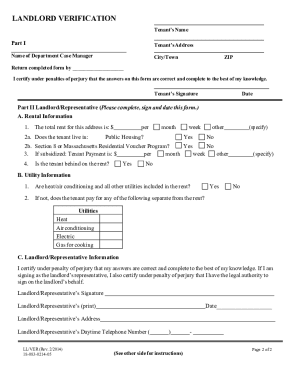
Ministry Application Form Templates - Page 3
Get eSignatures done in a snap

Prepare, sign, send, and manage documents from a single cloud-based solution.

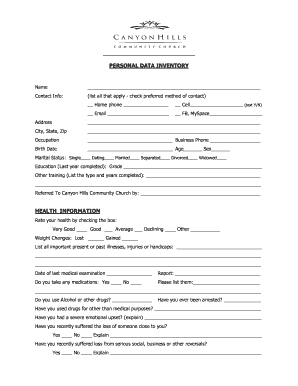
What are Ministry Application Form Templates?

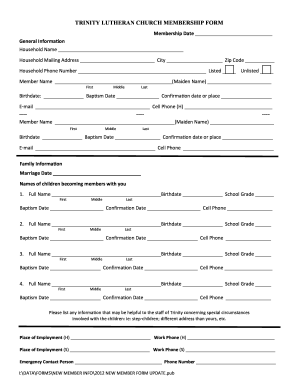
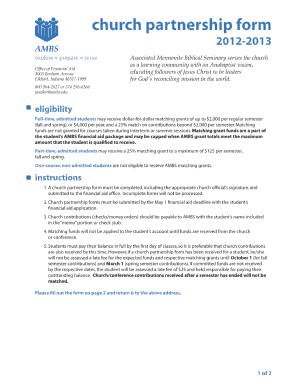
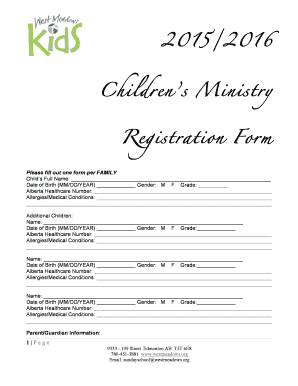
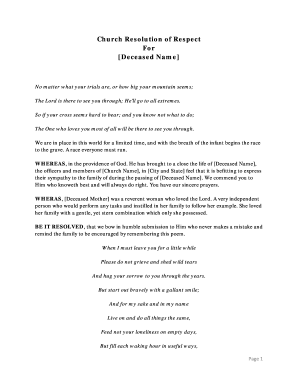
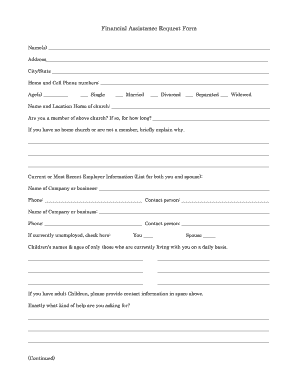
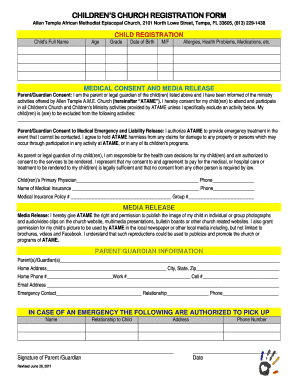
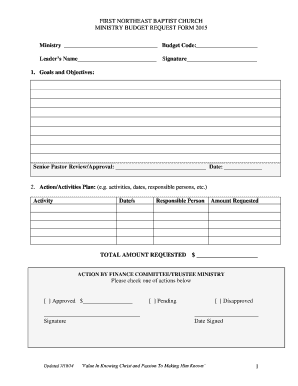
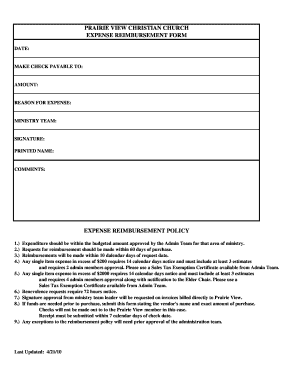
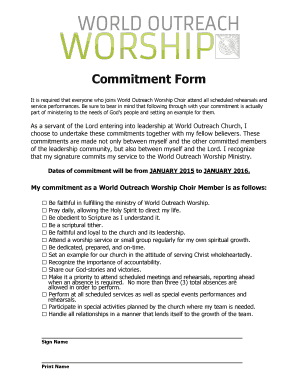
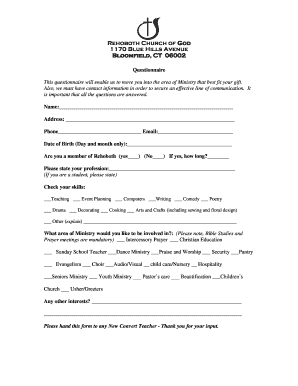
Ministry Application Form Templates are pre-designed forms that organizations or individuals can use to streamline the application process for joining a ministry. These templates typically include fields for personal information, qualifications, experiences, and other relevant details that the ministry requires from potential applicants.

What are the types of Ministry Application Form Templates?

There are several types of Ministry Application Form Templates available, including but not limited to:

Volunteer Ministry Application Form Template
Staff Ministry Application Form Template
Mission Trip Application Form Template
Youth Ministry Application Form Template

How to complete Ministry Application Form Templates

Completing Ministry Application Form Templates is a straightforward process that involves the following steps:

01
Download the desired Ministry Application Form Template from a reliable source.
02
Fill in all the required fields with accurate information.
03
Double-check the form for any errors or missing details.
04
Save the completed form for your records and submit it as instructed by the ministry.

pdfFiller empowers users to create, edit, and share documents online. Offering unlimited fillable templates and powerful editing tools, pdfFiller is the only PDF editor users need to get their documents done.
Video Tutorial How to Fill Out Ministry Application Form Templates

Thousands of positive reviews can’t be wrong

Read more or give pdfFiller a try to experience the benefits for yourself
4.0
Sometimes difficult to get into PDF.
Sometimes difficult to get into PDF. Also confused about 941 form not being approved for January 2019.
Elmer G S
5.0
Very easy to navigate and it makes work so much easier.
Very easy to navigate and it makes work so much easier. No more papers getting lost, everything is digital.
Cynthia D.
5.0
I love the Link to Fill service and the ability to edit a PDF without paying the...
I love the Link to Fill service and the ability to edit a PDF without paying the super high cost of Adobe DC. Priced just right!
Cymbree C.
5.0
I wish it wasn't so expensive.
I wish it wasn't so expensive...I'm still on the free trial right now but this app is great. Maybe offer like a college student pricing? I know us kids in college cant pay $40 a month for it
Shawn S.

Questions & answers

Create and respond to surveys from anywhere Build forms and analyze results together. Add collaborators—just like with Google Docs, Sheets, and Slides—to build questions together in real-time. Work with clean response data. Use built-in intelligence to set response validation rules. Share forms via email, link, or website.
6 Important Steps To Follow. Step 1: Make a visible Church name in the center. Step 2: Then you will have a section about the contact details. Step 3: Birth details in the next section. Step 4: Ask why the person wants to be a member. Step 5: Details of the occupation. Step 6: Add the thoughts of the church.
Application Form Best Practices Be straight to the point. Don't waste applicants' time with unnecessary questions or wordy statements. Think about the information you need. Use personalization. Create an organized form structure. Use automation.
Start a New Ministry Step 1: Make sure the ministry meets a true need. Step 2: Align the new ministry with your overall church strategy. Step 3: Recruit a leader who can develop a team. Step 4: Build a ministry action plan. Step 5: Allocate a budget. Step 6: Create a communication plan. Step 7: Evaluate and Improve.
0:00 1:45 How to create an online application form - YouTube YouTube Start of suggested clip End of suggested clip In this video we will create an internship. Application form so we are selecting the relatedMoreIn this video we will create an internship. Application form so we are selecting the related template. Now all you have to do is add your questions or edit the existing. Ones.
An application form will usually include sections on personal information, education, work experience and employment history, as well as competency-based questions and a personal statement. Application forms are usually completed and submitted online, although paper versions may be accepted in some cases.