Awana Registration Form Templates - Page 3




What are Awana Registration Form Templates?
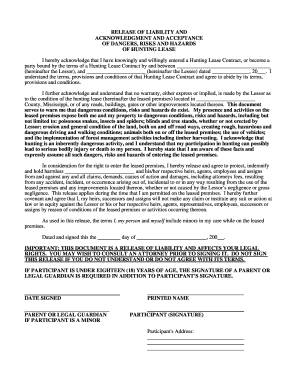
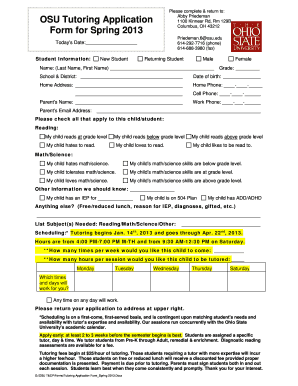
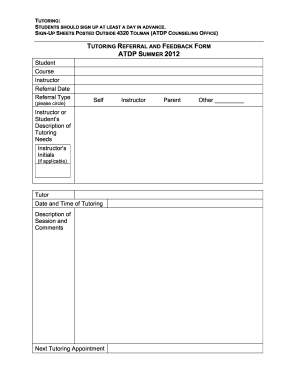
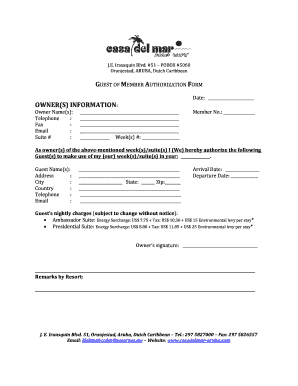
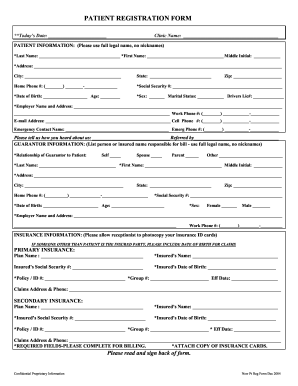
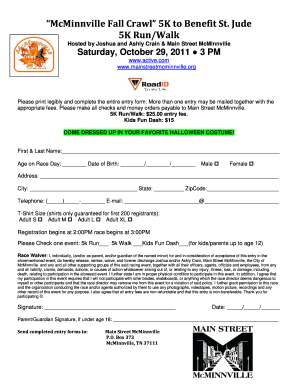
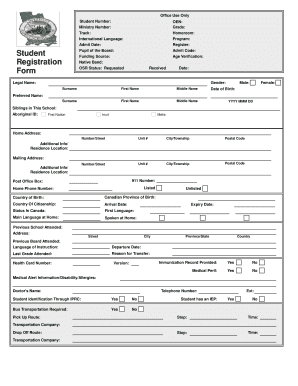
Awana Registration Form Templates are pre-designed documents that organizations can use to gather information from parents and guardians for registering children in Awana clubs. These templates simplify the registration process and ensure that all necessary information is collected efficiently.
What are the types of Awana Registration Form Templates?
There are several types of Awana Registration Form Templates available, including:
Basic registration form template
Emergency contact form template
Medical information form template
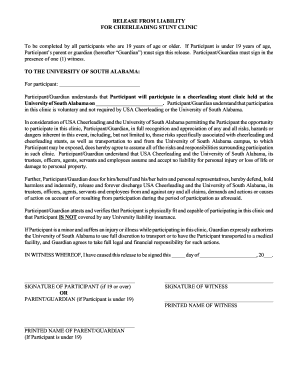
Photo release form template
How to complete Awana Registration Form Templates
Completing Awana Registration Form Templates is easy and straightforward. Here are the steps to follow:
01
Start by downloading the desired Awana Registration Form Template from a trusted source.
02
Fill in the required information accurately and completely.
03
Review the completed form to ensure all information is correct and up to date.
04
Save the filled form for future reference and sharing if needed.
pdfFiller empowers users to create, edit, and share documents online. Offering unlimited fillable templates and powerful editing tools, pdfFiller is the only PDF editor users need to get their documents done.
Video Tutorial How to Fill Out Awana Registration Form Templates
Thousands of positive reviews can’t be wrong
Read more or give pdfFiller a try to experience the benefits for yourself
Questions & answers
How do I create a Google form for online registration?
How to use Google Forms Step 1: Set up a new form or quiz. Go to forms.google.com. Step 2: Edit and format a form or quiz. You can add, edit, or format text, images, or videos in a form. Step 3: Send your form for people to fill out. When you are ready, you can send your form to others and collect their responses.
How do I create a registration form for my website?
Creating an HTML registration form in 6 steps Choose an HTML editor. Just like you need a word processor to create a text document, you need a text editor to create HTML code. Create your HTML file. Time to get down to business. Add basic text fields. Add additional fields. Add placeholders. Customise your HTML form with CSS.
How can I create a free registration form?
AidaForm is a flexible online service that lets you easily create a free online registration form – no HTML coding required: just drag and drop the fields you need, choose the visual style that matches the design of your website, and publish your form to get more people on your guest list.
How do I create an online registration form?
AidaForm is a flexible online service that lets you easily create a free online registration form – no HTML coding required: just drag and drop the fields you need, choose the visual style that matches the design of your website, and publish your form to get more people on your guest list.
How do I create a user registration page?
Step 1: WPForms. Step 2: Activate the User Registration Addon. Step 3: Create WordPress User Registration Form. Step 4: Customize User Registration Form Fields. Step 5: Configure WordPress User Registration Form Settings. Step 6: Pick a User Activation Method.
How to create HTML registration form?
Creating HTML forms involves using the <form> element, which serves as the container for the form content. Along with other HTML elements, such as <fieldset>, <legend>, and <input>, you can design a fully functional form. Additionally, CSS can be utilized to enhance the appearance and user experience.