Custom Simple Order Form Templates - Page 2





What are Custom Simple Order Form Templates?
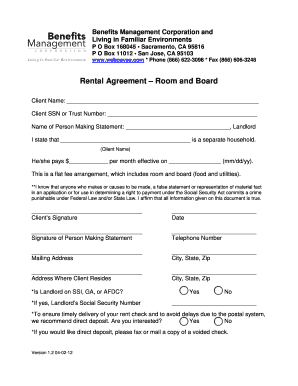
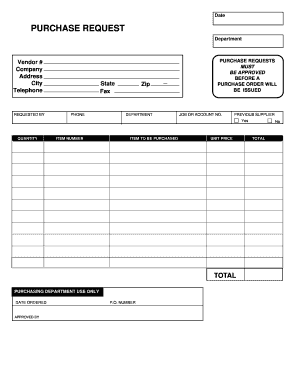
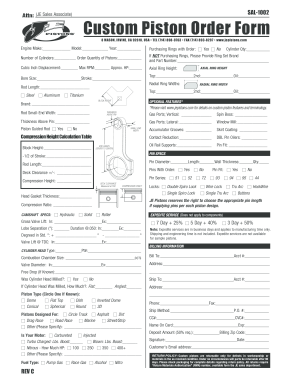
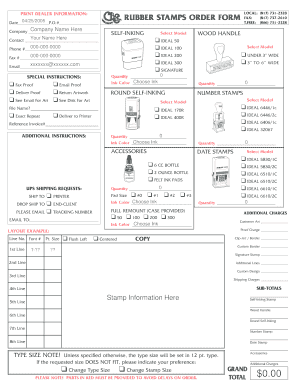
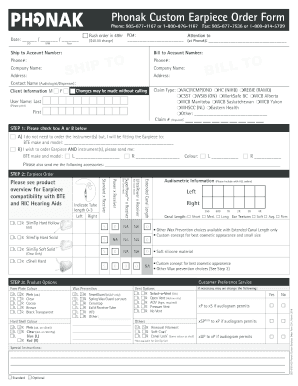
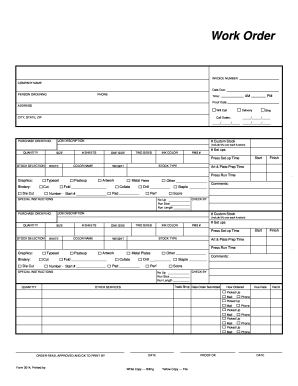
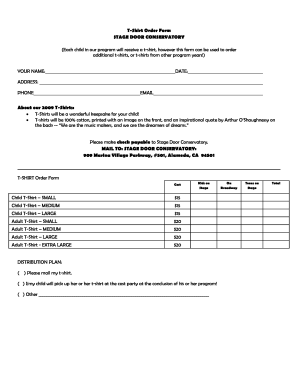
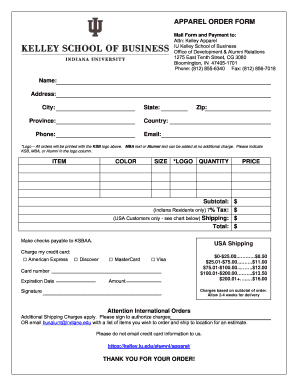
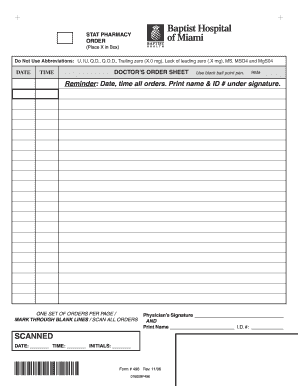
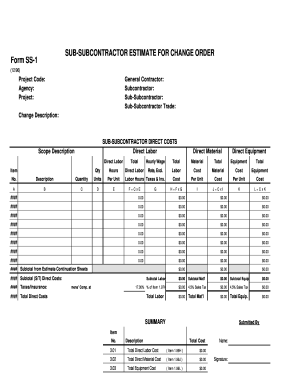
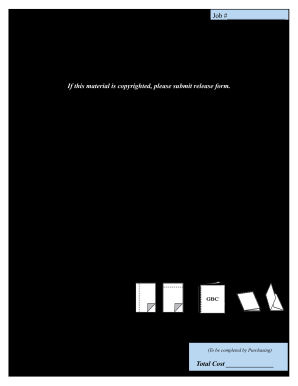
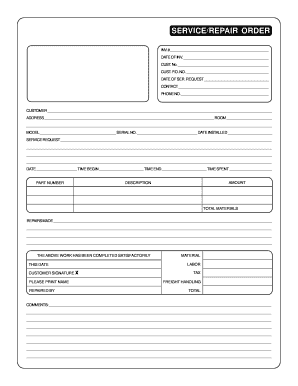
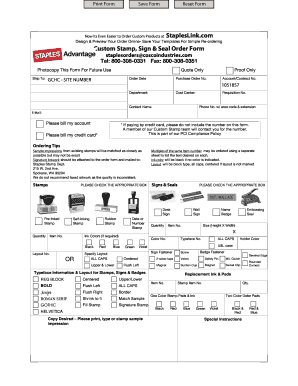
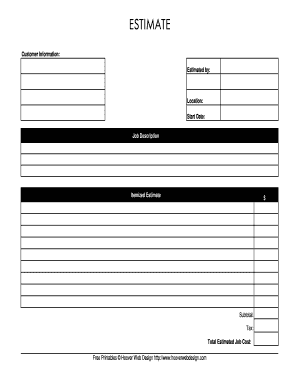
Custom Simple Order Form Templates are pre-designed layouts that users can use to create order forms quickly and easily. These templates are customizable, allowing users to add their unique branding and information to suit their specific needs.
What are the types of Custom Simple Order Form Templates?
There are several types of Custom Simple Order Form Templates available, including:
Basic Order Form Template
Service Order Form Template
Product Order Form Template
Subscription Order Form Template
How to complete Custom Simple Order Form Templates
Completing Custom Simple Order Form Templates is easy and straightforward. Here are the steps to follow:
01
Select the desired template from the available options.
02
Fill in your company information and branding details.
03
Add the products or services you are offering along with their prices.
04
Include any terms and conditions that apply to the order.
05
Save or download the completed form to share with your customers.
pdfFiller empowers users to create, edit, and share documents online. Offering unlimited fillable templates and powerful editing tools, pdfFiller is the only PDF editor users need to get their documents done.
Video Tutorial How to Fill Out Custom Simple Order Form Templates
Thousands of positive reviews can’t be wrong
Read more or give pdfFiller a try to experience the benefits for yourself
Questions & answers
How do I create a custom template in Google form?
0:06 1:52 How to create a Google Form using a template - YouTube YouTube Start of suggested clip End of suggested clip Let's start. All right i'm here in my google drive folder where i'm going to place a form so i'mMoreLet's start. All right i'm here in my google drive folder where i'm going to place a form so i'm going to right click and then go to this arrow next to google forms. And click on from a template.
How do I create a form template?
Start with a form template Go to File > New from Template. In Search, type form. Double-click the template you want to use. Select File > Save As, and pick a location to save the form. In Save As, type a file name and then select Save.
Can I create a Microsoft Forms template?
For example, if you want to design a form template that can be opened and filled out in either Microsoft Office InfoPath or a Web browser, you can select the Enable browser-compatible features only check box. In addition, you can use the links on the left side of the dialog box to quickly open form template (.
What is the best program to create an order form?
Google Forms is a popular tool that allows users to create order forms quickly and easily using pre-made templates or by designing their own forms. PDFs with fillable forms are also an option for creating order forms, which can be filled out and submitted electronically.
How do I create a custom form template?
How to make a printable form Launch Canva. Login to your Canva account and search for “form templates”. Pick a design or start with a blank template. Choose a pre-made form template design. Customize your form. Download and print. Publish and share your form.
How do I create an order form in Word?
0:00 16:57 Create an Order Form in MS Word | EASY AND SIMPLE - YouTube YouTube Start of suggested clip End of suggested clip Table. And the number of columns i want is 4 and the number of rows is 22 oops and then click ok. AsMoreTable. And the number of columns i want is 4 and the number of rows is 22 oops and then click ok. As you can see at the moment my rows are very very narrow.