Appearance Agreement (Arts, Longer Form) Templates - Page 2
Get eSignatures done in a snap

Prepare, sign, send, and manage documents from a single cloud-based solution.

What are Appearance Agreement (Arts, Longer Form) Templates?

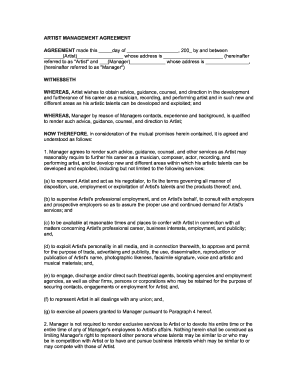
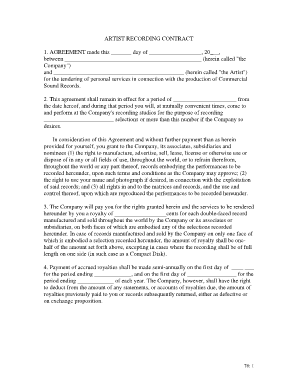
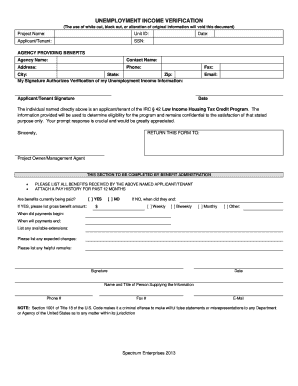
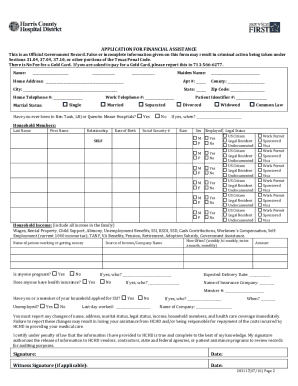
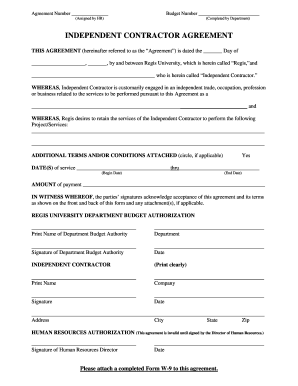
Appearance Agreement (Arts, Longer Form) Templates are legal documents used in the entertainment industry to formalize agreements between artists, performers, and event organizers regarding appearances at events, shows, or performances. These templates outline the terms and conditions of the appearance, including payment, schedules, responsibilities, and other important details.

What are the types of Appearance Agreement (Arts, Longer Form) Templates?

There are several types of Appearance Agreement (Arts, Longer Form) Templates tailored to different scenarios in the entertainment industry. Some common types include:

Event Appearance Agreement Template
Performance Agreement Template
Art Show Appearance Agreement Template
Concert Appearance Agreement Template
Film Premiere Appearance Agreement Template

How to complete Appearance Agreement (Arts, Longer Form) Templates

Completing an Appearance Agreement (Arts, Longer Form) Template is a straightforward process that involves entering relevant information and details. Here are the steps to complete the template:

01
Download a fillable Appearance Agreement (Arts, Longer Form) Template
02
Fill in the required fields such as names, dates, payment details, and event details
03
Review the completed document for accuracy
04
Sign the agreement electronically or print it out for signatures
05
Share the signed agreement with all parties involved in the appearance

pdfFiller empowers users to create, edit, and share documents online. Offering unlimited fillable templates and powerful editing tools, pdfFiller is the only PDF editor users need to get their documents done.
Video Tutorial How to Fill Out Appearance Agreement (Arts, Longer Form) Templates

Thousands of positive reviews can’t be wrong

Read more or give pdfFiller a try to experience the benefits for yourself
5.0
I like how easy it is to use, and how much guidance it offers on how to save and...
What do you like best? I like how easy it is to use, and how much guidance it offers on how to save and find your documents once you're done. You can easily control where you want your filled information to go, and your documents come out looking professional and polished. What do you dislike? There is nothing so far that I dislike. It's very easy to use. Recommendations to others considering the product: It's easy and you can learn how to be successful with it instantly, and get right to work. What problems are you solving with the product? What benefits have you realized? I receive documents all the time that need to be filled out and without full Adobe Acrobat, they were impossible to work on until I got PDFfiller.
Kristen Bailey
5.0
I can find forms from any state and use them for my purposes.
What do you like best? I can find forms from any state and use them for my purposes. What do you dislike? Nothing I can think of. I se the product often. What problems are you solving with the product? What benefits have you realized? Finding court forms in easy fillable format
Richard Fannan
5.0
We love how easy this system is to use for all of our real estate transaction do...
What do you like best? We love how easy this system is to use for all of our real estate transaction documents. Very easy to navigate on a PC / MAC on a great app for your phone! When on the go we find it very easy to upload a contract document to make changes or to obtain a signature. I also use the program to edit any items for personal use as well. I find using the system helps me integrate school documents for my children. It is a great addition to anyone who owns a business and is looking for a nice way to conduct business at home or on the go! I highly recommend the app to anyone and find it very helpful. Definitely put the app on your mobile device! It work fantastic! What do you dislike? Nothing at all. We find the system very easy to use! Recommendations to others considering the product: No recommendations at this time. I find the product to work very well! What problems are you solving with the product? What benefits have you realized? Quick fill in for blank real estate documents like disclosures, amendments, and other items.
Roger W. Webb
5.0
I enjoy the ability to create fillable forms along with the e-signature.
What do you like best? I enjoy the ability to create fillable forms along with the e-signature. PDF filler allows me to make forms for use around the office that were once blank copies to fill in by hand where many mistakes were made. Having the ability to make forms has reduced the amount of mistakes to almost none. This program saves time, ensures more accuracy to your documents, keeps files stored neatly and are easy to access in the future. This is a must when preparing any proposals. Have tried other PDF edit programs and they are clunky and not easy to use. The other programs are hard to find your documents after creation. What do you dislike? There are a couple of uses that are not at my price level that would be nice to pay just if you need that function for a one time use. Recommendations to others considering the product: PDF filler is so much easier to use rather than free trial software. The application allows you to make quick edits of all document types and is a real time saver when it comes to preparing proposals and gathering signatures. If you require mass editing multiple file formats and want to save time this program is a must. This program is used exclusively when compiling proposals. The ease of edits and write over capability saves time by not needing to re-type documents, instead write right to the document. The cost of PDF filler is really affordable for all you get when it comes to processing pdf's. What problems are you solving with the product? What benefits have you realized? I receive many forms to fill out by hand and instead use PDF Filler. This saves a lot of time and ensures less errors on when sending forms back to the sender. The receiver doesn't have to hope handwritten documents can be read. PDF Filler has reduced the amount of printed documents.
Jason Minnoch