Contact Us Form Templates - Page 5







What are Contact Us Form Templates?
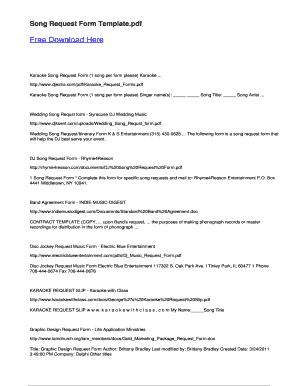
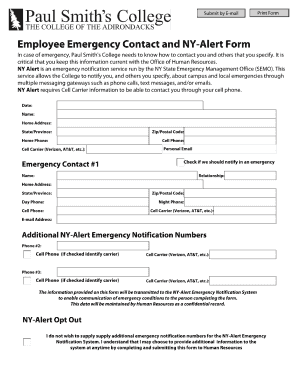
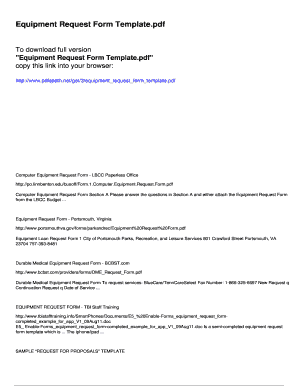
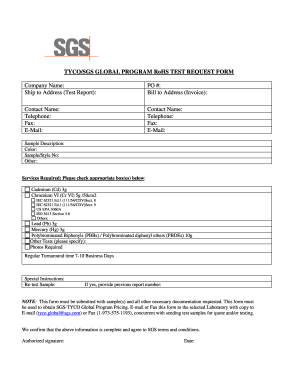
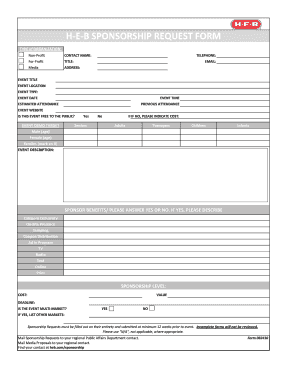
Contact Us Form Templates are pre-designed forms that businesses can use on their websites to allow users to easily get in touch. These templates help streamline the process of collecting information from website visitors and ensure that messages are delivered to the right department or person.
What are the types of Contact Us Form Templates?
There are several types of Contact Us Form Templates available, including:
Basic Contact Form Template
Customer Feedback Form Template
Technical Support Form Template
Appointment Scheduling Form Template
Job Application Form Template
How to complete Contact Us Form Templates
Completing Contact Us Form Templates is simple and only takes a few easy steps. Here's how:
01
Fill out your name, email address, and subject
02
Provide a detailed message in the message box
03
Fill in any other required fields as indicated on the form
04
Click the submit button to send your message
pdfFiller empowers users to create, edit, and share documents online. Offering unlimited fillable templates and powerful editing tools, pdfFiller is the only PDF editor users need to get their documents done.
Video Tutorial How to Fill Out Contact Us Form Templates
Thousands of positive reviews can’t be wrong
Read more or give pdfFiller a try to experience the benefits for yourself
Questions & answers
How do I create a Google contact us form?
0:19 2:58 How to Create Contact Forms using Google Forms - YouTube YouTube Start of suggested clip End of suggested clip Forms then you have to login. And click on the go to form i already signed in my gmail. Account ifMoreForms then you have to login. And click on the go to form i already signed in my gmail. Account if you are not signed in you must log in first then it will be redirect.
How do I create a contact us page?
Include an email and phone number so visitors can get in touch with you on their first attempt. Include a short form using fields that'll help your business understand who's contacting them. Have a call-to-action to provide visitors with another action to take if they choose not to complete the form.
How do I create a Google Form template?
0:13 3:43 Google Form Templates: A Huge Time Saver - YouTube YouTube Start of suggested clip End of suggested clip Drive. So when we get to google drive we'll have all these options over on the left you can see hereMoreDrive. So when we get to google drive we'll have all these options over on the left you can see here. So we're going to click on new. And we're going to scroll down to forms.
How do I set up a Google Form to send me an email?
0:48 3:28 How to send Google Forms that can be filled out in email - YouTube YouTube Start of suggested clip End of suggested clip Email. Or in a desktop browser or Outlook or something like that. Okay. So click send. You. Also youMoreEmail. Or in a desktop browser or Outlook or something like that. Okay. So click send. You. Also you may get a warning if it's going to domain.
How do you say contact us for more information?
Some ideas for what you can say instead of 'Contact Us' include: Drop Us a Line. Get in Touch. Reach Out. Let's Chat. Talk to Us. Get Ahold of Us.
How can I create my own Google Form?
How to create a new Google Form Step 1: Go to forms.google.com or Google Drive. Step 2: Select a template. Step 3: Change the title of your form. Step 4: Adjust questions and answers. Step 5: Customize the Google Form theme. Step 6: Preview your form. Step 7: How to create a Google Form link or share it through email.