Lic Policy Status - Page 4

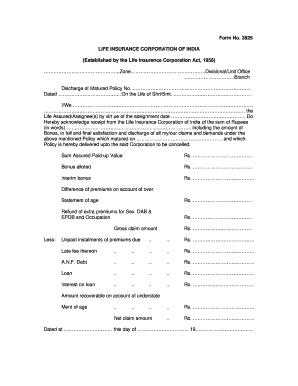

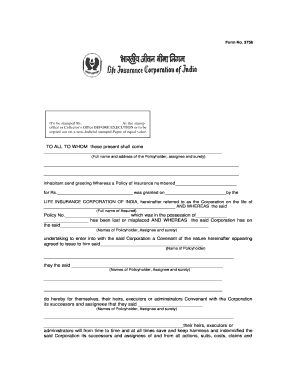
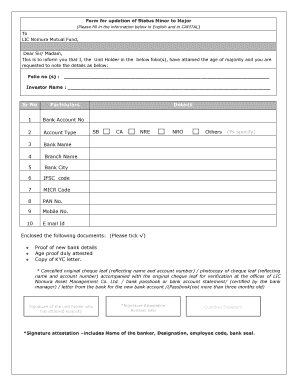
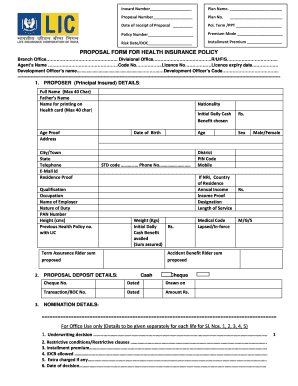
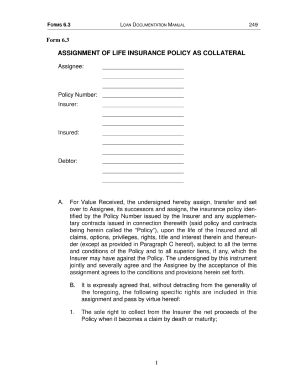
What is Lic policy status?
LIC policy status refers to the current standing of your Life Insurance Corporation policy. It shows whether your policy is active, lapsed, or surrendered.
What are the types of Lic policy status?
There are three main types of LIC policy statuses:
Active - The policy is in force and all premiums are paid up to date.
Lapsed - The policy has expired due to non-payment of premiums.
Surrendered - The policyholder has voluntarily terminated the policy before maturity.
How to complete Lic policy status
To check and complete your LIC policy status, follow these steps:
01
Visit the official LIC website or contact your LIC agent for assistance.
02
Provide your policy details and personal information for verification.
03
Receive information on your policy status and take necessary actions to maintain or update it.
Remember, pdfFiller empowers users to create, edit, and share documents online. Offering unlimited fillable templates and powerful editing tools, pdfFiller is the only PDF editor users need to get their documents done.
Video Tutorial How to Fill Out Lic policy status
Thousands of positive reviews can’t be wrong
Read more or give pdfFiller a try to experience the benefits for yourself
Questions & answers
How do I check my LIC policy status?
How to Check LIC Policy Details Online? Step 1: Go to the official LIC website, fill in your credentials like username and password. Step 2: Login to your account and select the option 'View Enrolled Policies'. Step 3: You will be directed to a page where you can see all the listed enrolled policies.
What is claim status in LIC policy?
Claims status This option will display date of Survival Benefit (if any) or Maturity Benefit due under the policy during the policy term.
How can I check my LIC policy status offline?
Visit https://licindia.in/Home-(1)/LICOnlineServicePortal and click on 'Registered User' Now enter your login credentials i.e. User ID and password. Now click on 'Policy Status' option and you'll see a chart of all the LIC policies you've registered for.
How can I check my LIC policy without registration?
Visit the e-service LIC policy website portal https://www.licindia.in/Customer-Services/Policy-Status. On the homepage, the screen will show two options: New user & Registered user.
Can I check my LIC claim status online?
With the login portal, you must to registered account login at ebiz.licindia.in, and after login, the option LIC Claim status provides you the details of latest Claim due under a policy, but the option has a network dependency for display of relevant information.
How do you fill LIC form No 3510?
How do you fill LIC form No 3510? The first consists of details like the name of the policyholder, policy number, date of submission of the form, maturity date, signature, and address of the policyholder. On the second page, you need to mention the details of the witness along with the signature.
What is 3510 form in LIC?
This is an Application Form 5704/3510 for the LIC policyholder who wants to surrender his/her life insurance policy or make a partial withdrawal from the policy fund and this form can be download from the link given below free of cost.