Website Design Order Form Templates - Page 3

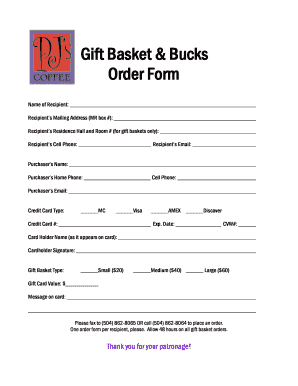
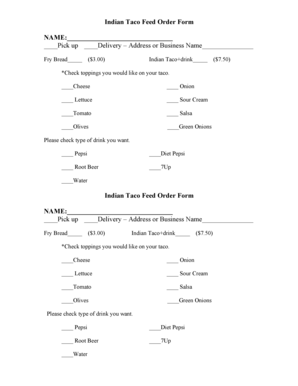
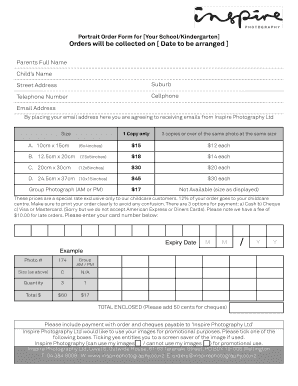
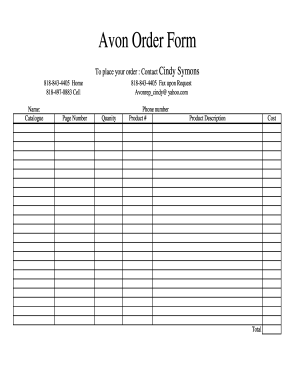

What are Website Design Order Form Templates?
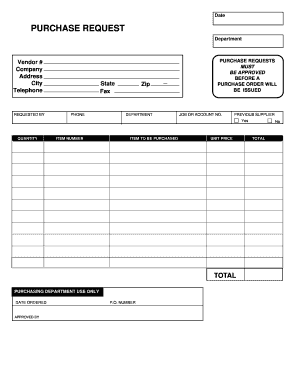
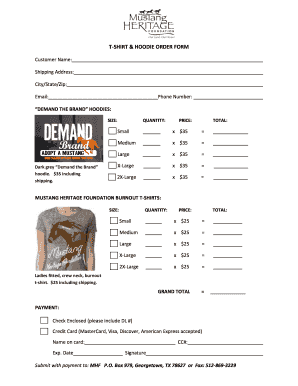
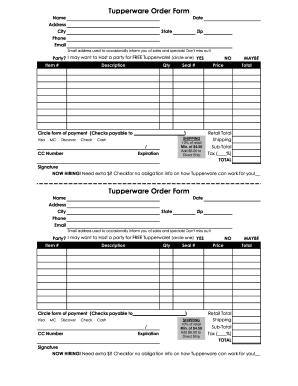
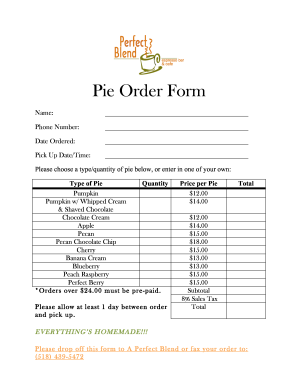
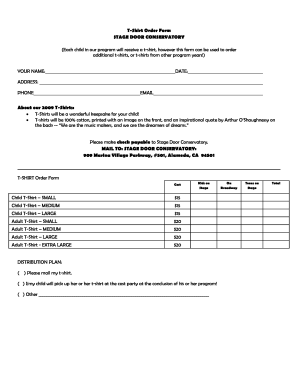
Website Design Order Form Templates are predefined documents that help individuals or businesses outline their specific requirements for a website design project. These templates typically include sections for details such as project scope, design preferences, budget, and contact information.
What are the types of Website Design Order Form Templates?
There are several types of Website Design Order Form Templates tailored to different industries and project types. Some common types include:
Basic Website Design Order Form Template
E-commerce Website Design Order Form Template
Portfolio Website Design Order Form Template
Custom Website Design Order Form Template
How to complete Website Design Order Form Templates
Completing a Website Design Order Form Template is a simple process that involves the following steps:
01
Fill in your contact information and project details accurately
02
Specify your design preferences, such as color scheme, layout, and features
03
Indicate your budget and timeline for the project
04
Review the completed form for any errors or missing information before submission
pdfFiller empowers users to create, edit, and share documents online. Offering unlimited fillable templates and powerful editing tools, pdfFiller is the only PDF editor users need to get their documents done.
Video Tutorial How to Fill Out Website Design Order Form Templates
Thousands of positive reviews can’t be wrong
Read more or give pdfFiller a try to experience the benefits for yourself
Questions & answers
Is there an app for order forms?
Whether you are a small business or a large-scale company, you can use forms. app's free purchase order form templates and collect online orders with much information such as contact information, address, and whatever data you need to collect per order.
Where do I create an order form?
So, there you have it – with Google Forms and the Form Publisher add-on, you can quickly and easily create order forms and share them with vendors and other stakeholders. And best of all – you can get started for free with Form Publisher. Download it today and start creating custom order forms in no time!
Does Google have an order form template?
If you'd like a template to get you started, there is an order form template in the Google Forms Template Gallery!
What is the best program to create an order form?
Google Forms is a popular tool that allows users to create order forms quickly and easily using pre-made templates or by designing their own forms. PDFs with fillable forms are also an option for creating order forms, which can be filled out and submitted electronically.
What should an order form look like?
An order form typically mentions details about the product the customer would like to order, including the name of the product, pricing of the product, quantities they wish to buy, and the delivery option which suits them most. Other details like company name, logo, address, etc., are also mentioned.
How do I create a Google order form?
How to make a purchase order form in Google Forms Step 1: Create a form. Step 2: Add the relevant purchase order details. Step 3: Download Payable Forms from Google Marketplace. Step 4: Adjust your sharing details. Step 5: Embed and share your form.