Free Music Letterhead Word Templates



What are Music Letterhead Templates?
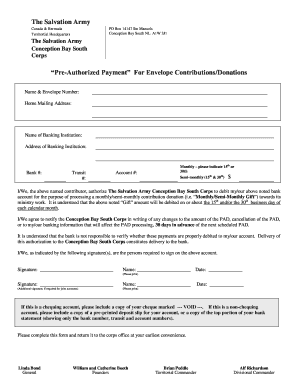
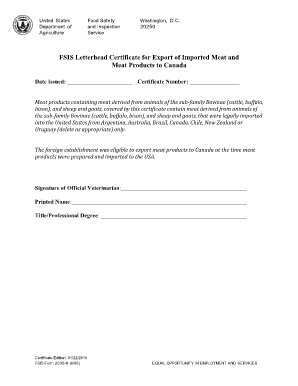
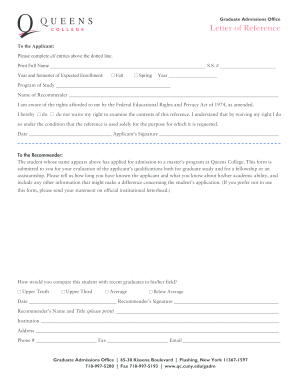
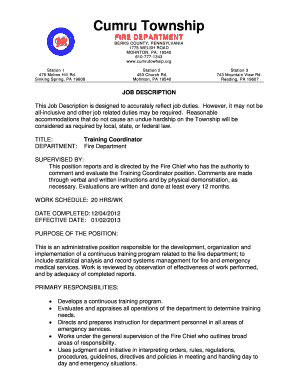
Music Letterhead Templates are pre-designed, customizable documents used for official correspondence within the music industry. These templates typically include elements such as the company's logo, contact information, and other relevant branding details.
What are the types of Music Letterhead Templates?
There are several types of Music Letterhead Templates to choose from, including:
Classic Music-themed Letterhead Templates
Modern and Minimalist Music Letterhead Templates
Vintage-inspired Music Letterhead Templates
Elegant and Professional Music Letterhead Templates
How to complete Music Letterhead Templates
Completing a Music Letterhead Template is a simple process that involves the following steps:
01
Choose a Music Letterhead Template that best fits your style and branding
02
Customize the template by adding your company's logo, contact information, and any other relevant details
03
Review the completed document to ensure all information is accurate and up to date
pdfFiller empowers users to create, edit, and share documents online. Offering unlimited fillable templates and powerful editing tools, pdfFiller is the only PDF editor users need to get their documents done.
Video Tutorial How to Fill Out Music Letterhead Templates
Thousands of positive reviews can’t be wrong
Read more or give pdfFiller a try to experience the benefits for yourself
Questions & answers
What is personalized letterhead?
Like any standard business letterhead, a personal letterhead is simply a combination of text and design elements placed at the top of a letter with the purpose of identifying the sender. The term “letterhead” can also encompass the broader background design of stationery, such as a decorative footer or margin details.
What is the standard format for a letterhead?
Generally printed on the top or bottom half of a company document, letterheads are on average 8.5" x 11" in size. In addition, your letterhead should be at least 0.8" from the top of the page and margins of 1/4" on the sides and bottom.
What is letterhead in simple words?
: the name and address of an organization (such as a company) that is printed at the top of a piece of paper used for writing official letters.
How do I create a letterhead?
How to make a letterhead in Word Choose a letterhead template. Customize it with your information. Save it to your hard drive. Sketch your design on paper. Open a new document and save it as a template. Insert a header. Enter your text. Add other design elements.
How does a letter headed paper looks like?
A letterhead is the heading at the top of a sheet of letter paper (stationery). It consists of a name, address, logo or trademark, and sometimes a background pattern.
What is a letterhead example?
What is a letterhead? A business letterhead is a header at the top of a company letter. The letterhead usually includes a business's logo, name, address, and contact information such as phone or fax number, email address, and company website URL.