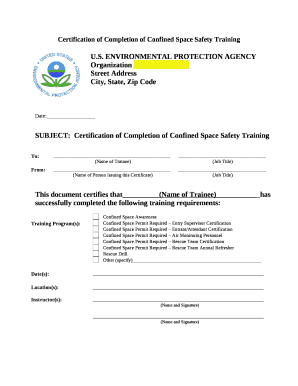
What are Private Letterhead Templates?

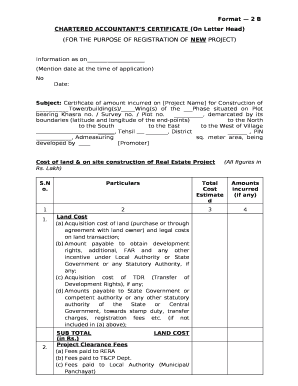
Private Letterhead Templates are customizable document layouts that individuals and businesses use to create professional-looking letters, memos, and other correspondence. These templates typically include the sender's contact information, logo, and other branding elements to give the documents a polished and consistent look.

What are the types of Private Letterhead Templates?

There are various types of Private Letterhead Templates available to cater to different needs and preferences. Some common types include:

Traditional
Modern
Corporate
Creative

How to complete Private Letterhead Templates

Completing Private Letterhead Templates is a simple process that involves the following steps:

01
Select a suitable template based on your style and requirements
02
Customize the template by adding your contact details, logo, and branding elements
03
Save the completed letterhead template for future use or print it out for physical correspondence

pdfFiller empowers users to create, edit, and share documents online. Offering unlimited fillable templates and powerful editing tools, pdfFiller is the only PDF editor users need to get their documents done.

Video Tutorial How to Fill Out Private Letterhead Templates

Thousands of positive reviews can’t be wrong

Read more or give pdfFiller a try to experience the benefits for yourself
4.0
Its a little difficult to understand.
Its a little difficult to understand… its a little difficult to understand but then again I'm not a wis on the computer.
Andrew Alcantar
5.0
It really helps out in my invoicing work when I have to do work on the go outsid...
It really helps out in my invoicing work when I have to do work on the go outside of the office, after 6pm during work days.
Timothy T
4.0
I think you should be able to hit the.
I think you should be able to hit the… I think you should be able to hit the tab and go to the next number box and it center it. There is probably a way to do that but I just don't know how.
Sherry Kupstas

Questions & answers

How to make a letterhead in Word Choose a letterhead template. Customize it with your information. Save it to your hard drive. Sketch your design on paper. Open a new document and save it as a template. Insert a header. Enter your text. Add other design elements.
A letterhead includes content like. A person or business name. An address. A phone number. An email. Contact details. A company logo/brand logo. Occasionally a background or border design.
Like any standard business letterhead, a personal letterhead is simply a combination of text and design elements placed at the top of a letter with the purpose of identifying the sender. The term “letterhead” can also encompass the broader background design of stationery, such as a decorative footer or margin details.
The answer is simple. If you're looking to add a personal touch with an impressive design, and yet include a bit of information aside from the content, then yes. There are reasons why personal letterheads have survived the old ages and became the digital header we all know.
Increases Credibility Personalized letterhead and custom stationery make your business look professional. In using it, you're able to create a relationship with your potential client based on trustworthiness and reliability. Furthermore, it shows that you're an established business.
What is a letterhead? A business letterhead is a header at the top of a company letter. The letterhead usually includes a business's logo, name, address, and contact information such as phone or fax number, email address, and company website URL.