Counselor Evaluation Form Templates - Page 3
Get eSignatures done in a snap

Prepare, sign, send, and manage documents from a single cloud-based solution.

What are Counselor Evaluation Form Templates?

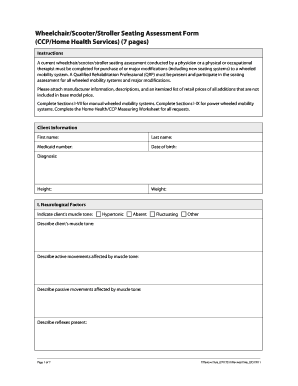
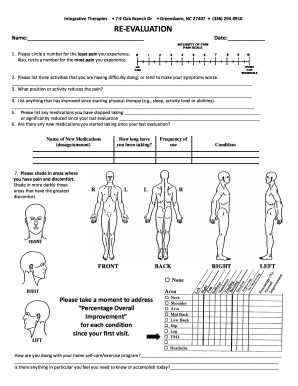
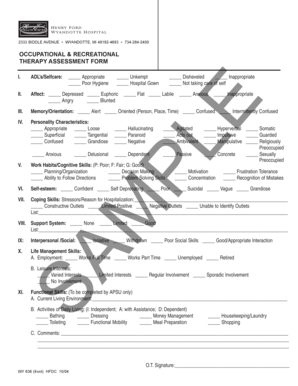
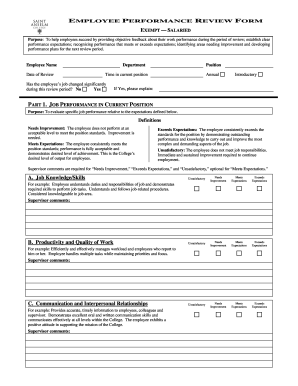
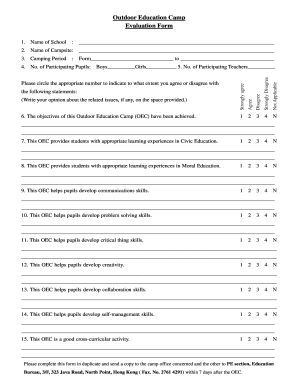
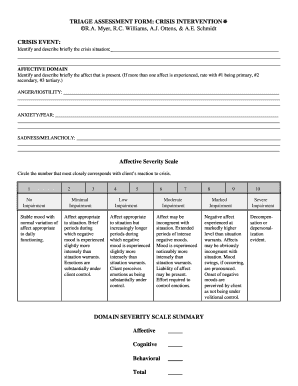
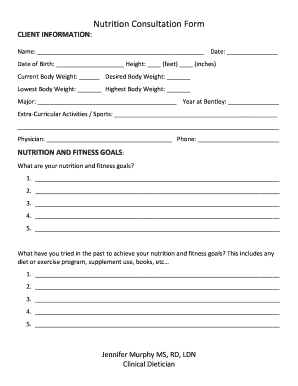
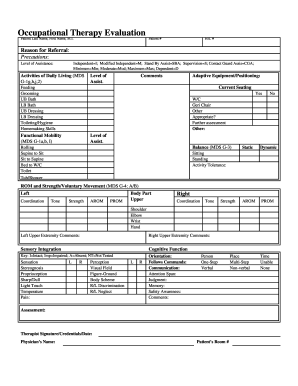
Counselor Evaluation Form Templates are predefined documents designed to assist in the evaluation of counselors, providing a standardized structure for assessing their performance, skills, and suitability for their roles. These templates can streamline the evaluation process and ensure consistency in feedback.

What are the types of Counselor Evaluation Form Templates?

There are various types of Counselor Evaluation Form Templates tailored to different aspects of a counselor's job performance. Some common types include:

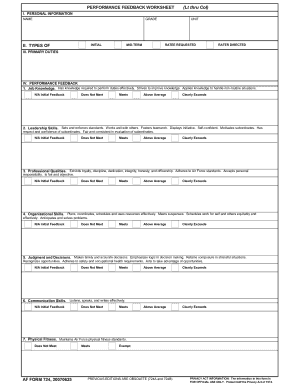
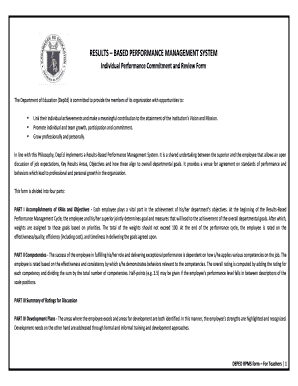
Performance Evaluation Templates
Skills Assessment Templates
Behavioral Competencies Templates
Professional Development Templates

How to complete Counselor Evaluation Form Templates

Completing Counselor Evaluation Form Templates is a straightforward process that involves:

01
Reviewing the form instructions carefully
02
Providing accurate and detailed responses
03
Using specific examples to support assessments
04
Seeking feedback from relevant stakeholders
05
Ensuring all sections are completed accurately

pdfFiller empowers users to create, edit, and share documents online. Offering unlimited fillable templates and powerful editing tools, pdfFiller is the only PDF editor users need to get their documents done.

Video Tutorial How to Fill Out Counselor Evaluation Form Templates

Thousands of positive reviews can’t be wrong

Read more or give pdfFiller a try to experience the benefits for yourself
5.0
What benefits have you realizedI fill out a lot of license applications in my fi...
What do you like best? the way its sos easy to add documents, and it stores them to go back when you need them. What do you dislike? nothing, it's easy to use, intellectually smart and fun. Recommendations to others considering the product: it's great, easy to use, life saver!! What problems are you solving with the product? What benefits have you realized? I fill out a lot of license applications in my field so this has been a god send.
Tim Murray
5.0
This program has a very end user friendly.
What do you like best? This program has a very end user friendly. I have used it at home, work and my social club. Having it in the cloud makes it easy to use where every I have Internet service. What do you dislike? Though I don’t have much I dislike there is a concern about the storing of my documents? Recommendations to others considering the product: I started using this for personal use then brought it into using while at work. What problems are you solving with the product? What benefits have you realized? Editing PDF documents that are sent to me for review. The ability to edit, sign and convert my documents are a true benefit.
User in Individual & Family Services
5.0
I made a request and it was promptly.
I made a request and it was promptly… I made a request and it was promptly taken care of!!Very thankful
B
5.0
Speedy and excellent customer service I had a trial/billing issue and sent an em...
Speedy and excellent customer service I had a trial/billing issue and sent an email to their support email address. It was around midnight when I sent my email so I didn't think I would hear anything back from them until later that day during business hours. Not only did I hear back from them with an email almost immediately that night, but their representative resolved my issue right then and there. Superb customer service!
Nita

Questions & answers

I learned to better handle all of my thoughts.” “I liked the fact that my thoughts are feelings are heard in a judgement free zone.” “The staff and environment is really peaceful and welcoming.” “I really feel connected to my therapist and I feel that she has been such a benefit to my life.
Employee Evaluation Form Template includes fields for employee information (employee name, job title/department, reviewer name/title, review period, today's date), ratings by customizable skill area with comments (work quality, productivity, communication, collaboration, initiative, punctuality), an auto-calculated
Evaluation Forms Examples Employee Evaluation Form. Customer Service Evaluation Form. Peer Evaluation Form. Performance Improvement Plan Form. Event Evaluation Form. Training Course Feedback Template.
How to Fill Out an Employee Evaluation Form Step 1: Gather Employee Information. Step 2: Assess Employee Responsibilities and Performance. Step 3: Use Objective Language. Step 4: Use Action Verbs. Step 5: Compare Performance Ratings. Step 6: Ask Open-Ended Questions. Step 7: Use a Point System.
How do you write a performance evaluation? Identify core competencies. Choose a rating scale. Set an evaluation cycle. Prepare a list of questions. Share questions in advance. Have the conversation. Create a goal-setting framework. Be open to feedback.
How to use Google Forms Step 1: Set up a new form or quiz. Go to forms.google.com. Step 2: Edit and format a form or quiz. You can add, edit, or format text, images, or videos in a form. Step 3: Send your form for people to fill out. When you are ready, you can send your form to others and collect their responses.