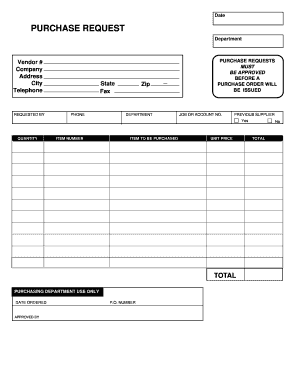






Screen Printing Order Form Templates - Page 2

Get eSignatures done in a snap

Prepare, sign, send, and manage documents from a single cloud-based solution.

What are Screen Printing Order Form Templates?

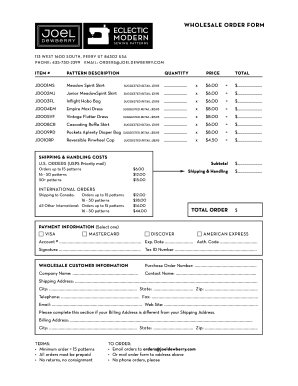
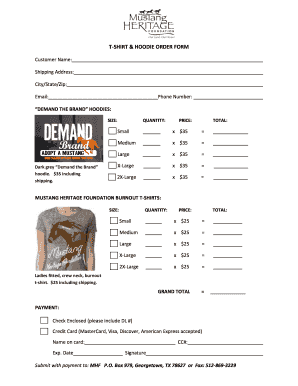
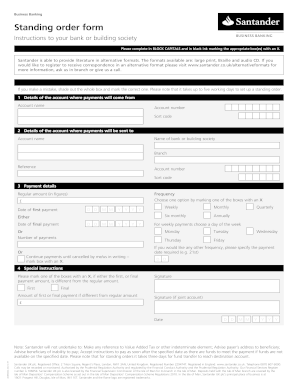
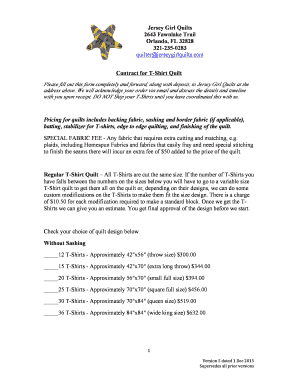
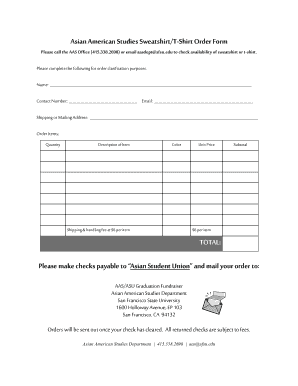
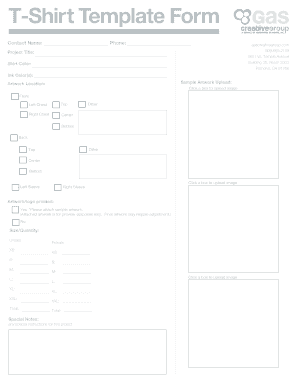
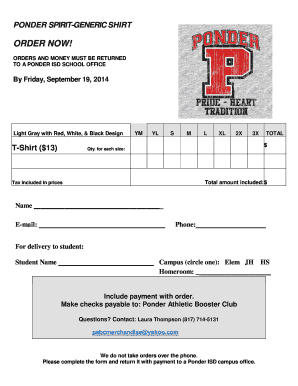
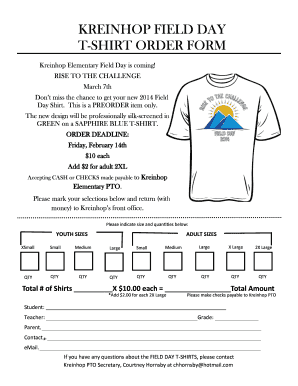
Screen printing order form templates are pre-designed documents that help businesses collect essential information needed to fulfill orders for custom screen-printed products. These templates streamline the ordering process by providing a structured format for capturing details such as design specifications, quantity, sizes, colors, and contact information.

What are the types of Screen Printing Order Form Templates?

There are various types of screen printing order form templates available, including:

Standard order form templates for basic orders
Customizable order form templates with options for specific design elements
Bulk order form templates for large quantity orders

How to complete Screen Printing Order Form Templates

Completing screen printing order form templates is a straightforward process that involves the following steps:

01
Fill in the customer's name, contact information, and shipping address
02
Specify the desired design details such as artwork, colors, and placement
03
Indicate the quantity and sizes of the products requested
04
Review the order for accuracy and ensure all necessary information is provided
05
Submit the completed form to the screen printing company for processing

pdfFiller empowers users to create, edit, and share documents online. Offering unlimited fillable templates and powerful editing tools, pdfFiller is the only PDF editor users need to get their documents done.

Video Tutorial How to Fill Out Screen Printing Order Form Templates

Thousands of positive reviews can’t be wrong

Read more or give pdfFiller a try to experience the benefits for yourself
5.0
PdfFiller offers the best service pdfFiller offers the best service, it was so g...
PdfFiller offers the best service pdfFiller offers the best service, it was so good that I couldn't even imagine, it is the best choice when it comes to editing pdf files related to my studies. But what touched me most is the support service, I accidentally chose the annual plan and they didn't hesitate to cancel the transaction. I just wanna say that pdfFiller offers the best of the best, I will always be your most loyal customer. Words cannot explain my gratitude, trust, and love for pdfFiller. You guys have great teams, I wish you guys nothing but the best. Once again THANK YOU FOR GREAT SERVICES. I was so touched by pdfFiller service that I had to find ways to show my gratitude such as writing this long feedback. Great services, great attitude, great team,... G.O.A.T
Dramatic scenes from movies an
5.0
Easy and efficient Its so easy to use.
Easy and efficient Its so easy to use. I like how i can insert my comment anywhere on the file I like.
MsA
5.0
Best customer service Best customer service, Sarah went above and beyond for me...
Best customer service Best customer service, Sarah went above and beyond for me and quickly resolved my issue. Thank you SarahNOR-CAL PLUMBING
dan boone
5.0
Sam was extremely patient and very.
Sam was extremely patient and very… Sam was extremely patient and very helpful.Give that man a raise.
Billy Berry

Questions & answers

0:10 1:14 How to reorder questions and sections in Google Forms? - YouTube YouTube Start of suggested clip End of suggested clip And drag and drop your section. Click save when rearranging sections be careful to keep the logic ofMoreAnd drag and drop your section. Click save when rearranging sections be careful to keep the logic of the questions that follow every time you reorder your sections.
How to make a purchase order form in Google Forms Step 1: Create a form. Step 2: Add the relevant purchase order details. Step 3: Download Payable Forms from Google Marketplace. Step 4: Adjust your sharing details. Step 5: Embed and share your form. No dedicated payment field. Fees on every purchase.
So, there you have it – with Google Forms and the Form Publisher add-on, you can quickly and easily create order forms and share them with vendors and other stakeholders. And best of all – you can get started for free with Form Publisher. Download it today and start creating custom order forms in no time!
Google Forms is a popular tool that allows users to create order forms quickly and easily using pre-made templates or by designing their own forms. PDFs with fillable forms are also an option for creating order forms, which can be filled out and submitted electronically.
Steps to Create an Order Form Decide what to sell. Choose a form builder tool. Customize the template with proper fields. Add photos of the products. Customize the order form with branding. Set up a payment method. Set up a success message. Share the order form.