Pds Form 2020 Excel Download







What is Pds form 2020 excel download?
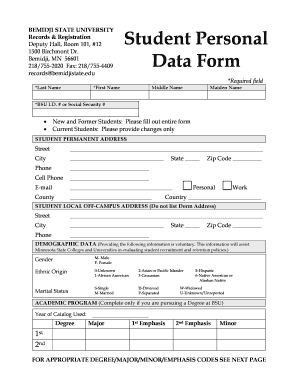
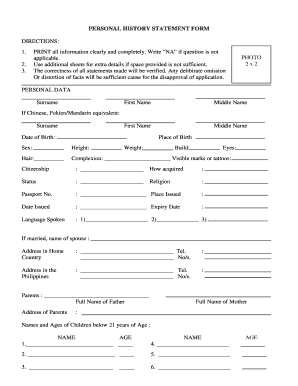
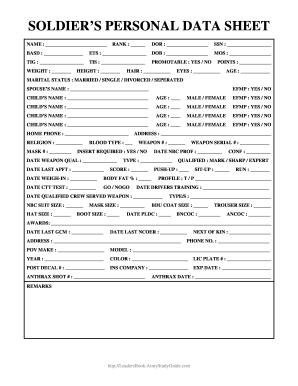
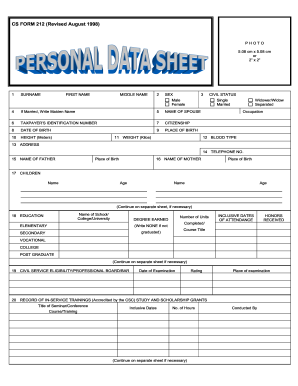
The Pds form 2020 excel download is a template used for documenting personal information and details in an organized manner. It allows users to input their data into a digital format that can be easily shared and saved for future reference.
What are the types of Pds form 2020 excel download?
There are several types of Pds form 2020 excel download templates available, including:
Basic personal information form template
Employment details form template
Educational background form template
Health information form template
How to complete Pds form 2020 excel download
Completing the Pds form 2020 excel download is simple and efficient. Follow these steps:
01
Download the form template from a trusted source
02
Open the template in Excel or Google Sheets
03
Fill in your personal information in the designated fields
04
Save the completed form for future use or sharing
pdfFiller empowers users to create, edit, and share documents online. Offering unlimited fillable templates and powerful editing tools, pdfFiller is the only PDF editor users need to get their documents done.
Video Tutorial How to Fill Out Pds form 2020 excel download
Thousands of positive reviews can’t be wrong
Read more or give pdfFiller a try to experience the benefits for yourself
Questions & answers
How to fill up PDS 2017?
9:31 10:50 Guide to Filling Out the PERSONAL DATA SHEET (PDS - CS Form 212) YouTube Start of suggested clip End of suggested clip First name middle initial surname their addresses and respective telephone numbers reminders forMoreFirst name middle initial surname their addresses and respective telephone numbers reminders for number 42. As agreement 2 and for completion of the pds. The employee's signature.
What is the difference between CVS and resumes?
The CV presents a full history of your academic credentials, so the length of the document is variable. In contrast, a resume presents a concise picture of your skills and qualifications for a specific position, so length tends to be shorter and dictated by years of experience (generally 1-2 pages).
What is the difference between PDS and biodata?
The Biodata contains all your educational qualifications from primary school till date, while the Personal data contains only your personal information and NDU details. Note however that both documents have some information in common.
How do I create a PDS form?
How to make PDS form? The PDS must bear the signature of the employee and date of accomplishment at the bottom of every page. Entries in the PDS may be filled out through handwriting or via typewriter/computer. If handwritten, entries should be in block capital (e.g. PRINT) format using a pen.
What PDS means?
Definition: Public distribution system is a government-sponsored chain of shops entrusted with the work of distributing basic food and non-food commodities to the needy sections of the society at very cheap prices. Wheat, rice, kerosene, sugar, etc.
Is PDS a resume?
A resume is sometimes called a personal data sheet, biographical summary, professional profile, or vita. Include information that is important for the job you are applying for. Try not to use a "generic" resume.