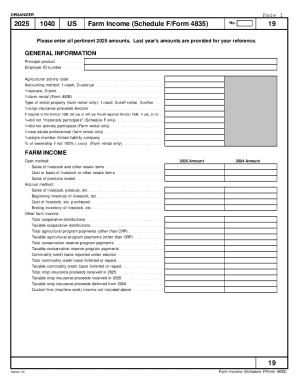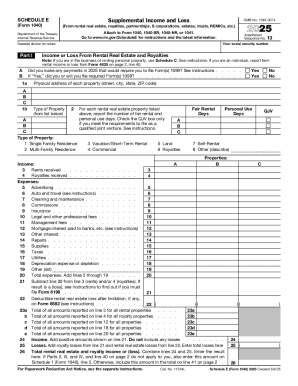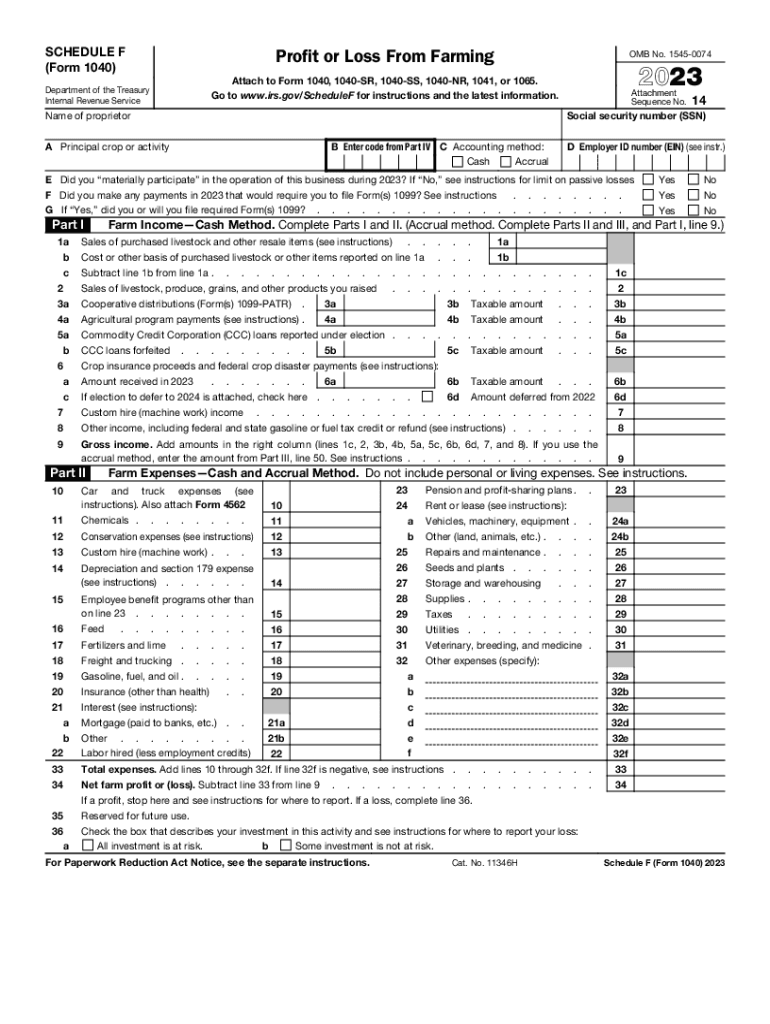
Form preview

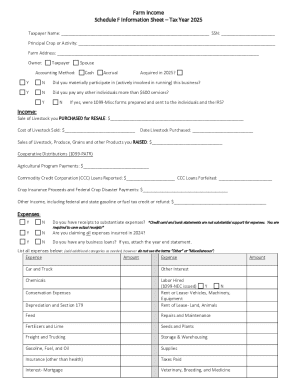
IRS 1040 - Schedule F 2023 free printable template


Get Form
pdfFiller is not affiliated with IRS
Screenshot
Screenshot
Screenshot

Get, Create, Make, and Sign IRS 1040 - Schedule F

Edit your IRS 1040 - Schedule F online
Type text, complete fillable fields, insert images, highlight or blackout data for discretion, add comments, and more.
Screenshot
Add your legally-binding signature
Draw or type your signature, upload a signature image, or capture it with your digital camera.
Screenshot
Share your form instantly
Email, fax, or share your IRS 1040 - Schedule F via URL. You can also download, print, or export forms to your preferred cloud storage service.
Screenshot

Instructions and Help about IRS 1040 - Schedule F

How to edit IRS 1040 - Schedule F

To edit IRS 1040 - Schedule F, you can use pdfFiller’s tools that allow you to make changes to the document easily. Simply upload your existing form to the platform, where you can fill out sections, correct entries, and add your signature. Once you've made the necessary edits, save the document or download it for submission.

How to fill out IRS 1040 - Schedule F

To fill out IRS 1040 - Schedule F, follow these steps:
01
Gather your financial records related to farming income and expenses.
02
Start by entering basic taxpayer information at the top of the form.
03
List your income from farming on the designated line.
04
Provide detailed expenses, including labor, utilities, and feed costs, in the appropriate sections.
05
Calculate your total income or loss by following the instructions provided in the guidelines.
06
Review the form for accuracy before finalizing your submission.

About IRS 1040 - Schedule F 2023 previous version

What is IRS 1040 - Schedule F?

IRS 1040 - Schedule F is a tax form used by U.S. taxpayers to report income or loss from farming operations. This form is an attachment to Form 1040, which is the standard individual income tax return. Using Schedule F allows farmers to detail various farming income and expenses, helping to determine tax obligations associated with their agricultural activities.

When am I exempt from filling out this form?

You may be exempt from filling out IRS 1040 - Schedule F if you do not derive income from farming, have a total income below the filing thresholds established by the IRS, or if your farming activity is considered a hobby with negligible income. Be sure to consult IRS guidelines for specifics on exemptions applicable to your situation.

What are the penalties for not issuing the form?

Failing to submit IRS 1040 - Schedule F when required can result in penalties from the IRS, including fines for late filing, interest on unpaid taxes, and other consequences based on the severity of the omission. Taxpayers may also face audits or further scrutiny if their returns appear incomplete or suspicious. It's crucial to file accurately and on time to avoid these penalties.

Is the form accompanied by other forms?

IRS 1040 - Schedule F is typically submitted alongside Form 1040, the standard individual income tax return, as well as any other necessary forms that pertain to your unique tax situation. Depending on your circumstances, you might also need additional schedules or forms to report various income types or deductions.

What is the purpose of this form?

The purpose of IRS 1040 - Schedule F is to facilitate the reporting of income earned from farming activities and to document related expenses. This enables the IRS to assess the taxpayer’s financial situation accurately, determining any tax owed or refund due based on the reported income and deductibles.

Who needs the form?

Farmers and ranchers who have farming income or losses are required to use IRS 1040 - Schedule F when filing their taxes. This includes individuals who engage in farming as a profession or hobby but earn more than a specified amount. If you receive income from farming activities, this form must be completed to report those earnings accurately.

Components of the form

IRS 1040 - Schedule F comprises various sections, including parts for reporting farm income, detailing expenses, and calculating the total profit or loss. Critical components include lines for gross income, deductible expenses, and the net farm profit or loss that affects overall tax liability. Each section must be completed with accurate figures to ensure compliance with IRS regulations.

What information do you need when you file the form?

When filing IRS 1040 - Schedule F, you need detailed information regarding your farming income, including revenue from sales of crops, livestock, or any other farming activities. Additionally, you should gather records of all applicable expenses, such as costs for feed, seed, labor, and equipment, as well as any financial statements from your farm operation to substantiate your claims.

Where do I send the form?

The completed IRS 1040 - Schedule F should be submitted to the same address as your Form 1040 return. The mailing address can vary based on your state of residence and whether you are enclosing a payment or expecting a refund. Check the IRS website for the correct mailing address pertaining to your situation.

FAQ about IRS 1040 - Schedule F

If you've filed your IRS 1040 - Schedule F and notice an error, you can submit an amended return using Form 1040-X. Make sure to include the corrected information from your Schedule F and clearly explain the changes made. It's advisable to keep copies of both the original and amended forms for your records.

To check the status of your IRS 1040 - Schedule F, you can use the IRS 'Where’s My Refund?' tool if you are expecting a refund. If filed electronically, you may receive updates on processing status. Be aware of common e-file rejection codes and ensure that any issues are promptly addressed to avoid delays.

If you receive an IRS notice concerning your IRS 1040 - Schedule F, carefully review the information presented. Gather any relevant documentation to support your case and respond within the specified timeframe. If required, consult a tax professional to ensure that you are adequately prepared to address the issue.

Common errors when filing the IRS 1040 - Schedule F include incorrect reporting of income, failure to include all necessary expenses, and mismatching figures with the main 1040 form. Double-check your calculations and ensure all supporting documentation is accurate to minimize the risk of rejection or audit.

When electronically filing your IRS 1040 - Schedule F, prioritize using secure connections and reputable tax software that complies with IRS guidelines. Ensure that your device has up-to-date security software to protect your personal information. Additionally, maintain secure records of your filings and any correspondence with the IRS.

See what our users say

Read user feedback and try pdfFiller to explore all its benefits for yourself
Only day 1, but so far so good. Love that all my files are stored in one place to access from any computer! Easy to use and email files. Great investment so far!
Naomi P
Wonderful experience!! Using PDFfiller is a breeze!!! Easy to understand and use!!
Amber N L
See what our users say
Trust Seal
Trust Seal
Trust Seal
Trust Seal
Trust Seal
Trust Seal
Trust Seal
Trust Seal
Rate free form
4.4
satisfied
45 votes

How to Fill Out Small Business Tax Forms Online with pdfFiller

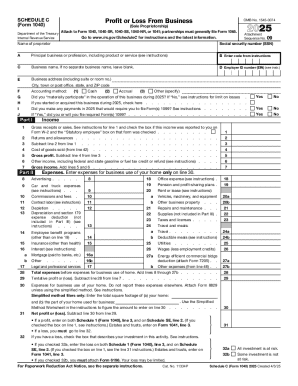
Struggling with your Schedule C or not sure how to file business taxes as a sole proprietor, LLC, or self-employed professional? This step-by-step pdfFiller tutorial walks you through completing IRS Schedule C quickly and accurately — no printing, no scanning, no stress. Whether you're handling small business tax deductions, tracking self-employed taxes, or preparing your full business tax return, pdfFiller makes it simple right in your browser.

If you believe that this page should be taken down, please follow our DMCA take down process here .
This form may include fields for payment information. Data entered in these fields is not covered by PCI DSS compliance.