Website Feedback Form Templates - Page 2




What are Website Feedback Form Templates?
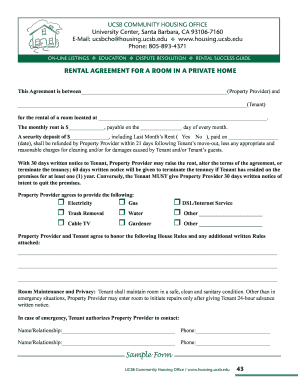
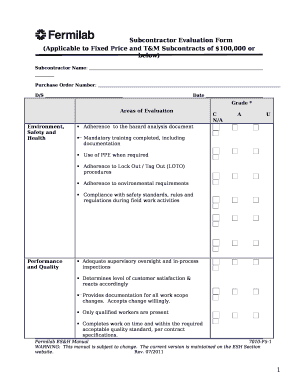
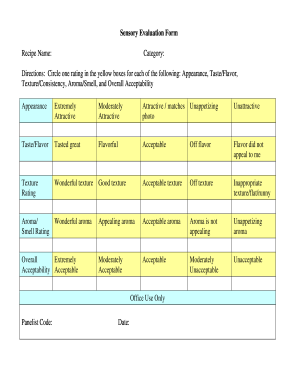
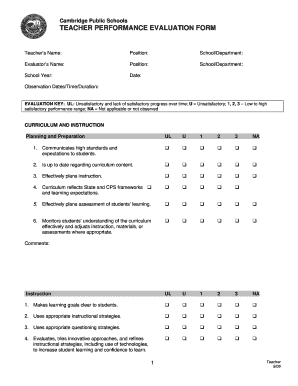
Website Feedback Form Templates are pre-designed forms that businesses can use to collect feedback from their website visitors. These templates are customizable and allow users to gather valuable information from their audience to improve their website and services.
What are the types of Website Feedback Form Templates?
There are several types of Website Feedback Form Templates available for users to choose from, including:
Basic Feedback Form Template
Customer Satisfaction Survey Template
Net Promoter Score (NPS) Survey Template
Contact Us Form Template
Rating Scale Feedback Form Template
How to complete Website Feedback Form Templates
Completing Website Feedback Form Templates is easy and straightforward. Here are some simple steps to help you fill out a feedback form:
01
Begin by opening the Website Feedback Form Template
02
Fill in your information, such as name and email address
03
Provide feedback or answers to the questions asked
04
Review your responses before submitting the form
05
Click the submit button to send your feedback
pdfFiller empowers users to create, edit, and share documents online. Offering unlimited fillable templates and powerful editing tools, pdfFiller is the only PDF editor users need to get their documents done.
Video Tutorial How to Fill Out Website Feedback Form Templates
Thousands of positive reviews can’t be wrong
Read more or give pdfFiller a try to experience the benefits for yourself
Questions & answers
How do I create a feedback form in Word?
How to Make a Feedback Form in Microsoft Word Open a new Microsoft Word document. When prompted by the pop-up window that offers pre-formatted templates, navigate to the Search bar at the top right corner of the page. Select the template that matches the type of feedback form you want to create.
How do I create a free feedback form online?
AidaForm is an easy-to-use tool that helps you create responsive feedback forms for free. Start with a blank page and create a fully customized feedback survey, or choose one of the ready-made templates below. In just a few minutes you'll be ready to collect your first feedback!
What is a good feedback format?
A good feedback form is short (only a few questions), sweet (looks nice), and to the point (has clickable options), ing to Gabe Caldwell, Director of Partnerships at Formstack. Taking it to the next level, a good feedback form is already prefilled with the user's information.
How do you create a simple feedback form?
How to write a feedback form Think about what you want to ask. Use formatting and design that's consistent with the brand. Gather responders' information. Break the form into relevant categories. Employ a mix of question types. Consider the future. Remain unbiased. Proofread and distribute.
How do I create a feedback form for my website?
How do you write a feedback form? (Templates you can copy) Keep it short. Conditional logic is an excellent tool when it comes to forms. Keep it simple. The fewer questions you have, the better. Make the customer feedback experience seamless. Have consistent rating scales. Personalise your request for feedback.